Loading video…
Sound

last sip
Malia B.
0:00–:––
- Videos using it
- 379
- Creators
- 326
- Views on those videos
- 86.1M
The video provides practical, actionable advice on leveraging built-in iPad features, appealing to a broad audience looking to maximize their device's utility without additional cost. The clear demonstrations and organized presentation of each app make the content easily digestible and valuable.
This video showcases five pre-installed apps on the iPad that are useful for productivity and creativity: Notes, Journal, Calculator, Files, Calendar, Freeform, and Reminders. The creator demonstrates the features of each app, highlighting how they can be used for note-taking, journaling, calculations, file organization, scheduling, brainstorming, and task management. The video emphasizes that these apps are free and work well together, making the iPad a powerful tool without needing to download additional applications.
Replying to @bellatatumm iPad 101🍏📱☁️ Part 2: Best apps already on your iPad✨ let me know if you want deeper dives on any of these apps! ☺️ #ipad #ipadpro #applepencil #ipadmini #ipadkid
iPad 101
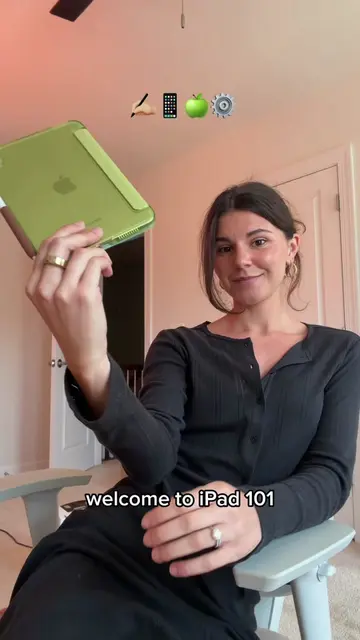
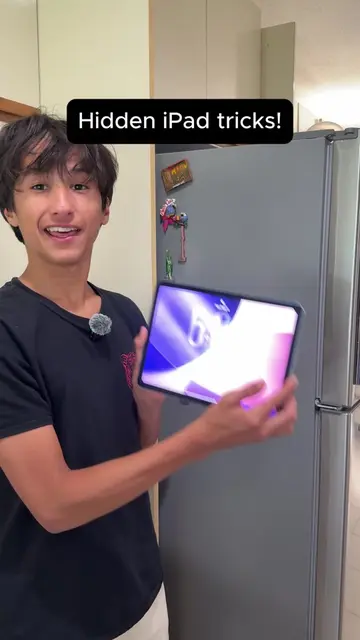
Introduction to iPad 101 and pre-installed apps
Showcasing the Notes app and its features
Demonstrating the Journal app for personal reflection
Highlighting the Calculator app with its math notes function
Explaining the utility of the Files app for organization
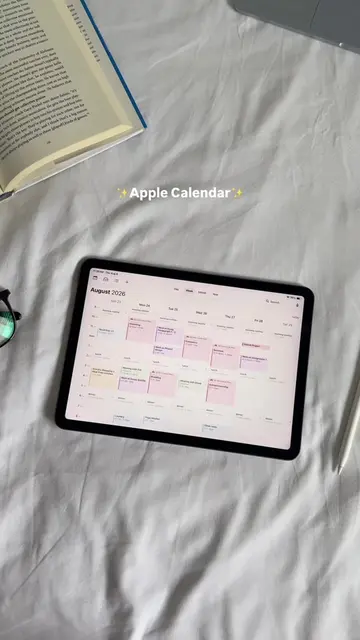
Reviewing the Calendar app and its reliability
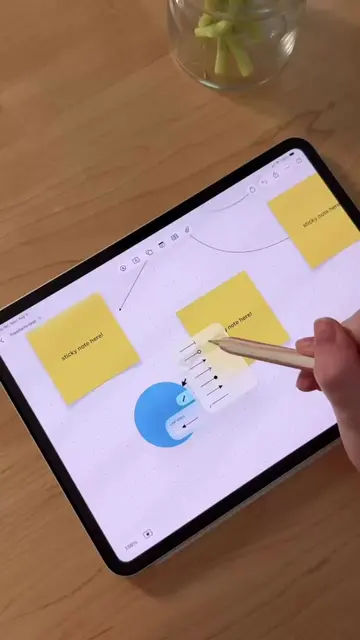
Showcasing the Freeform app for creative brainstorming
Detailing the Reminders app for task management
Concluding with the synergy of these apps and a preview of the next episode on Apple Pencil tips
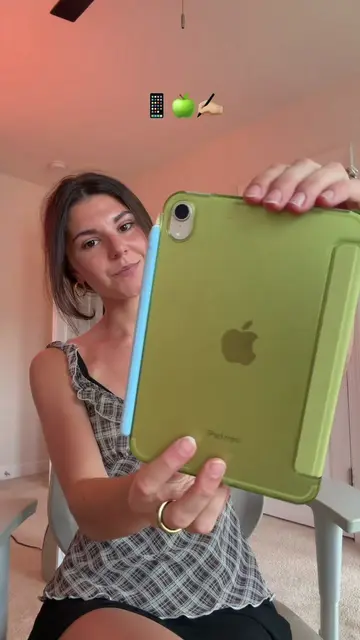
iPad (acts: a tablet computer used for productivity and creativity; removing it would change what happens in the video) Apple Pencil (acts: a stylus used for writing and drawing on the iPad; removing it would change what happens in the video) Notes App (acts: an application for taking typed and handwritten notes, organizing them with folders and tags, and customizing their appearance; removing it would change what happens in the video) Journal App (acts: an application for writing journal entries, adding photos, tracking mood, and suggesting content based on user activity; removing it would change what happens in the video) Calculator App (acts: an application for performing calculations, including a math notes feature that solves equations; removing it would change what happens in the video) Files App (acts: an application for organizing files on the iPad with folders, tags, colors, and icons; removing it would change what happens in the video) Calendar App (acts: an application for scheduling and managing events and tasks; removing it would change what happens in the video) Freeform App (acts: an application for brainstorming, note-taking, and creating mind maps on an endless canvas with various content and shapes; removing it would change what happens in the video) Reminders App (acts: an application for creating and managing to-do lists and reminders, with features for recurring tasks and specific times; removing it would change what happens in the video) Apple (appears: a logo on the iPad; removing it would not change what happens in the video) iPad mini (appears: text on the back of the iPad; removing it would not change what happens in the video)
let me know if you want deeper dives on any of these apps!
Promotes 3 products. Create free account to see more.
Outliers and viral hits: their videos on Overshot, all time.
iPad - Apple
All time.