Loading video…
All breakouts
10.6Talking HeadHow-To hookEducation
Hook
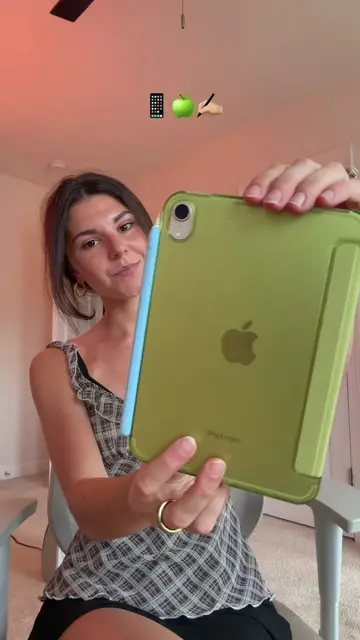
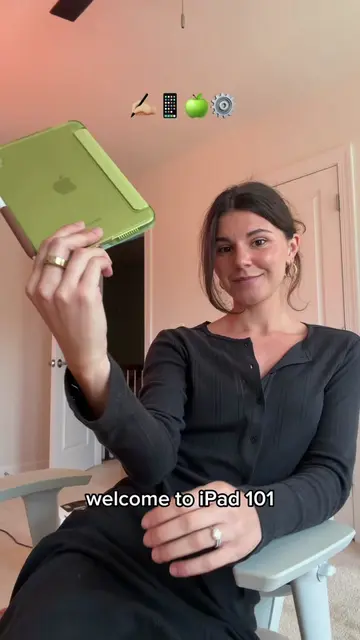
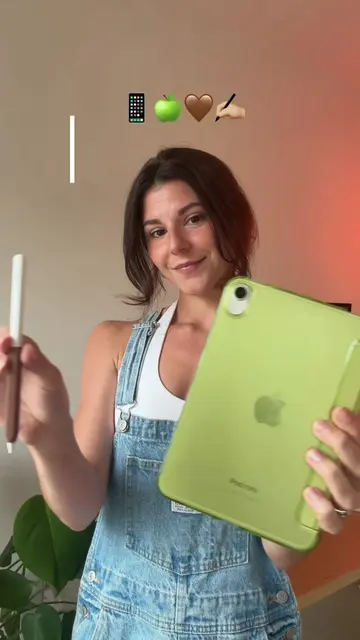
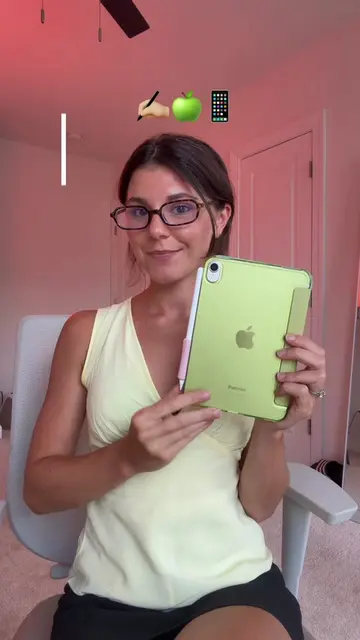
iPad 101📱🍏 ☁️ Part 3: Apple Pencil✏️ ✨
@flourishplanner
728.4K followers · usually 49.9K views a post
Views
512.1K
Likes
43.0K
Comments
135
Shares
962
Why it worked
The video effectively showcases the practical and creative applications of the Apple Pencil on an iPad, appealing to users who want to maximize their device's potential. By demonstrating diverse use cases and offering tips, it provides value and encourages engagement.
Summary
This video demonstrates the versatility of the Apple Pencil for iPad users, showcasing its use in digital planning, note-taking, art, video editing, and gaming. It highlights features of the Apple Pencil Pro, such as barrel roll and squeeze gestures, and mentions more affordable alternatives like the USB-C Apple Pencil and third-party styluses.
Structure
- 1Introduction to iPad 101 and Apple Pencil
- 2Demonstration of various uses (planning, notes, art, editing, gaming)
- 3Discussion of different Apple Pencil models and alternatives
Original caption
iPad 101📱🍏 ☁️ Part 3: Apple Pencil✏️ ✨ #ipad #applepencil #ipadmini #ipadpro
More from @flourishplanner
More breakout videos from this creator.