Loading video…
Sound

original sound - ikramrana.ai
ikramrana.ai · Original audio
0:00–:––
Playing this video’s own audio, so you’ll hear the creator over the sound.
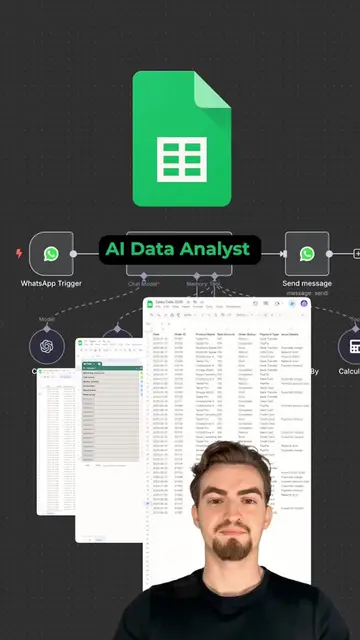
The video provides a clear, step-by-step tutorial on a practical integration between two popular tools, n8n and Google Apps. The concise on-screen text and direct demonstration make it easy for users to follow along and achieve the desired outcome.
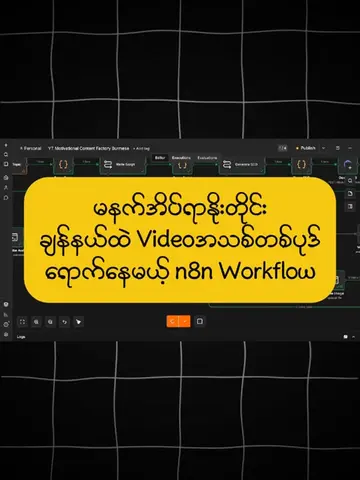
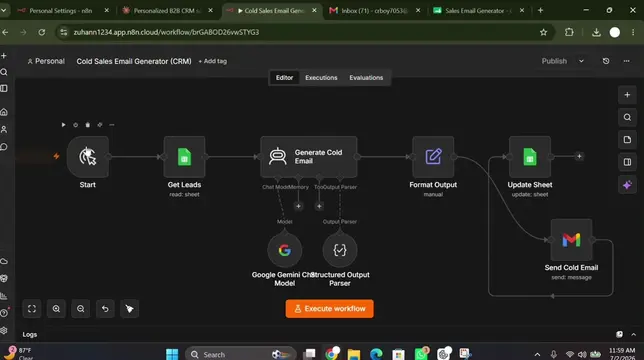
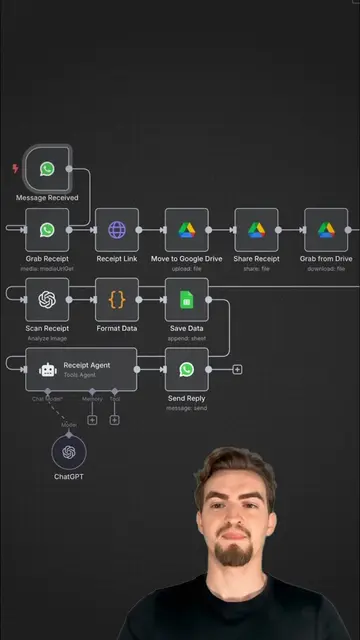
This video demonstrates how to connect Google applications like Sheets, Drive, and Gmail with the n8n automation platform. It guides viewers through creating a new workflow in n8n, setting up credentials in Google Cloud Console, and then linking them together to enable seamless integration.
Google Apps and n8n are more powerful together. Here is exactly how to connect them in under 5 minutes. Step 1: Open your n8n dashboard, create a new workflow, add a Google node (Sheets, Drive, or Gmail), and copy the redirect URL from the credentials setup. Step 2: Go to Google Cloud Console, create a new project, head to API and Services, create an OAuth client ID under Web Application, paste the redirect URL, and copy your Client ID and Client Secret back into n8n. Step 3: Set Audience to Published, sign in with Google inside n8n, grant permissions, and your connection is live. Once connected, you can automate Google Sheets updates, Gmail replies, Drive file management, and more without writing a single line of code. Want the full step-by-step guide? 1. Comment "GOOGLE" below 2. Follow us 3. Like this post #Automation #Workflow #AIAgents #GoogleWorkspace #IkramRana
HOW TO CONNECT
Go to n8n dashboard and create a new workflow
Add a Google node and create new credentials
Copy the redirect URL
Open Google Cloud Console, create a project, and get API credentials
Paste credentials back into n8n
Sign in with Google and grant permissions
n8n: acts - it is an automation platform that connects different apps and services, and its interface is operated to create workflows. Google Drive: acts - it is a cloud storage service, and its API is used to connect with n8n. Google Sheets: acts - it is a spreadsheet application, and its API is used to connect with n8n. Google Docs: acts - it is a document editor, and its API is used to connect with n8n. Google Gemini: acts - it is an AI model, and its API is used to connect with n8n. Google Chat: acts - it is a messaging app, and its API is used to connect with n8n. Google Ads: acts - it is an advertising platform, and its API is used to connect with n8n. Google Calendar: acts - it is a scheduling app, and its API is used to connect with n8n. Google Tasks: acts - it is a task management app, and its API is used to connect with n8n. Google Slides: acts - it is a presentation app, and its API is used to connect with n8n. Google BigQuery: acts - it is a data warehouse, and its API is used to connect with n8n. Google Contacts: acts - it is a contact management app, and its API is used to connect with n8n. Google Cloud: acts - it is a cloud computing service, and its console is used to create API credentials. Google Auth Platform: acts - it is a platform for managing authentication, and its interface is used to create OAuth client IDs. Google usercontent.com: appears - it is a domain related to Google's services, but its role is incidental to the core function of the video. Removing it would not change what happens in the video.
Playing this video’s own audio, so you’ll hear the creator over the sound.
Promotes 2 products. Create free account to see more.
Outliers and viral hits: their videos on Overshot, all time.
Workflow automation software for technical teams
All time.