Loading video…
Sound

original sound - kak.dela743
Никита Гурьянов · Original audio
0:00–:––
Playing this video’s own audio, so you’ll hear the creator over the sound.
We didn’t find a product being promoted in this video. Its hook, format and structure below still show why it took off.
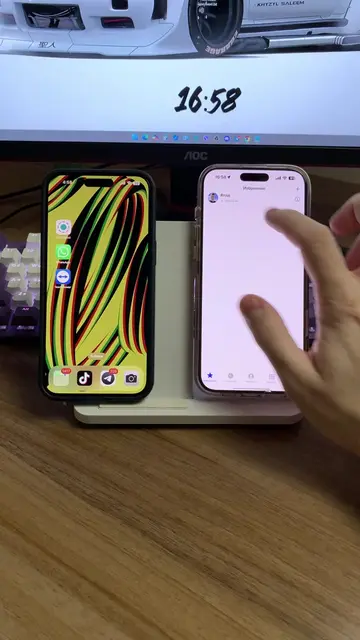
Browse products winning on TikTokThe video addresses a common security concern about unauthorized access to personal devices, providing a clear, step-by-step tutorial on how to check and manage connected devices on an iPhone. This practical and relevant information likely resonated with viewers concerned about their privacy.
The video demonstrates how to check which devices are connected to your Apple account and revoke access if necessary. It guides the viewer through the iPhone settings to find the 'Security Check' and 'Manage Access' options to review and remove connected devices.
Проверяем, кто подключён к твоему телефону!
Кто подключен К твоему телефону?
Introduction to checking phone connections
Navigating to Settings
Accessing Privacy & Security
Performing a Security Check
Managing device access
Reviewing and removing connected devices
Playing this video’s own audio, so you’ll hear the creator over the sound.
Promotes 5 products. Create free account to see more.
Outliers and viral hits: their videos on Overshot, all time.