Loading video…
Sound

original sound - mr.apps.official
mr.apps.official · Original audio
0:00–:––
Playing this video’s own audio, so you’ll hear the creator over the sound.
This video promotes it, but we haven’t matched it to a product page yet, so there are no product figures.
The video provides practical, actionable security tips for a widely used device, addressing a common fear of theft and data loss. The clear, step-by-step instructions and visual demonstrations make it easy for viewers to follow along and implement the security measures.
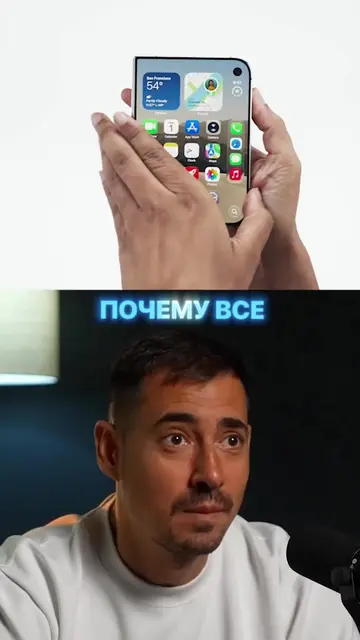
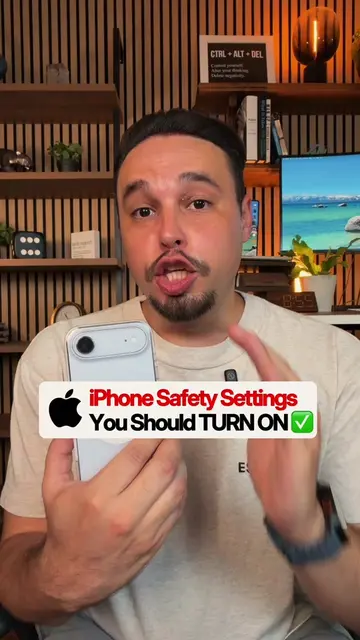
This video explains how to secure your iPhone against theft by enabling several security features. It details how to activate 'Find My iPhone', set a strong passcode, disable control center access from the lock screen, and set a SIM card PIN to prevent unauthorized access and data theft.
Пара настроек могут сделать украденный iPhone бесполезным для вора. 🔒 Включи их заранее и даже если телефон окажется в чужих руках, получить доступ к твоим данным будет намного сложнее. #mrapps #iPhone #безопасность #Apple #лайфхак
Вор уводит
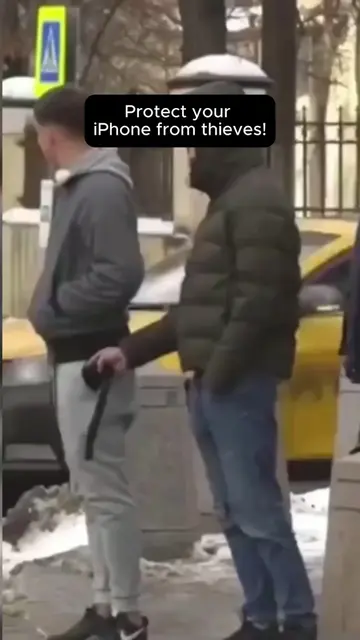
Thief steals iPhone in 5 seconds
Enable Find My iPhone and a strong Apple ID password
Disable Control Center access from the lock screen
Set a SIM card PIN
Thief can't access data or sell the phone
Apple (appears, does not act, removing it would not change video), iPhone (acts, removing it would change video), Apple ID (acts, removing it would change video), iCloud (acts, removing it would change video), Face ID (acts, removing it would change video), SIM-PIN (acts, removing it would change video)
Playing this video’s own audio, so you’ll hear the creator over the sound.
Promotes 5 products. Create free account to see more.
Outliers and viral hits: their videos on Overshot, all time.