Loading video…
All breakouts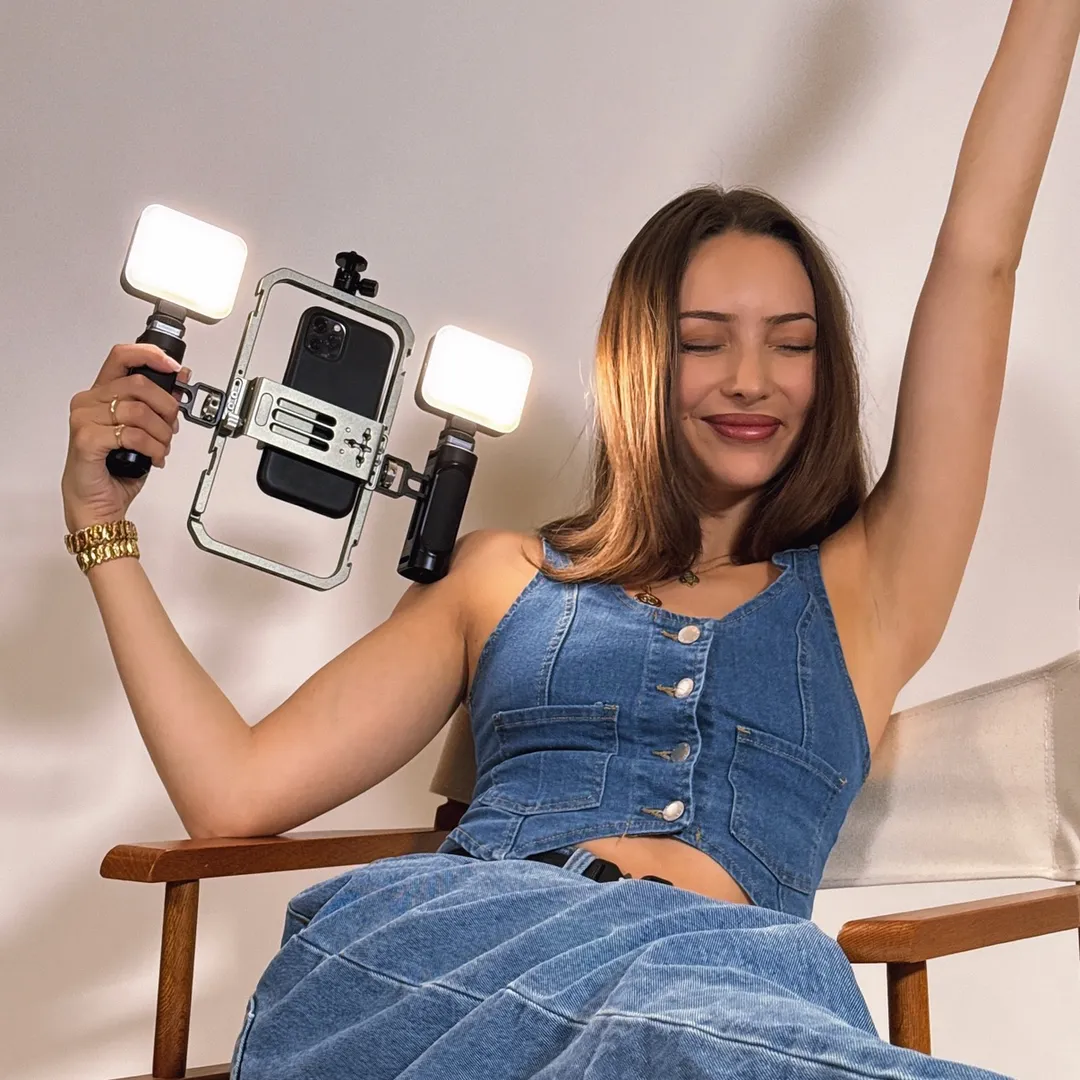
8.2Talking HeadHow-To hookCreator Economy
Hook
How I Built My
@jazsocialstudio
10.3K followers · usually 3.6K views a post
Views
29.3K
Likes
1.1K
Comments
4
Shares
159
Promoted product
iPhone setup lighting rig
Why it worked
The video provides a clear, step-by-step guide to building a functional and professional-looking lighting setup using readily available equipment. This appeals to creators looking to improve their content quality without investing in expensive professional camera gear.
Summary
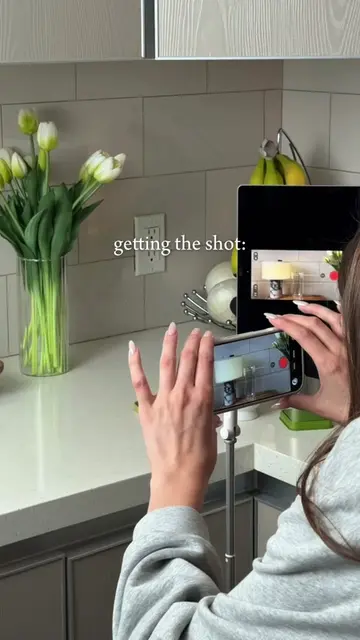
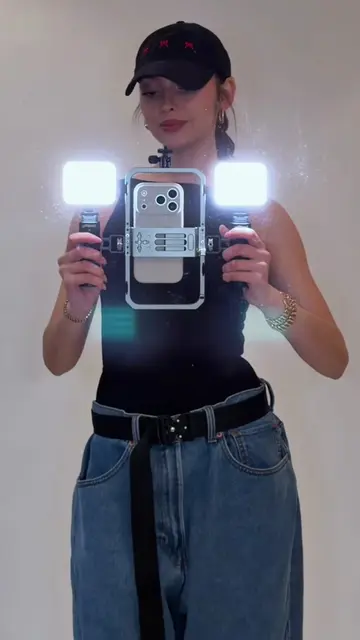
The creator demonstrates how to build a professional lighting setup for filming with a smartphone. The video details the components needed, including a phone cage, cold shoe receivers, LED lights, a ballhead mount, and a stand, to achieve studio-quality visuals.
Structure
- 1Introduction to building a pro lighting setup
- 2Showcasing the SmallRig phone cage
- 3Attaching cold shoe receivers
- 4Mounting SmallRig LED lights
- 5Adding the Aputure MC Pro light
- 6Connecting to the tripod stand
- 7Final assembled lighting rig
Product placement
SmallRig universal phone cage: ACTS - it holds the phone and allows other accessories to be attached. Removing it would change what happens in the video.
Kondor Blue cold shoe receivers: ACTS - they attach to the phone cage and allow lights to be mounted. Removing them would change what happens in the video.
SmallRig p96 LED video lights: ACTS - they provide light for filming. Removing them would change what happens in the video.
Koolehaoda mini ballhead camera tripod ball head mount: ACTS - it attaches the phone cage to the stand, allowing for positioning. Removing it would change what happens in the video.
Aputure MC Pro: ACTS - it provides light for filming. Removing it would change what happens in the video.
Stand: ACTS - it supports the entire lighting setup. Removing it would change what happens in the video.
Original caption
the entire IPHONE SETUP is linked in my amazon storefront in my bio 🤍📲 for this build you’ll need: • 1X smallrig universal phone cage • 2X kondor blue cold shoe receivers • 2X smallrig p96 led video lights • 1X koolehaoda mini ballhead camera tripod ball head mount • 1X aputure mc pro • 1X stand 📸 studio-quality visuals straight from your phone ✨ consistent lighting = faster shoot days + better results 🎥 elevated reels/tiktoks that actually convert 📈 higher engagement, cleaner edits, and a more premium look #contentcreator #iphonecontentcreator #socialmediaservices #ugcshoot #brandcontentcreator
More from @jazsocialstudio
More breakout videos from this creator.