Loading video…
Sound

original sound - marina_uiux
Marina Budarina · Original audio
0:00–:––
Playing this video’s own audio, so you’ll hear the creator over the sound.
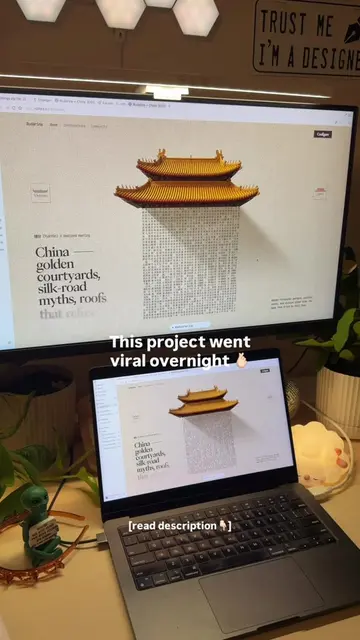
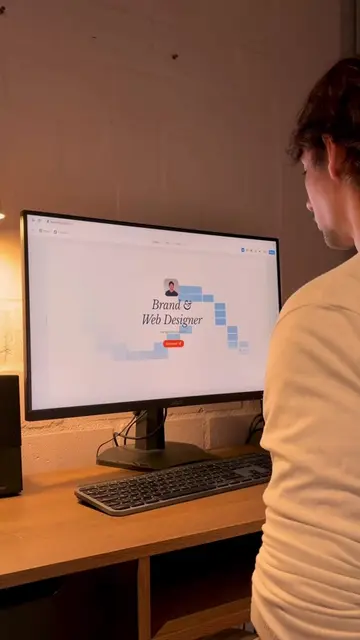
The video provides a clear, step-by-step tutorial on using a popular design tool (Framer) to create an interactive website, appealing to designers and developers looking for efficient no-code solutions.
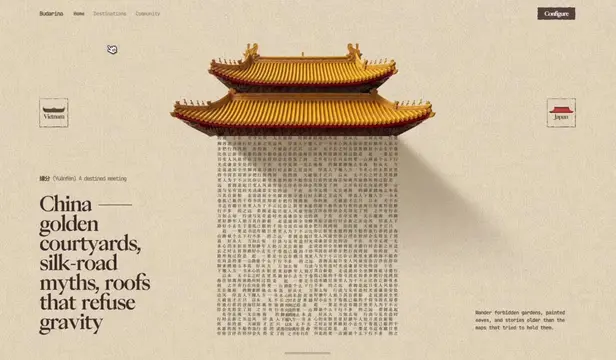
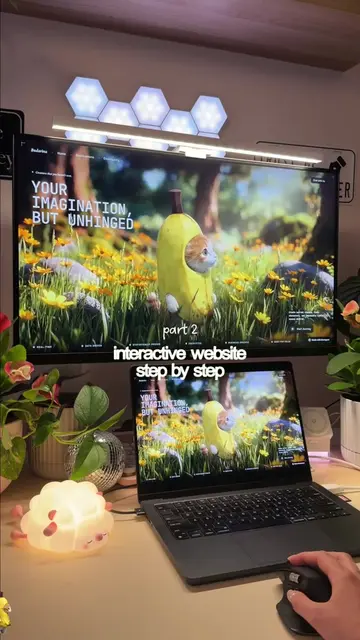
The video demonstrates how to create an interactive website with stunning interactions using Framer AI Agent. It walks through opening Framer, creating a mask reveal component, adding images, setting dimensions, adding navigation and content, creating an animated number counter, and finally adding it to the canvas and publishing.
Create websites with stunning interactions, zero code ✨ Built with @Framer AI Agent *Image created using GPT 2 model - you can do it in any image generation tool Prompts: https://budarina.design/prompts Framer Remix file with components: https://framer.link/n9TIWKY #framer #portfoliodesign #nocode #uidesigner
interactive website step by step
Open Framer
Create mask reveal component
Add front and back images
Set height to 100%
Add navigation and content
Create animated number counter
Add to canvas and publish
Framer (ACTS - its interface is operated to build a website, removing it would change what happens in the video); GPT 2 (APPEARS - an image generation model mentioned as used, removing it would not change what happens in the video)
Playing this video’s own audio, so you’ll hear the creator over the sound.
Website design and publishing software for people building websites
All time.
Promotes 2 products. Create free account to see more.
Outliers and viral hits: their videos on Overshot, all time.