Loading video…
All breakouts

3.3App Demo
Hook
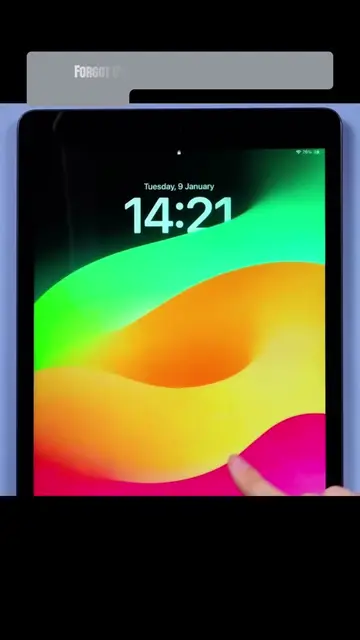
Forgot Apple ID Password?
@depict.iunlockerpro
3.0K followers · usually 1.1K views a post
Views
3.5K
Likes
72
Comments
0
Shares
3
Why it worked
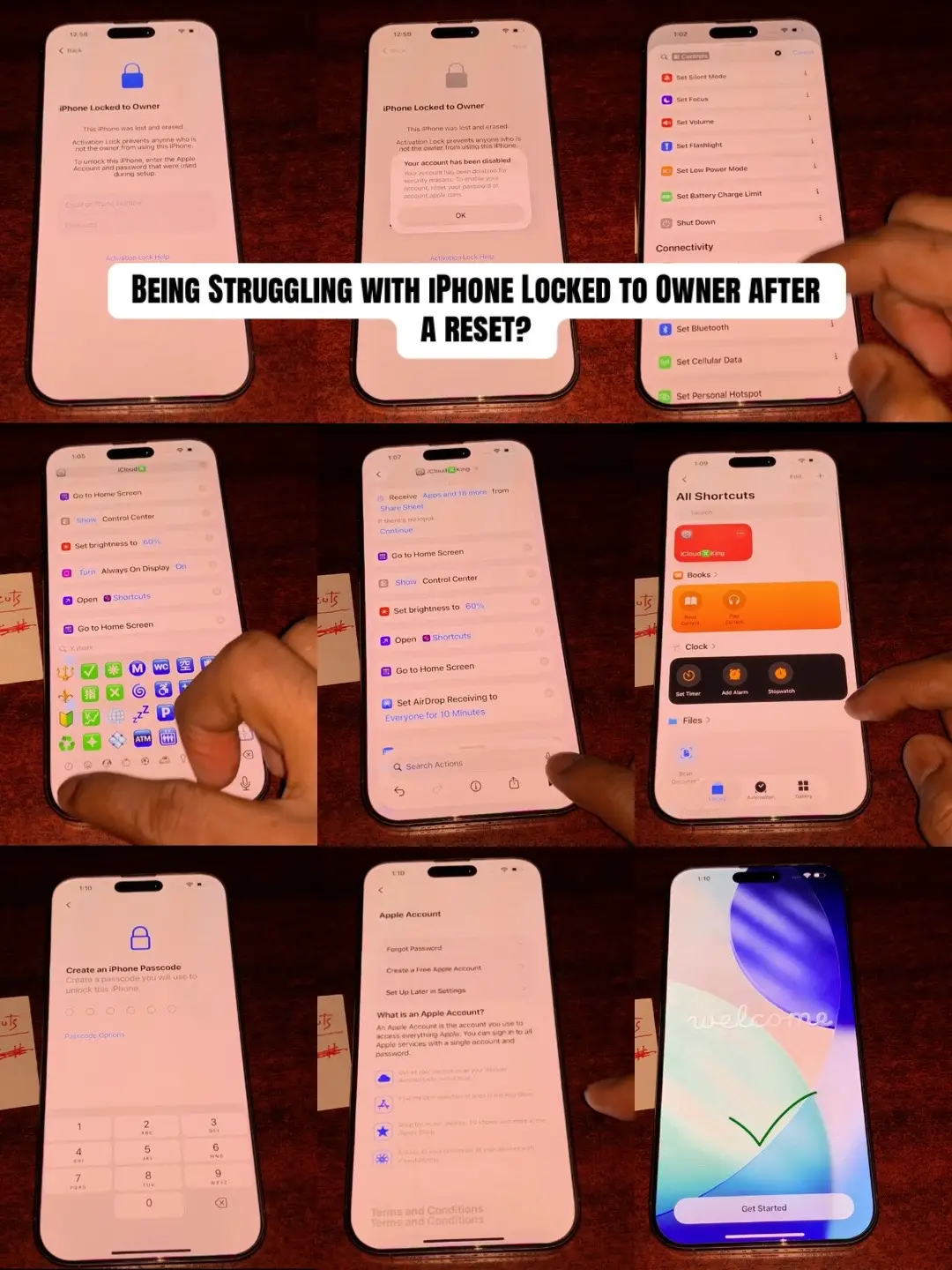
The video addresses a common and frustrating problem for iPhone users (forgotten Apple ID password) and provides a clear, step-by-step solution using a specific software tool. The use of on-screen text and visual demonstrations makes it easy to follow.
Summary
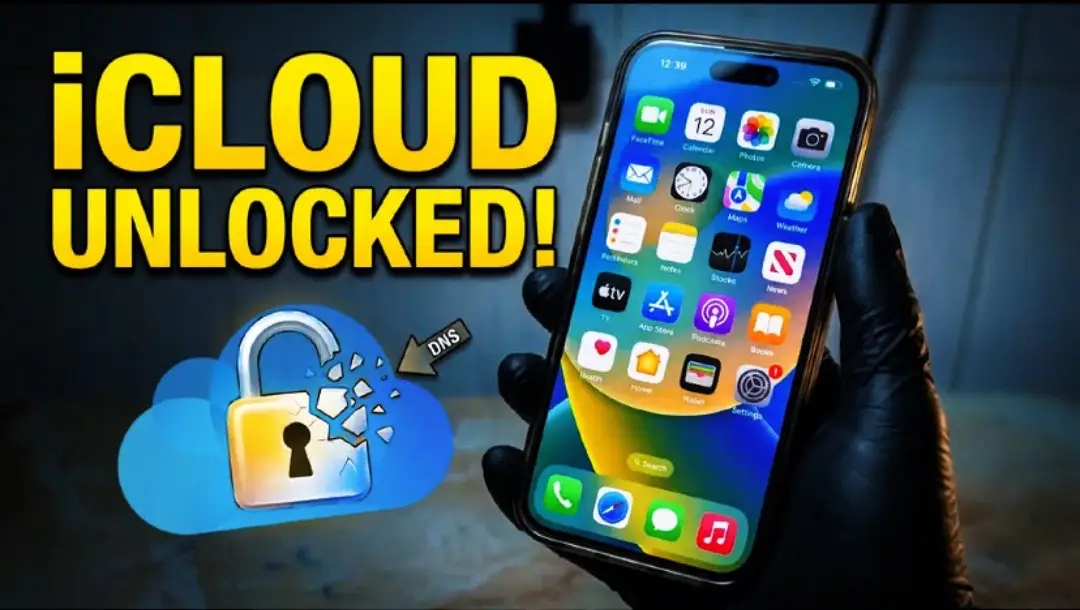
This video demonstrates how to reset an iPhone when the Apple ID password is forgotten. It shows using TunesKit iPhone Unlocker software to bypass the lock screen and restore the device.
Structure
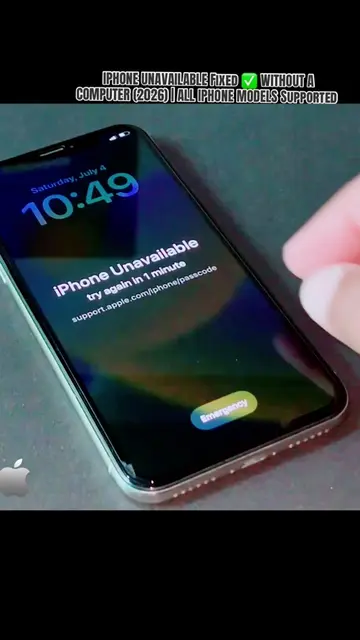
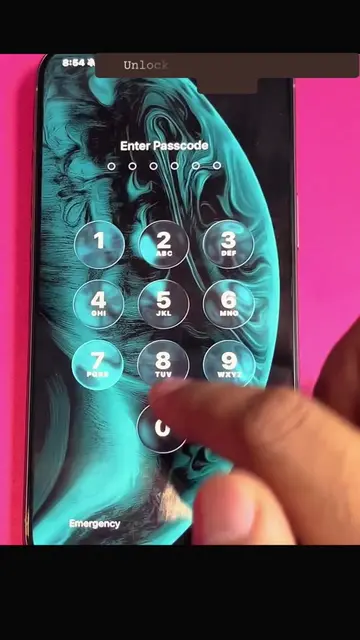
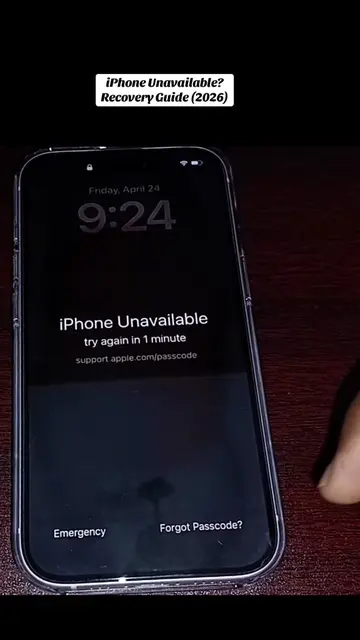
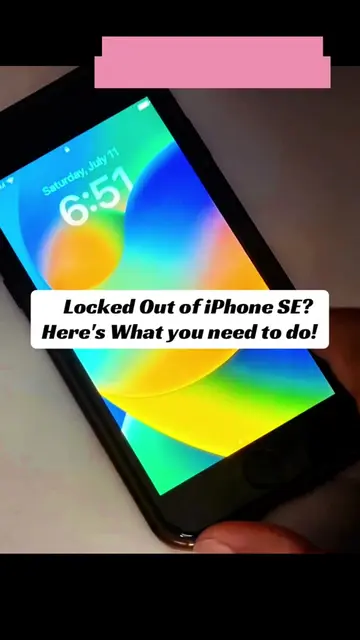
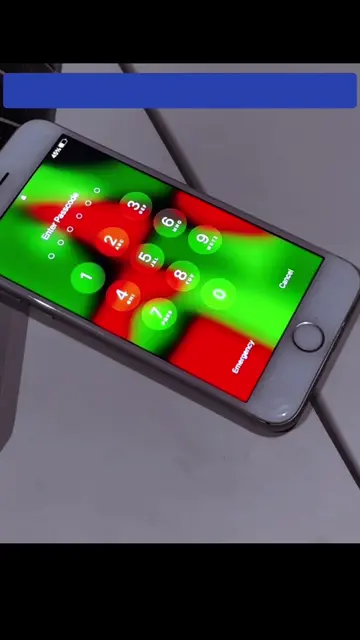
- 1Show iPhone unavailable screen
- 2Connect iPhone to computer and enter recovery mode
- 3Use TunesKit iPhone Unlocker to download firmware and unlock
- 4Confirm unlock and device reset
- 5Show successful unlock and 'hello' screen
Product placement
TunesKit iPhone Unlocker ACTS - it is software used to unlock an iPhone, which is the main function shown in the video. Removing it would change what happens in the video. Apple ACTS - it is the brand of the phone being unlocked and the ecosystem it belongs to. Removing it would change what happens in the video. iPhone ACTS - it is the device being unlocked. Removing it would change what happens in the video.
Original caption
Forgot your Apple ID password? Learn how to recover your account and reset your iPhone using Apple’s official recovery process. Which iPhone model are you using? 👇#AppleID #iPhoneReset #iPhoneTips #AppleSupport #TechTok
More from @depict.iunlockerpro
Their other posts in the index, biggest breakout first.