Loading video…
All breakouts
499Talking HeadBefore / After hookConsumer Apps
Hook
IPHONE UNAVAILABLE Fixed ✅ WITHOUT A COMPUTER (2026) ALL IPHONE MODELS SUPPORTED
@depict.iunlockerpro
4.5K followers · usually 1.1K views a post
Views
558.5K
Likes
6.5K
Comments
37
Shares
1.1K
Why it worked
The video addresses a common and frustrating problem for iPhone users: being locked out of their device. By offering a potential solution that doesn't require a computer, it taps into a strong user need for a quick and accessible fix.
Summary
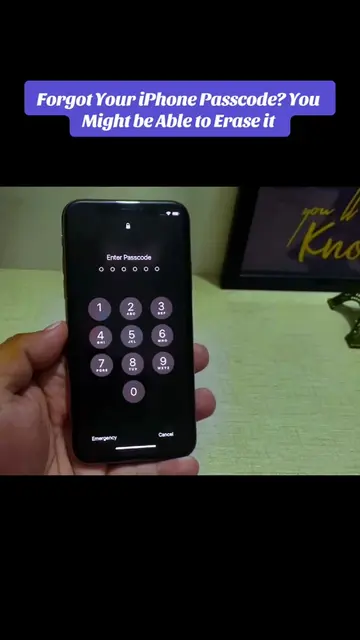
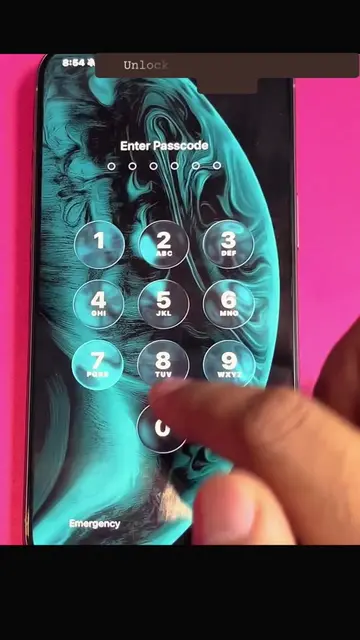
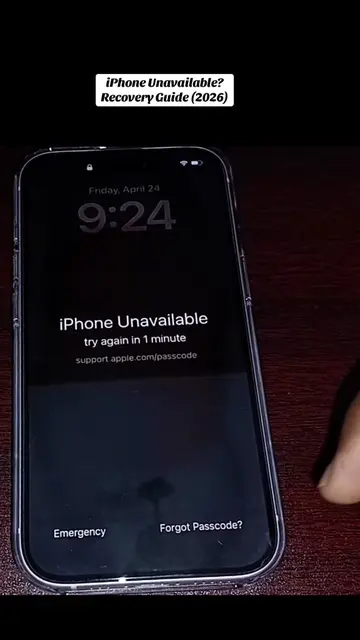
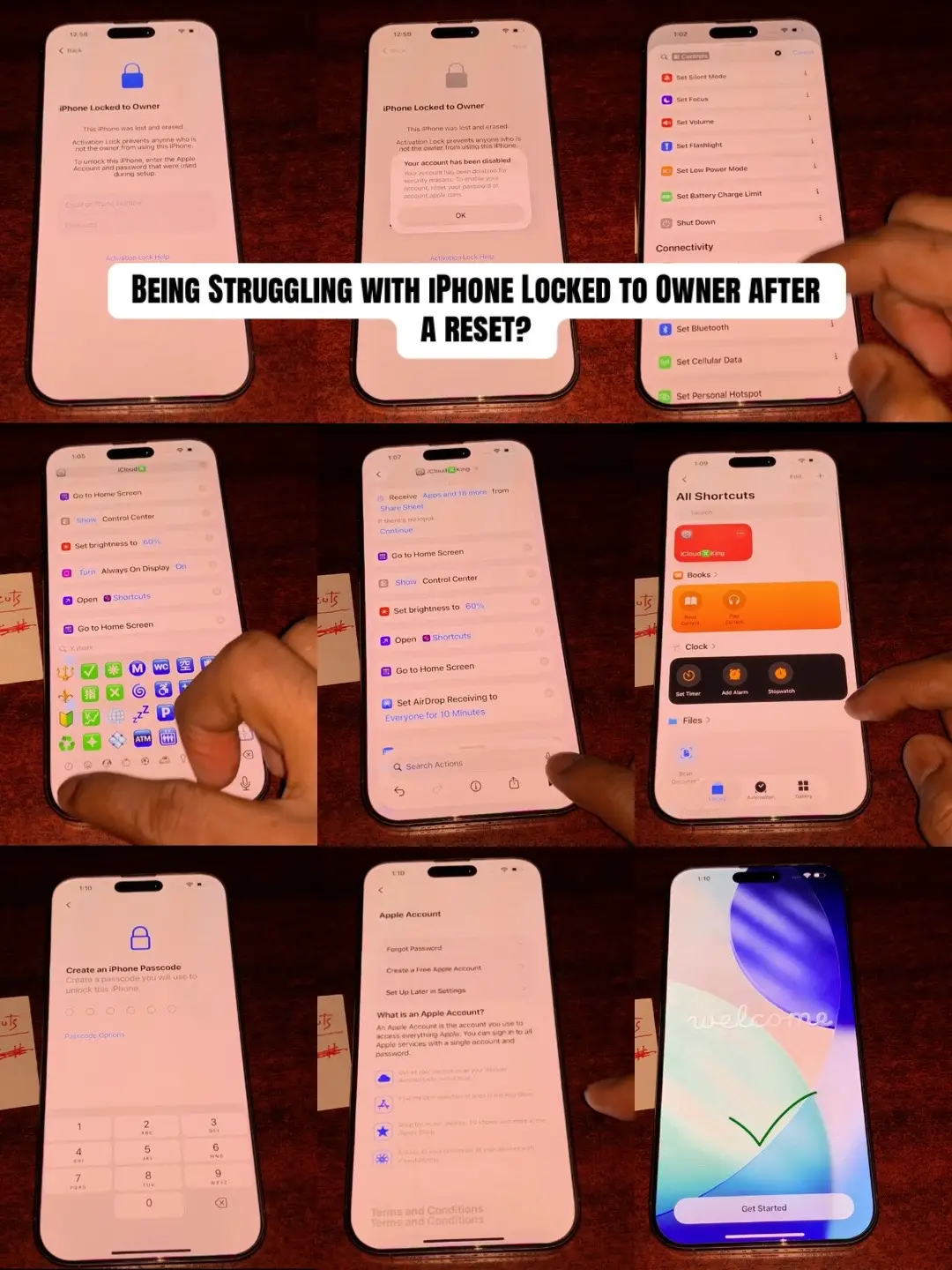
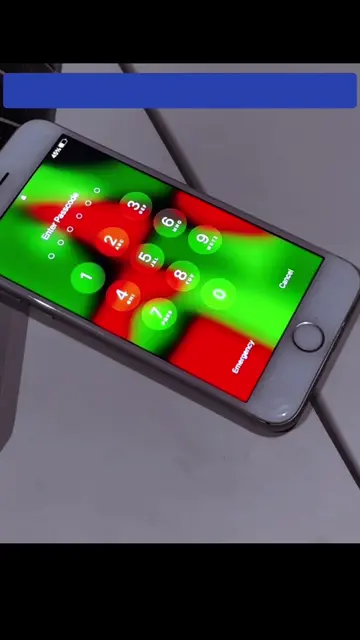
The video shows an iPhone displaying "iPhone Unavailable" after too many incorrect passcode attempts. It then demonstrates various emergency call codes being dialed on the keypad, suggesting a method to bypass or reset the device without a computer. Finally, it shows the iPhone home screen, implying the method was successful.
Structure
- 1iPhone unavailable screen shown
- 2Emergency call screen appears
- 3Various codes are dialed
- 4iPhone home screen appears
Product placement
Apple: appears as a logo on the iPhone and in the video title. Removing it would not change what happens in the video.
On-screen text
IPHONE UNAVAILABLE Fixed ✅ WITHOUT A COMPUTER (2026) ALL IPHONE MODELS SUPPORTED
Original caption
Lost Access! Due to too many incorrect passcode attempts? This step-by-step guide explains when and how you can erase/reset your iPhone directly from the device, and what to do if that option isn't available. #iPhoneUnavailable #iPhoneTips #AppleSupport #TechTok #FYP
More from @depict.iunlockerpro
More breakout videos from this creator.