Loading video…
All breakouts
25.8App DemoProblem Callout hookConsumer Apps
Hook
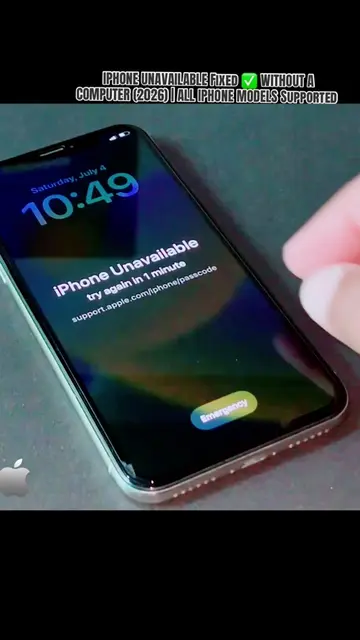
iPhone Unavailable?
@depict.iunlockerpro
4.5K followers · usually 1.1K views a post
Views
28.8K
Likes
534
Comments
11
Shares
58
Promoted product
iPhone
Why it worked
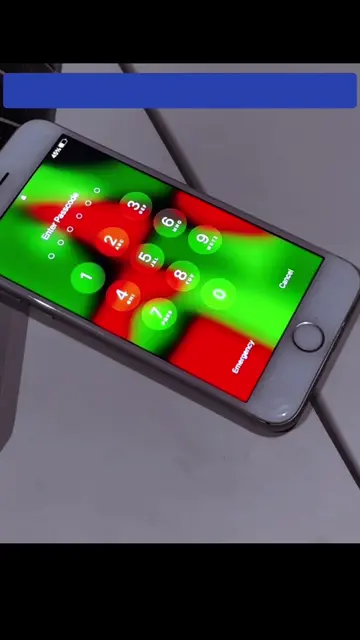
The video addresses a common and frustrating problem for iPhone users, providing a clear visual guide to a solution. The use of specific emergency dial codes, even if not universally effective, creates intrigue and encourages viewers to watch for a potential workaround.
Summary
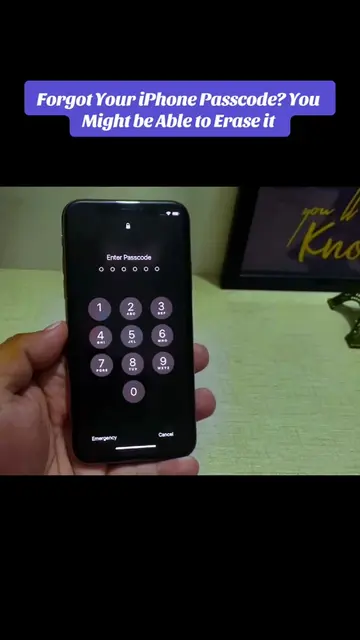
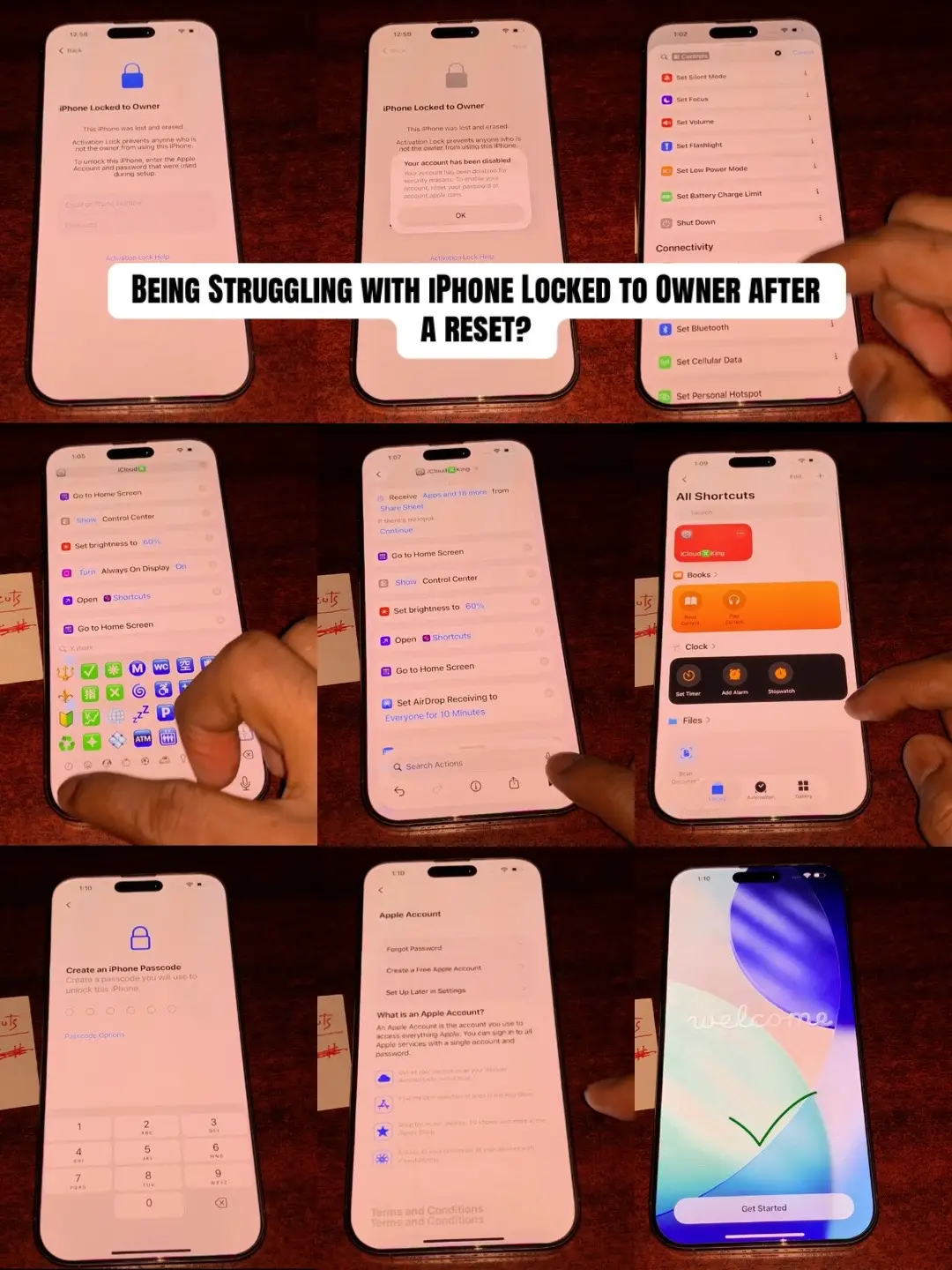
The video demonstrates how to recover an iPhone that is locked due to too many incorrect passcode attempts. It guides the user through the setup process after the recovery, showing various screens like language selection, Wi-Fi connection, and data transfer options.
Structure
- 1iPhone shows 'iPhone Unavailable' screen
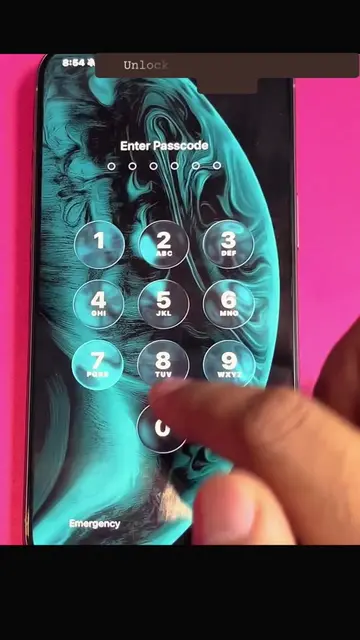
- 2User attempts to use emergency call codes
- 3iPhone goes through setup process (language, region, Wi-Fi)
- 4User skips Apple ID and other setup options
- 5iPhone reaches the home screen
Product placement
iPhone: A smartphone made by Apple. It is shown to be locked and then goes through the setup process. Removing it would change what happens in the video.
support.apple.com/passcode: A website for Apple support. It appears on the screen when the iPhone is locked. Removing it would not change what happens in the video.
On-screen text
Original caption
iPhone Unavailable? Learn the official recovery options available after too many incorrect passcode attempts. Which iPhone model and iOS version are you using? 👇 #iPhoneUnavailable #iPhoneTips #AppleSupport #iPhoneHelp #TechTok
More from @depict.iunlockerpro
More breakout videos from this creator.