Loading video…
All breakouts
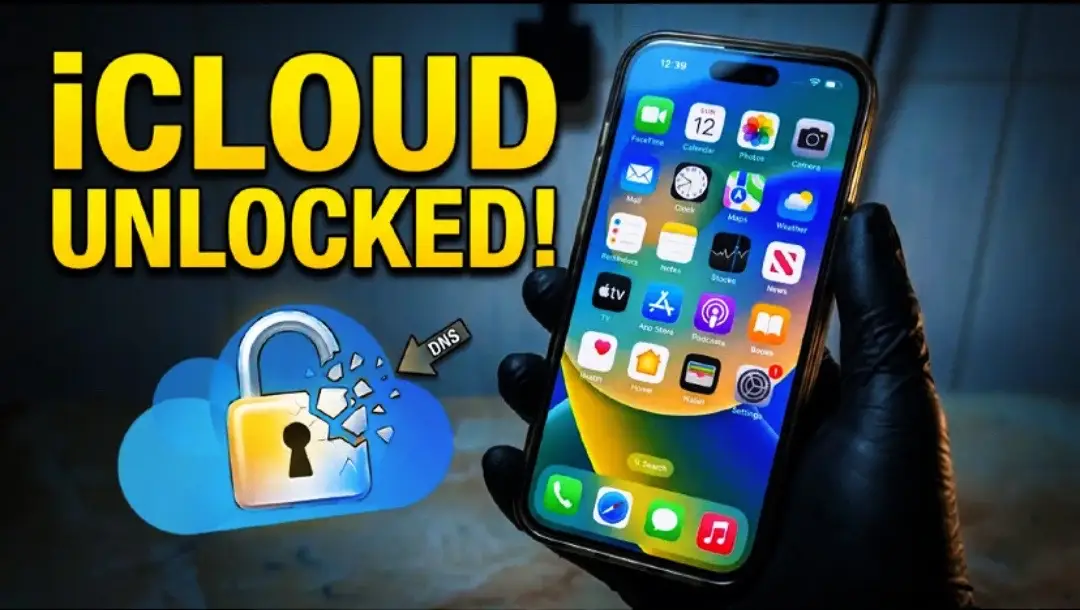
11.6Text-HeavyProblem Callout hookConsumer Apps
Hook
iCLOUD UNLOCKED!
@depict.iunlockerpro
4.5K followers · usually 1.1K views a post
Views
12.4K
Likes
252
Comments
7
Shares
23
Promoted product
—
Why it worked
The post addresses a common and frustrating problem for iPhone users (iCloud Activation Lock) with a seemingly simple and effective solution ('No Computer 100% Fixed'). The step-by-step visual guide makes the complex process accessible and actionable for a wide audience.
Summary
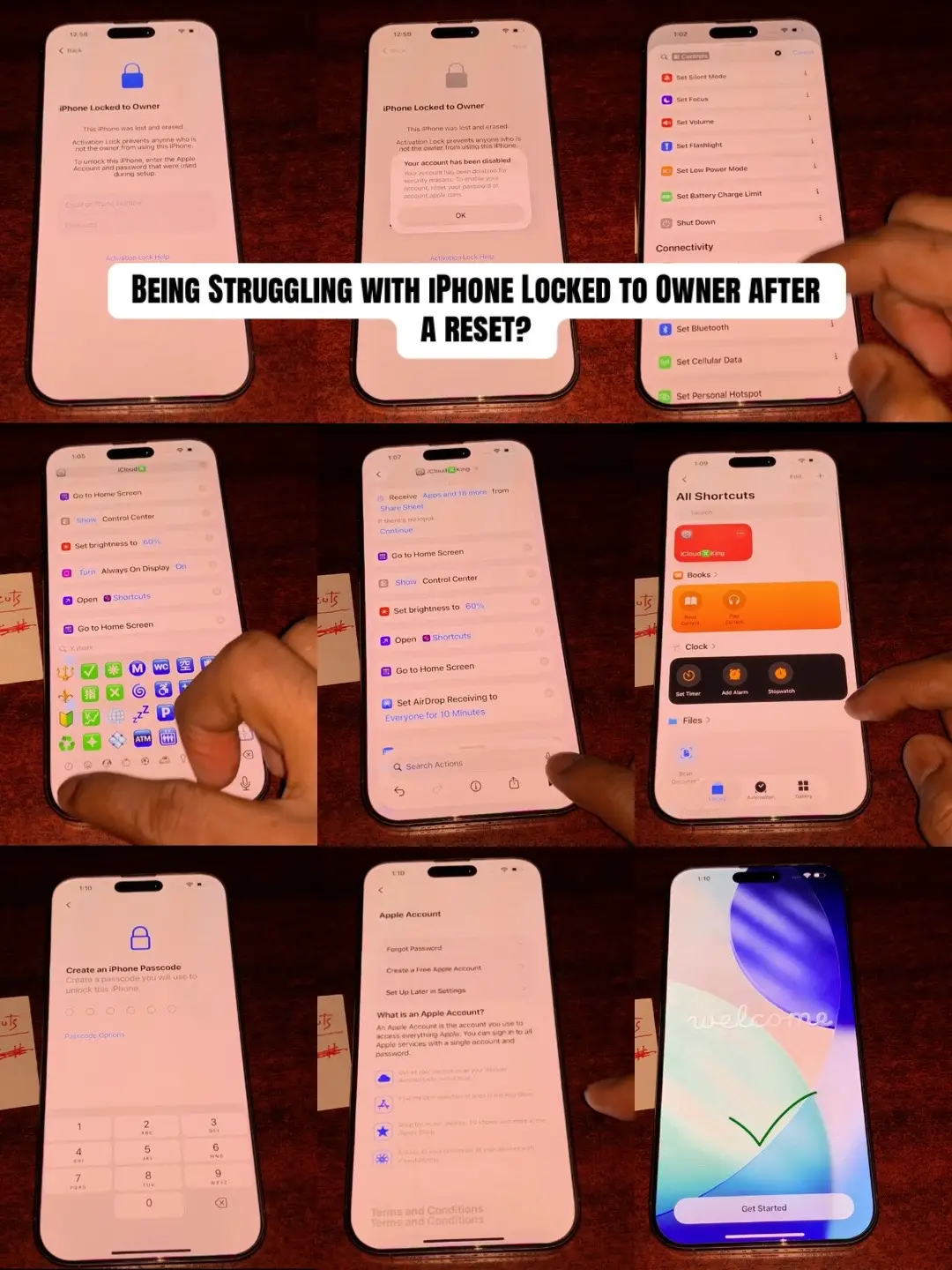
This photo post demonstrates how to bypass iCloud Activation Lock on an iPhone using a DNS unlock method. It provides a step-by-step visual guide through various screens, including configuration and shortcut settings, to achieve the unlock without a computer.
Structure
- 1Introduction to iCloud Locked iPhone
- 2Demonstration of Activation Lock screen
- 3Step-by-step DNS unlock guide
- 4Configuration of DNS settings
- 5Using Shortcuts app for the process
- 6Final confirmation of successful unlock
On-screen text
iCLOUD
UNLOCKED!
Struggling with issue like this?
iPhone 已与物主锁定
物主 "a*****@outlook.com" 可看到此
iPhone 的位置
向上轻扫以打开
iPhone Locked to Owner
Activation Lock prevents anyone who
is not the owner from using this
iPhone.
To unlock this iPhone, enter the Apple
Account and password that were used
during setup.
a*****@outlook.com
Email or Phone Number
Password
Activation Lock Help
Look the latest DNS Unlock step by step
Configure DNS
Save
Automatic
Manual
DNS Servers
iCloud.com/short
Add Server
Search Domains
Add Search Domain
Details
Add to Home Screen
Show in Share Sheet
Show in Search
This shortcut uses an action that is not supported on
Apple Watch.
Show Control Centre
Show on Apple Watch
Privacy
Import Questions
Shortcuts Help
Receive Apps and 18 more from
Share Sheet
If there's no input:
Continue
Show Control Centre
Search Actions
welcome
No Computer 100% Fixed ✅
Original caption
Is your iPhone stuck on the lock screen after a reset by the previous owner? This step-by-step guide explains how to fix the iCloud Activation Lock 100% using the DNS Unlock method for 2026. #iCloudUnlock #ActivationLock #iPhoneFix #DNSUnlock #TechGuide
More from @depict.iunlockerpro
More breakout videos from this creator.