Loading video…
All breakouts
5.9App DemoProblem Callout hookConsumer Apps
Hook
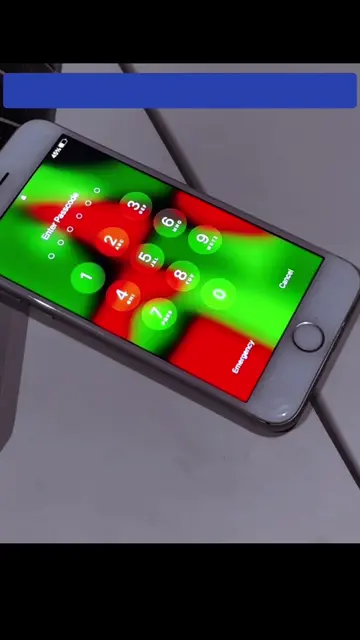
Forgot iPhone SE Passcode?
@depict.iunlockerpro
4.5K followers · usually 1.1K views a post
Views
6.1K
Likes
76
Comments
2
Shares
4
Why it worked
The video likely worked because it addresses a common and frustrating problem for iPhone users: forgetting their passcode. The visual demonstration of attempting various codes, even if not explicitly showing a solution, taps into the viewer's curiosity and hope for a quick fix.
Summary
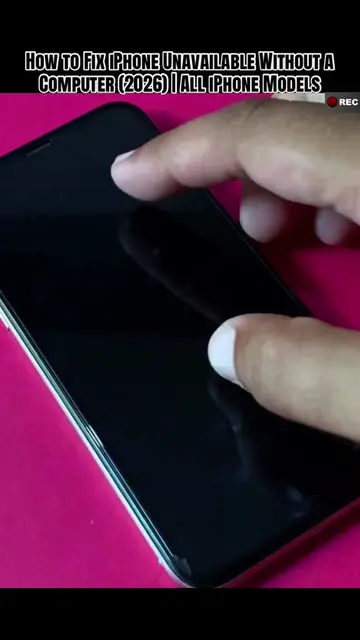
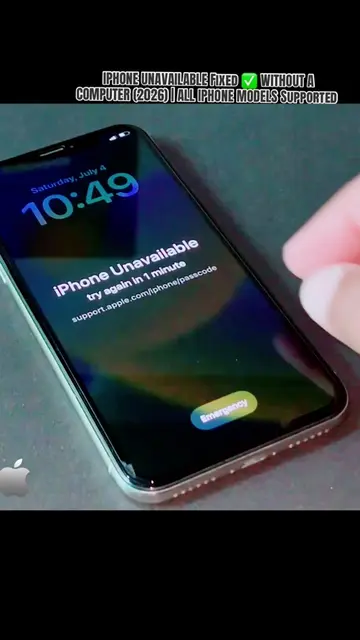
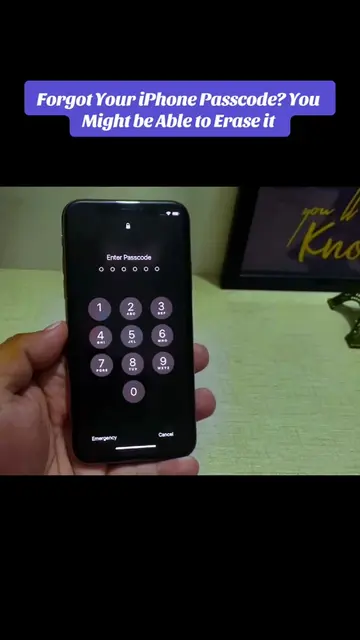
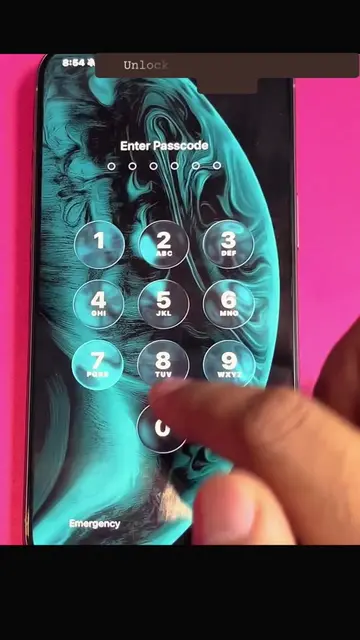
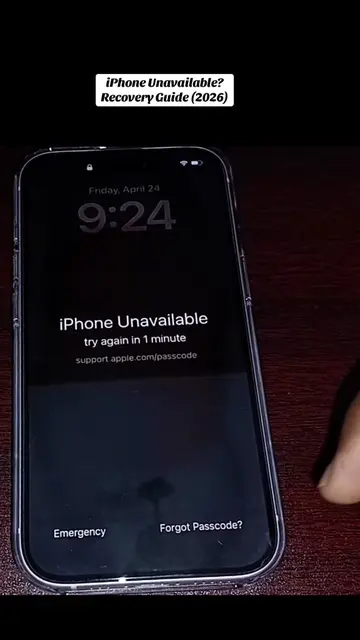
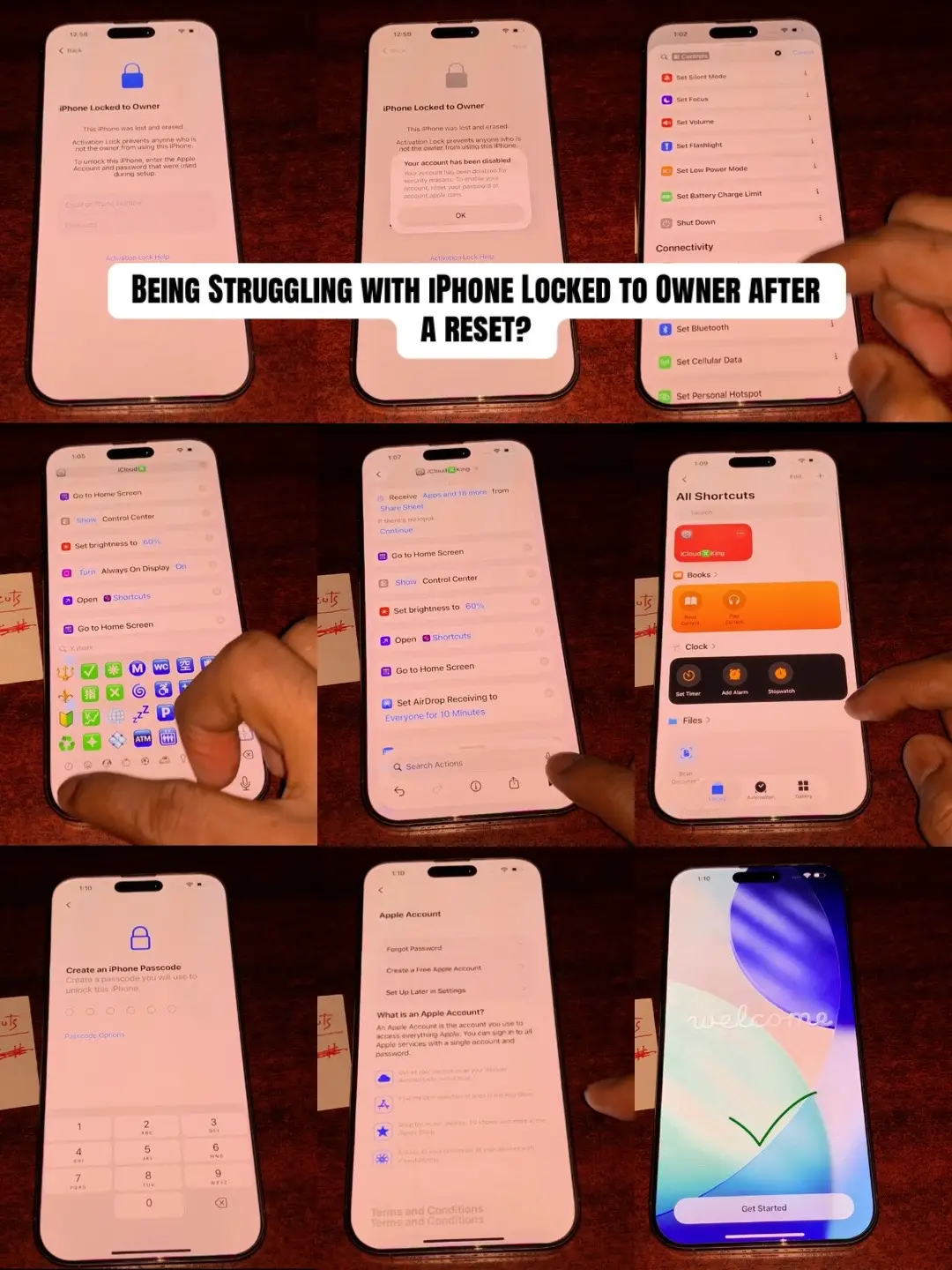
The video shows a person attempting to unlock an iPhone SE by entering various sequences of numbers on the passcode screen and emergency call screen. The actions appear to be a demonstration of troubleshooting or attempting to bypass a passcode, but no specific solution or outcome is shown.
Structure
- 1Phone locked screen
- 2Entering random numbers
- 3Accessing emergency call
- 4Entering more random numbers
- 5Returning to locked screen
- 6Attempting to access settings
On-screen text
Forgot iPhone SE Passcode?
Reset & Recover Access (2026)
Locked Out of iPhone SE?
Here's What you need to do!
Original caption
Forgot iPhone SE passcode? Learn the official reset steps for iPhone SE 1st, 2nd, and 3rd generation. (100% Fixed 2026) #iPhoneSE #iPhonePasscode #AppleSupport #iPhoneTips #TechTok What iPhone SE model are you using? 👇
More from @depict.iunlockerpro
More breakout videos from this creator.