Loading video…
Sound

original sound - picklerickursion
picklerickursion · Original audio
0:00–:––
Playing this video’s own audio, so you’ll hear the creator over the sound.
The video uses a popular animated character (Rick from Rick and Morty) to explain a technical concept in a relatable way, making complex information accessible and engaging for a wider audience. The use of on-screen text and a clear demonstration of a practical solution (PowerShell command) also contribute to its effectiveness.
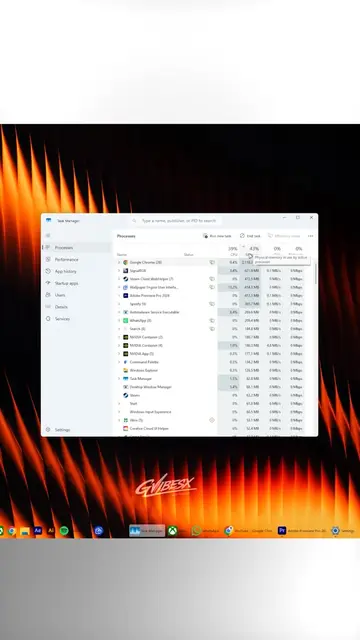
This video explains that empty RAM is not necessarily a problem, but rather background processes consuming CPU cycles are the cause of slow performance. It demonstrates how to use PowerShell to identify these processes and suggests that RAM cleaner apps are counterproductive.
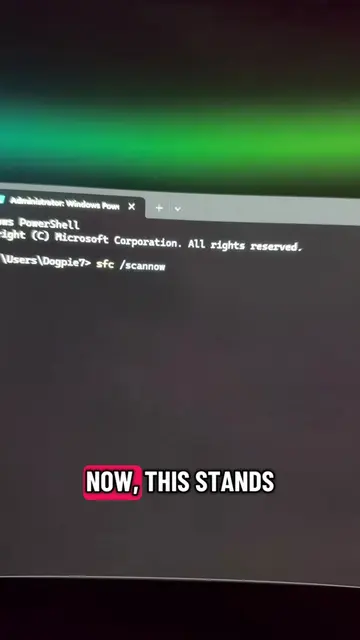
"My RAM is at 80%, my PC must be slow"? Backwards. 🧠 Empty RAM is wasted RAM: Windows fills it with cache on purpose and releases it instantly when apps need it. Stutter comes from background processes stealing CPU. Find the chronic thieves (PowerShell): Get-Process | Sort-Object CPU -Descending | Select-Object -First 5: total CPU time since boot. The repeat offenders can't hide.RAM cleaners force-empty the cache and make things SLOWER. What's the worst CPU thief you found? Comments. 👇 Building the most-wanted list. Fan-made parody. NOT affiliated with Adult Swim or Warner Bros. Discovery. #techtips #windows11 #pctips #ram #pcgaming #techhacks #computerscience #myths #rickandmorty #picklerickursion
My RAM is at 80%!
RAM at 80%
Explaining RAM usage and cache
Identifying CPU-hogging processes
Demonstrating PowerShell command
Explaining the results and the problem with RAM cleaners
Call to action for comments
Drop your biggest CPU thief in the comments. 👇
Playing this video’s own audio, so you’ll hear the creator over the sound.
Promotes 1 product. Create free account to see more.
Outliers and viral hits: their videos on Overshot, all time.
Command-line and Windows troubleshooting guide for computer users
All time.