Loading video…
All breakouts
5.8App DemoProblem Callout hookConsumer Apps
Hook
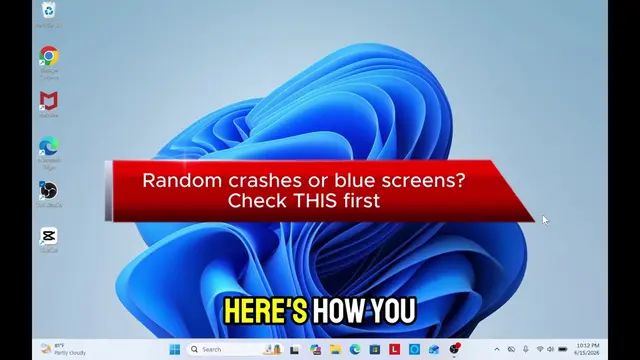
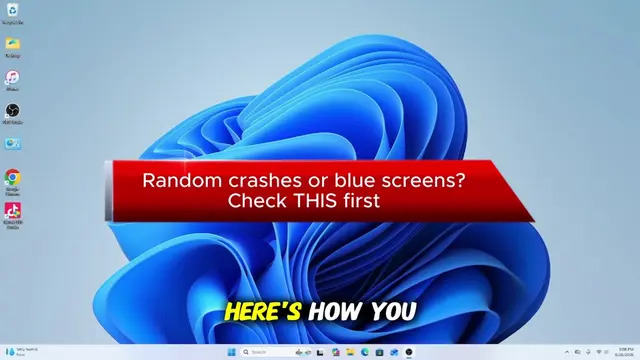
Random crashes or blue screens? Check THIS first
@it.techguru
14.1K followers · usually 3.9K views a post
Views
22.7K
Likes
537
Comments
7
Shares
186
Why it worked
The video addresses a common and frustrating PC problem (crashes/blue screens) and offers a simple, actionable solution using built-in Windows tools, making it highly relevant and useful for a broad audience.
Summary
This video demonstrates how to check for installed drivers on a Windows PC using the Command Prompt. It instructs viewers to open Command Prompt as an administrator and use the 'driverquery /v' and 'driverquery /s' commands to list and verify installed drivers.
Structure
- 1Introduce the problem: random crashes/blue screens.
- 2Instruct to open Command Prompt as admin.
- 3Use 'driverquery /v' to list installed drivers.
- 4Use 'driverquery /s' to verify drivers.
- 5Encourage following for more tips.
Call to action
FOLLOW FOR MORE TIPS
On-screen text
Random crashes or blue screens?
Check THIS first
INSTALL ALL DRIVERS
ON YOUR PC
WITHOUT DOWNLOADING ANY
PROGRAMS
TYPE CMD IN
WINDOWS SEARCH MENU
AND OPEN COMMAND
AS ADMIN
driverquery /v
IT WILL LIST
THE DRIVERS THAT
ARE INSTALLED
AND READY ON
YOUR PC
NOW TYPE DRIVER
QUERY /S
AND YOU WILL
SEE THAT ALL
DRIVERS ARE INSTALLED
AND READY ON
YOUR PC
FOLLOW
FOR MORE TIPS
Original caption
Inatall all windows drivers #creatorsearchinsights #pcfix #tech #techsupport #computerfix Install Windows Drivers for Reliable PC Performance Solve random crashes and blue screens by installing essential Windows drivers. Discover effective tech support solutions. #pcfix #tech #techsupport Keywords: install Windows drivers, resolve blue screens, fix random crashes, computer performance solutions, tech support for PCs, Windows driver installation guide, troubleshoot PC issues, essential drivers for Windows, improve computer stability, driver updates for Windows
More from @it.techguru
More breakout videos from this creator.