Loading video…
All breakouts
10.8Talking HeadHow-To hookConsumer Apps
Hook
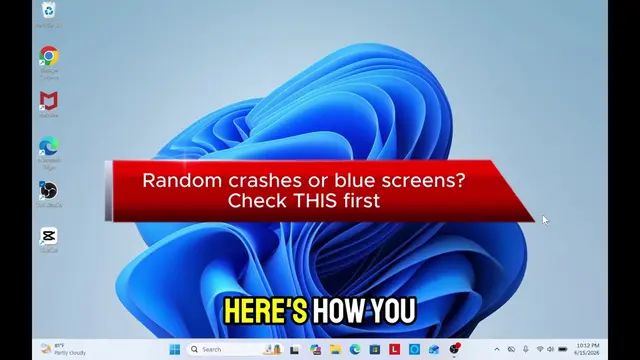
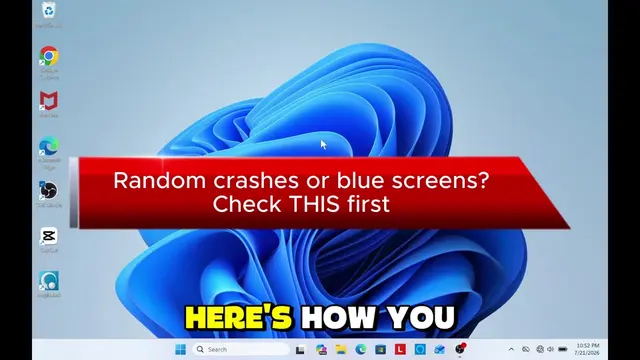
If you have inactivated Windows PC you need to do this.
@it.techguru
14.1K followers · usually 3.9K views a post
Views
41.4K
Likes
1.0K
Comments
10
Shares
293
Promoted product
Windows activation
Why it worked
The video provides a quick and actionable solution to a common problem faced by Windows users, offering a direct fix with clear on-screen instructions and minimal jargon.
Summary
This video demonstrates how to reactivate an inactivated Windows PC. It instructs viewers to open Terminal as an administrator, type the 'slmgr /rearm' command, and then restart their computer to reset the activation period.
Structure
- 1Show inactivated Windows prompt
- 2Open Terminal (Admin)
- 3Enter 'slmgr /rearm' command
- 4Restart the PC
- 5Show successful activation
Product placement
Windows (operating system) - appears as the operating system being used and activated. Removing it would change what happens in the video.
Terminal (Admin) (app) - appears as a tool to activate Windows. Removing it would change what happens in the video.
Microsoft Corporation (company) - appears as the verified publisher of Terminal. Removing it would not change what happens in the video.
Call to action
Follow for more Windows tips!
On-screen text
Original caption
Activate Windows: Simple & Easy! 🪟⚡ Say goodbye to the Windows activation watermark! If your Windows PC is showing an activation message, press Win + X → Terminal (Admin) and type: slmgr /rearm Press Enter, click OK, then restart your PC. Follow for more Windows tips! 💻🔥 #windows #windowsactivation #techtips #windows11 #techhacks
More from @it.techguru
More breakout videos from this creator.