Loading video…
Sound

original sound - it.techguru
Tech Guru · Original audio
0:00–:––
Playing this video’s own audio, so you’ll hear the creator over the sound.
We didn’t find a product being promoted in this video. Its hook, format and structure below still show why it took off.
Browse products winning on TikTokThe video addresses a common pain point for PC users (crashes and blue screens) and offers a seemingly simple, built-in solution using the Command Prompt. The clear, step-by-step demonstration and the disclaimer managing expectations likely contributed to its shareability.
This video demonstrates how to check for installed and missing drivers on a Windows PC using the Command Prompt. It shows two commands, 'driverquery /v' and 'driverquery /si', to list drivers and identify which ones are installed and ready. The creator clarifies that this process does not actually download or install any drivers.
Inatall all windows drivers #creatorsearchinsights #pcfix #tech #techsupport #computerfix Install Windows Drivers for Reliable PC Performance Solve random crashes and blue screens by installing essential Windows drivers. Discover effective tech support solutions. #pcfix #tech #techsupport Keywords: install Windows drivers, resolve blue screens, fix random crashes, computer performance solutions, tech support for PCs, Windows driver installation guide, troubleshoot PC issues, essential drivers for Windows, improve computer stability, driver updates for Windows
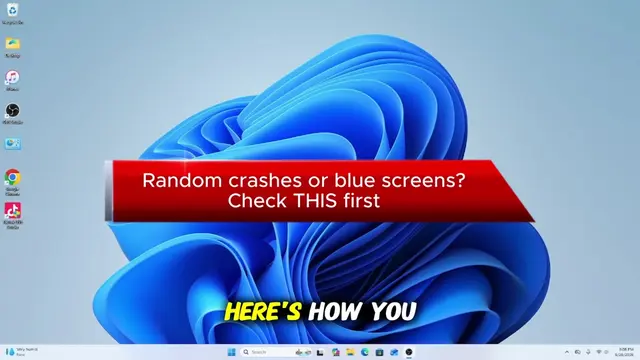
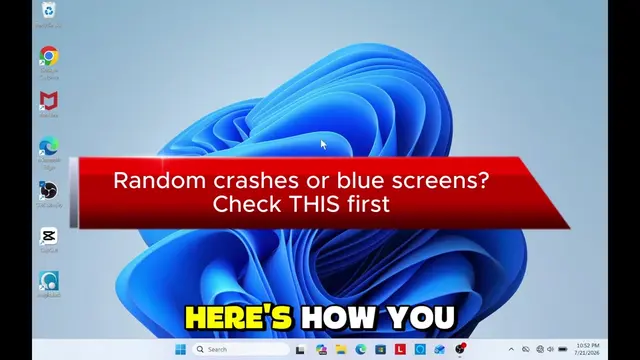
Random crashes or blue screens? Check THIS first
Introduce problem: crashes/blue screens
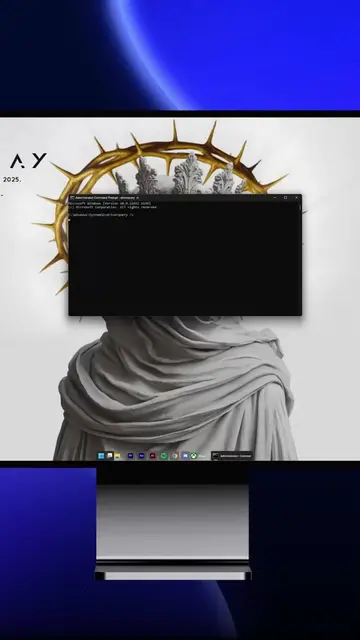
Open Command Prompt as admin
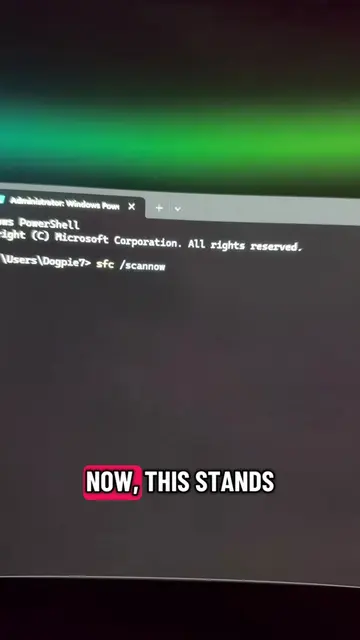
Use 'driverquery /v' to list installed drivers
Use 'driverquery /si' to see all drivers
Clarify no drivers are downloaded/installed
Call to follow for more tips
Playing this video’s own audio, so you’ll hear the creator over the sound.
Promotes 2 products. Create free account to see more.
Outliers and viral hits: their videos on Overshot, all time.