Loading video…
Sound

original sound - ogasunny444
Oga Sunny · Original audio
0:00–:––
Playing this video’s own audio, so you’ll hear the creator over the sound.
The video provides a clear, step-by-step tutorial on a useful feature that many users may not know how to access or utilize. The demonstration format makes it easy to follow, and the practical application of voice commands for everyday tasks appeals to a broad audience seeking convenience.
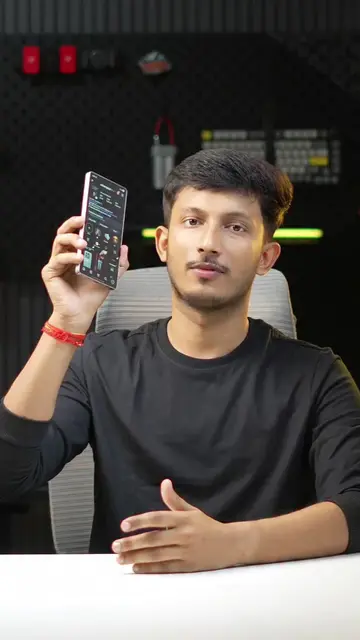
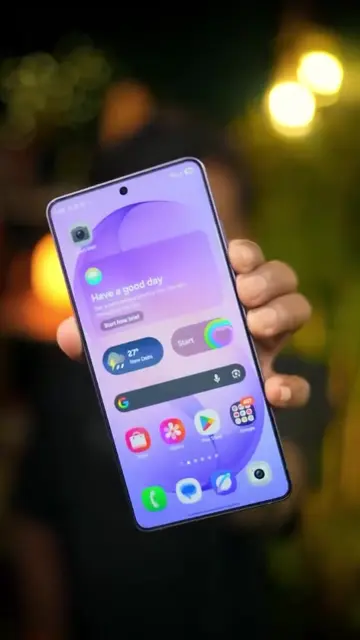
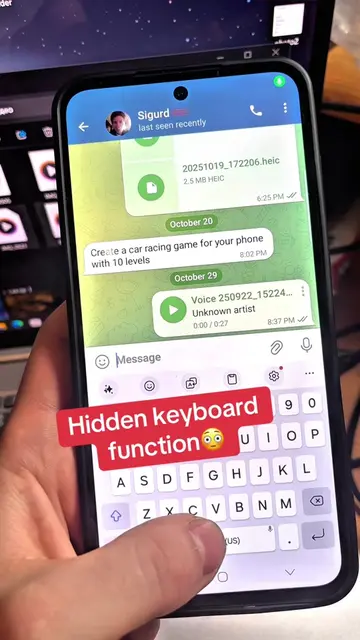
This video demonstrates how to enable voice control on an Android phone using Google Assistant. It guides viewers through the settings to activate 'Hey Google' and 'Voice Match', allowing hands-free operation of apps and commands.
How to control your phone with your voice. #TechTips #Tech
How to Control Your Phone With Your Voice
Introduction to voice control
Demonstrating app control via voice commands
Navigating phone settings to find Google Assistant
Enabling 'Hey Google' and 'Voice Match'
Testing voice commands for various tasks
Confirmation of setup completion
Google Assistant: ACTS - it is operated by voice commands to open apps, answer questions, and set timers. Removing it would change what happens in the video. Sunny Tech: APPEARS - a watermark on the screen. Removing it would not change what happens in the video.
Playing this video’s own audio, so you’ll hear the creator over the sound.
Download Google Assistant by Google on the App Store. See screenshots, ratings and reviews, user tips, and more apps like Google Assistant.
All time.
Promotes 1 product. Create free account to see more.
Outliers and viral hits: their videos on Overshot, all time.