Loading video…
Sound

original sound - ogasunny444
Oga Sunny · Original audio
0:00–:––
Playing this video’s own audio, so you’ll hear the creator over the sound.
We didn’t find a product being promoted in this video. Its hook, format and structure below still show why it took off.
Browse products winning on TikTokThe video provides a clear, step-by-step tutorial on a useful phone feature that many users may not be aware of. The demonstration of using two popular apps (Facebook and CapCut) simultaneously makes the utility of the feature immediately apparent.
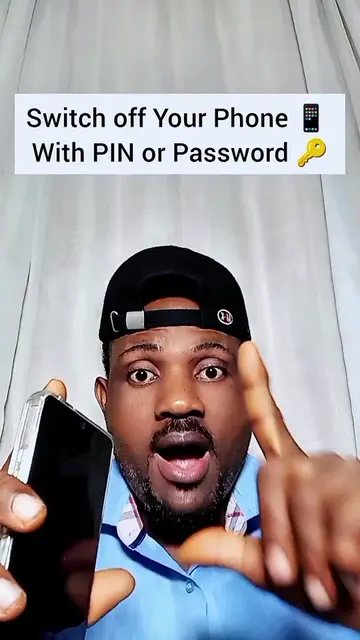
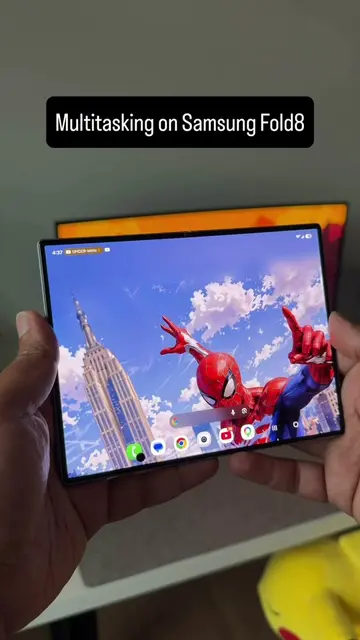
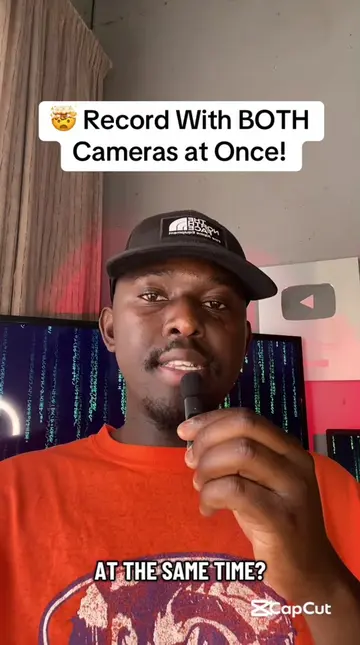
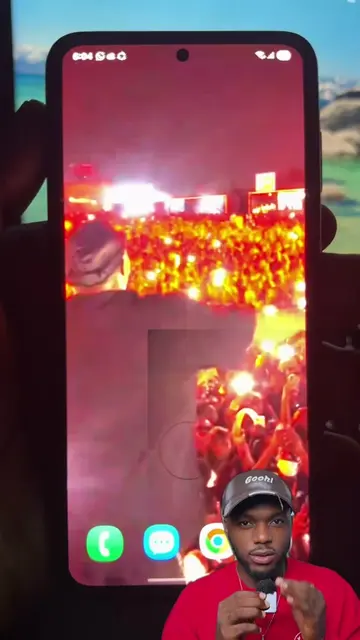
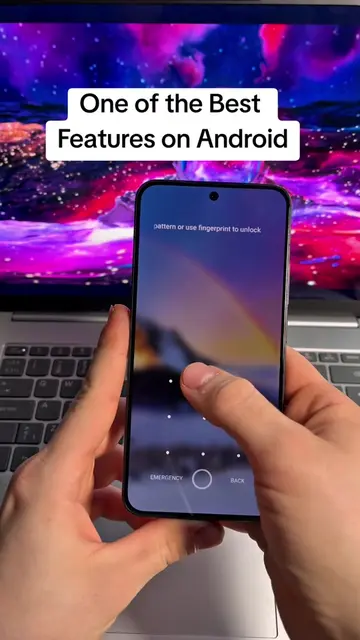
The video demonstrates how to enable and use the split-screen feature on an Android phone. It shows how to navigate through settings to activate 'Multi window' and then how to swipe up with two fingers to open two apps simultaneously.
How to split your phone screen into two screens. #TechTips #techtricks #android
How to Split Your Phone Screen into Two
Introduction to split screen functionality
Navigating phone settings
Enabling 'Multi window' and 'Swipe for split screen'
Demonstrating split screen with Facebook and Chrome
Demonstrating split screen with Facebook and CapCut
Playing this video’s own audio, so you’ll hear the creator over the sound.
Promotes 1 product. Create free account to see more.
Outliers and viral hits: their videos on Overshot, all time.