Loading video…
Sound

original sound - ogasunny444
Oga Sunny · Original audio
0:00–:––
Playing this video’s own audio, so you’ll hear the creator over the sound.
Hook
Posted Jul 26, 2026Video · 0:58by @ogasunny444
This video promotes it, but we haven’t matched it to a product page yet, so there are no product figures.
The video addresses a common user pain point (transferring phone data) with a clear, step-by-step demonstration using built-in phone features, making it highly practical and shareable.
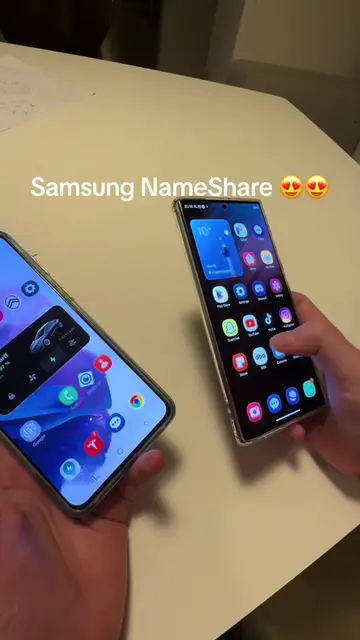
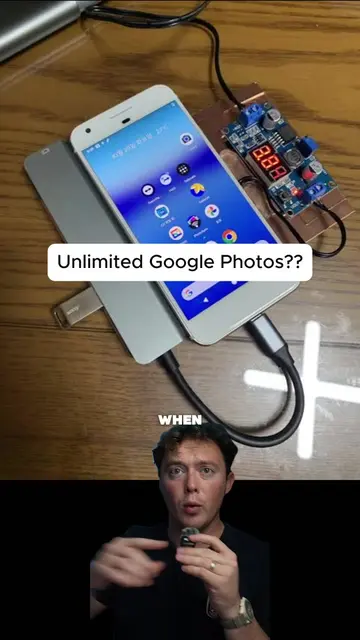
This video demonstrates how to transfer all files from an old phone to a new phone using the 'Set up nearby devices' feature within Google services. The process involves enabling Bluetooth and Wi-Fi on the new phone and then initiating the transfer.
How to transfer everything from an old phone to a new phone at once. #TechTips
Transfer all files from an old phone to a new phone at once
Introduce the problem of transferring files
Navigate to Google settings
Select 'Set up nearby devices'
Enable Bluetooth and Wi-Fi on the new phone
Join the devices and initiate transfer
Google: This is a widely used search engine and operating system provider. It ACTS as the platform for the phone's operating system and services. Removing it would fundamentally change the phone's functionality. It merely APPEARS as a logo on the phone's home screen and within settings. Removing it would not change what happens in the video. TECNO: This is a smartphone brand. It ACTS as the device on which the tutorial is being performed. Removing it would change what happens in the video.
Playing this video’s own audio, so you’ll hear the creator over the sound.
Promotes 1 product. Create free account to see more.
Outliers and viral hits: their videos on Overshot, all time.