Loading video…
All breakouts
125Talking HeadHow-To hookEducation
Hook
Make this space your own.
@quick.tips45
28.4K followers · usually 14.1K views a post
Views
1.6M
Likes
36.7K
Comments
173
Shares
3.8K
Promoted product
Google Gemini
Why it worked
The video effectively showcases the convenience and power of voice commands with Google Gemini and Google Assistant, demonstrating practical use cases that resonate with users looking to simplify their daily tasks. The clear, step-by-step instructions for customization, combined with a direct call to action, likely contributed to its engagement.
Summary
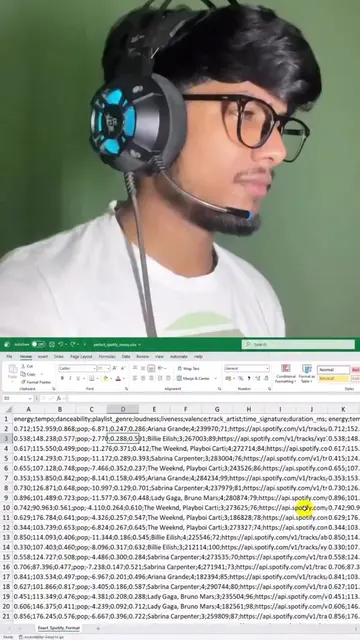
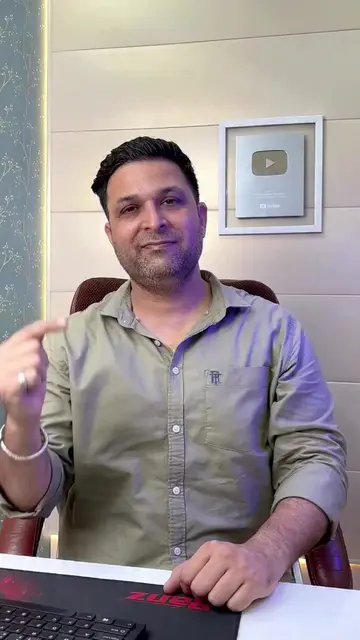
The video demonstrates how to use Google Gemini and Google Assistant to perform various tasks like taking screenshots, making calls, and setting reminders using voice commands. It also shows how to customize Gemini settings, including enabling interrupt live responses and adding Hindi as a second language.
Structure
- 1Demonstrating basic phone functions
- 2Showcasing voice commands with Gemini and Google Assistant
- 3Customizing Gemini settings
- 4Adding Hindi as a second language for Gemini
- 5Opening Instagram via voice command
- 6Call to action to follow
Product placement
Google Gemini: AI assistant that can perform tasks like taking screenshots, making calls, and setting reminders. It acts as a digital assistant. It is operated by voice commands. Its interface is shown and interacted with. Removing it would change what happens in the video.
Google Assistant: Voice assistant that can be activated by saying "Hey Google". It acts as a digital assistant. It is operated by voice commands. Its interface is shown and interacted with. Removing it would change what happens in the video.
Instagram: Social media platform. Its interface is shown. Removing it would change what happens in the video.
Original caption
#Super Useful Android Tricks🔥 🔥 #
More from @quick.tips45
More breakout videos from this creator.

![#China’s Newest AI Model 🔥 [LongCat 2.0, Open Source AI, AI Coding, AI Agents]](https://tiktokspy.sfo3.digitaloceanspaces.com/covers/7671696538309004557.jpg)