Loading video…
All breakouts
5.0Talking HeadProblem Callout hookConsumer Apps
Hook
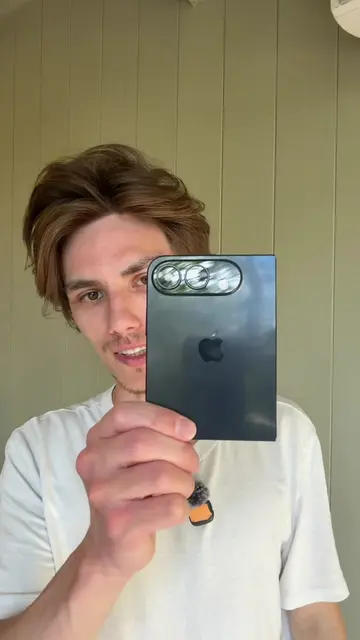
If you have an iPhone 15 and it's overheating
@hitomidocameraroll
2.0M followers · usually 344.8K views a post
Views
1.8M
Likes
174.0K
Comments
2.4K
Shares
13.7K
Promoted product
iPhone
Why it worked
The video addresses a common pain point for iPhone users (overheating and battery drain) and provides actionable solutions within the native iOS settings, making it highly relevant and shareable.
Summary
This video explains common issues with the iPhone 15, such as overheating while charging, battery draining quickly, and not charging past 80%. It offers solutions like checking battery health, turning off optimized charging, and disabling auto-updates.
Structure
- 1Identify common iPhone 15 issues
- 2Explain why these issues occur
- 3Provide solutions for battery health and charging
- 4Advise on software updates
- 5Offer final reassurance
Product placement
The video discusses issues with the iPhone 15 and shows screenshots of the iPhone's battery settings, including charge limit and optimized battery charging.
On-screen text
50%
Last Charged to 57%: 1h ago
Average
87%
Today
86%
Instagram
On screen: 1h 5m
Background: 11%
Home & Lock Screen
On screen: 19m
Background: 9%
TikTok
On screen: 39m
Background: 8%
Charging
iPhone learns from your charging and usage habits to help preserve battery lifespan over time. Learn more...
Charge Limit
80%
85%
90%
95%
100%
Optimized Battery Charging
When the charge limit is set to 100%, allow iPhone to wait to finish charging past 80% until the time you need to use it.
Clean Energy Charging
In your region, iPhone will try to reduce your carbon footprint by selectively charging when lower carbon emission electricity is available. iPhone learns from your daily charging routine so it can reach full charge before you need to use it. Learn more...
Optimized Battery Charging helps reduce battery aging.
Turn Off Until Tomorrow
Turn Off
Cancel
Original caption
For iPhone 15 users. #Iphone15 #Apple #ios
More from @hitomidocameraroll
More breakout videos from this creator.