Loading video…
All breakouts
44.0Talking HeadBefore / After hookConsumer Apps
Hook
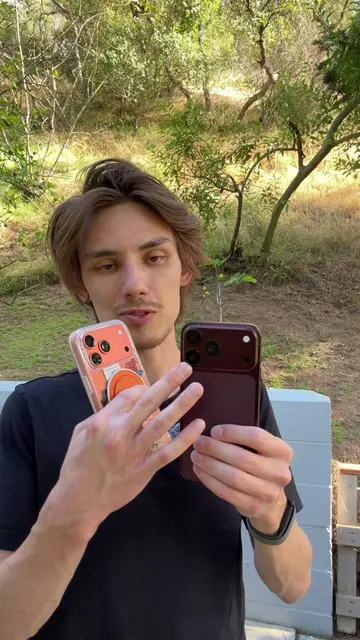
Your Samsung can do a lot more than you think it can.
@hitomidocameraroll
2.0M followers · usually 344.8K views a post
Views
7.0M
Likes
385.3K
Comments
3.4K
Shares
16.8K
Why it worked
The video provides high-value, actionable tips for a specific user base (Samsung owners) while maintaining a conversational, authentic tone that encourages engagement through platform rivalry.
Summary
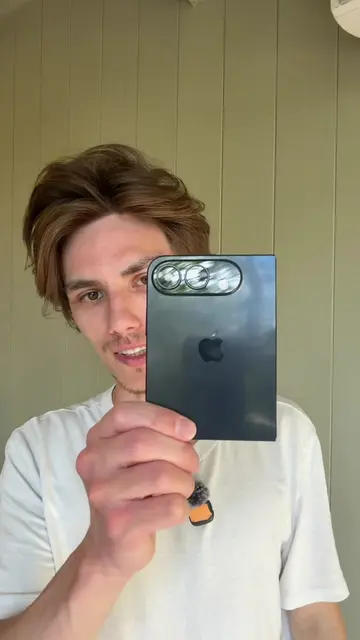
The creator demonstrates several hidden features and customization tips for Samsung Galaxy phones. The video concludes with a humorous comparison to iPhone users.
Structure
- 1Introduction to Samsung hidden features
- 2Demonstration of app switching and side panel usage
- 3One-handed mode and control panel customization
- 4Tutorial on setting live wallpapers via TikTok
- 5Final comparison and joke about iPhone
On-screen text
Your Samsung can do a lot more than you think it can.
INTERMEDIATE LEVEL COMING LATER
Transcript
Your Samsung can do a lot more than you think it can. If you have the buttons, you can actually switch between your two most recent apps by double clicking that. If you have an app you want to use and you don't wanna go through your entire library just to get to it, use the side panel here. You can do one handed mode by swiping down. You can switch to that side if you're left handed and now you just navigate through your phone normally. To get out you can just swipe down again. In your control panel you can actually make these sliders like this. Normally it'll be like this and all you gotta do is just drag it and then drag it down and there you go. This isn't really a Samsung specific thing, but biggest personal tip I'll give you is use TikTok for wallpapers. Literally any live wallpaper you want. Go to that one, share, set as wallpaper. Get that option, push set as wallpaper, set. Sure, let's do both then. And then and it's live, unlike iPhone. You made a good purchase, but this was shot on iPhone.
Original caption
Why can’t we have TikTok live wallpapers on iPhone. #samsung #android #samsunggalaxy
More from @hitomidocameraroll
More breakout videos from this creator.