Loading video…
All breakouts
8.8Talking HeadWarning hookAI Tools
Hook
Your SSD could be dying right now and you wouldn't even know
@techow
397.8K followers · usually 45.2K views a post
Views
363.2K
Likes
14.4K
Comments
148
Shares
1.9K
Promoted product
Kingston
Why it worked
The video addresses a common fear among PC users: data loss due to a failing SSD. By providing a clear, step-by-step guide on how to check SSD health within Windows, it offers practical value and a sense of urgency, encouraging viewers to take immediate action.
Summary
This video explains how to check the health of your SSD using Windows settings. It warns that a failing SSD can lead to data loss and advises users to back up their data and replace the drive if it shows signs of failure.
Structure
- 1Introduction to the problem of dying SSDs
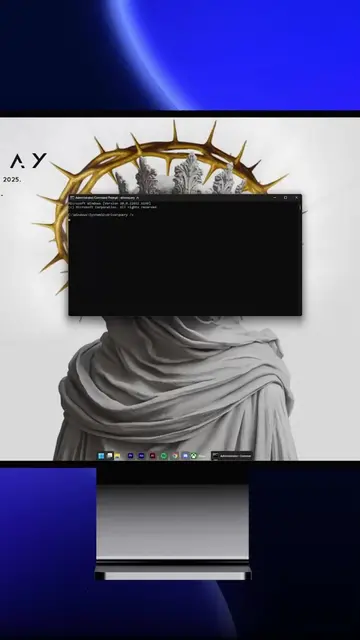
- 2Demonstration of checking SSD health in Windows settings
- 3Explanation of the drive health metrics
- 4Warning about data loss and recommendation to replace the drive
Product placement
The video shows a Samsung SSD 950 PRO and then demonstrates how to check the health of an SSD (specifically a Kingston SNV2S500G) using Windows settings. It also displays a warning message from Windows about a storage device being at risk of failure.
Original caption
Your SSD could be dying right now and you wouldn't even know #pctips #ssd #windowstips #techtok
More from @techow
More breakout videos from this creator.