Loading video…
All breakouts
 CapCutseen in 576 videos →
3.3App Demo
Hook
Quick Tutorial
@afilmbyicon
12.1K followers · usually 3.4K views a post
Views
11.1K
Likes
942
Comments
12
Shares
103
Selling · SaaS › Other SaaS
Why it worked
The video provides a clear, concise tutorial for a visually appealing effect, making it easy for users to replicate. The creator also uses a native mention of the editing software, which is a common and effective way to promote such tools.
Summary
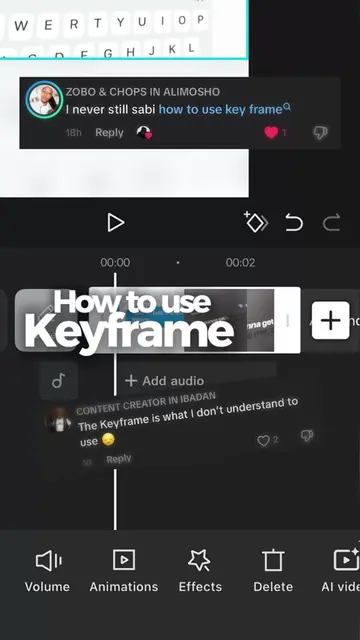
This video demonstrates how to create a tracking effect in CapCut. It guides the viewer through selecting the 'Move Track' effect, adjusting its parameters like texture, filter, atmosphere, speed, amount, and color to achieve the desired look.
Structure
- 1Introduce the tutorial and effect
- 2Navigate to video effects and select 'Move Track'
- 3Adjust effect parameters (texture, filter, atmosphere)
- 4Adjust effect parameters (speed, amount, color)
- 5Showcase the final result and encourage follow
Product placement
CapCut ACTS: it is an app used to edit video, specifically to add tracking effects. Removing it would change what happens in the video.
Call to action
Save this for your next project and follow so you don’t miss out!
Original caption
Day 6/30: CapCut Series ⚠️ IMPORTANT: Make sure you turn on a VPN and connect to a US server first, or the effect might not show up in your app! Steps to recreate: 1️⃣ Go to Effects ➔ Video Effects ➔ Search for “Move Track”. 2️⃣ Click Adjust and scroll down. 3️⃣ Reduce Texture, Filter, and Atmosphere all the way down to 0. 4️⃣ Adjust the Speed, Amount, and Color to match your style! Save this for your next project and follow so you don’t miss out! 🚀 #capcuttutorial #videoediting #tracking #trackingeffect
More from @afilmbyicon
Their other posts in the index, biggest breakout first.