Loading video…
All breakouts
 CapCutseen in 576 videos →
8.1App DemoBefore / After hook
Hook
Morph Effect
@afilmbyicon
12.1K followers · usually 3.4K views a post
Views
27.1K
Likes
2.6K
Comments
30
Shares
436
Selling · SaaS › Other SaaS
Why it worked
The video provides a clear, step-by-step tutorial for a visually interesting effect, making it easy for viewers to replicate. The use of a popular editing app like CapCut also increases its discoverability and appeal.
Summary
This video demonstrates how to create a "morph effect" using CapCut by applying motion blur to a video clip. The creator walks through the steps of exporting, importing, and adjusting the motion blur settings within the app.
Structure
- 1Introduce the morph effect
- 2Export and re-import the clip
- 3Apply motion blur effect
- 4Adjust blur, blend, and times
- 5Apply and show the result
Product placement
CapCut: Video editing app. ACTS - it is used to edit a video, applying a motion blur effect. Removing it would change the video. Morph Effect: A specific effect within CapCut. ACTS - it is the effect being demonstrated and applied. Removing it would change the video.
On-screen text
Morph Effect
AI UHD
Export
AI clipper
Cover
Add audio
Add text
Edit
Audio
Text
Effects
Overlay
Captions
Filter
Relight
Opacity
Motion blur
Lip sync
Make motion blur
Reset
Motion blur
Blur
Blend
Direction
Times
Both
Once
6 times
4 times
Twice
Once
Applying motion blur...
before
many
class
SO
something
poll
which one do you want
1
2
one
I'll
forget
more
Original caption
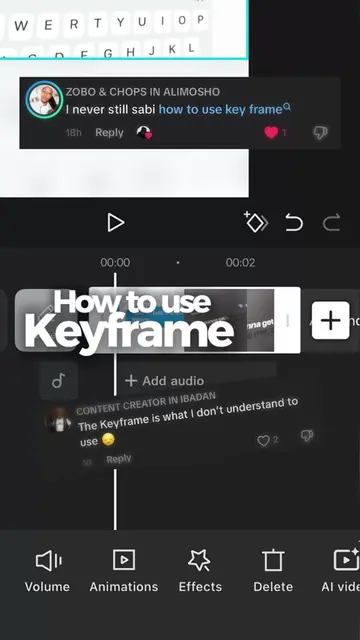
Day 15/30. How to Do the Morph Effect: Step 1: Place your two clips on the timeline and export the video. Step 2: Open a New Project and add that newly exported video. Step 3: Tap on your clip and scroll over to find Motion Blur. Step 4: Adjust your settings: set Blur to 100, Blend to ~45, and change the Time Option to 6x. Step 5: Hit the checkmark to apply and watch the magic happen! 🔥
More from @afilmbyicon
Their other posts in the index, biggest breakout first.