Loading video…
Sound

original sound - futuretalkwith_ni
futuretalkwith_nidhi · Original audio
0:00–:––
Playing this video’s own audio, so you’ll hear the creator over the sound.
The video provides practical, actionable tips for a widely used product (Samsung phones) that directly address common user concerns like security and battery life. The clear, step-by-step demonstration and numbered format make the information easy to follow and implement, increasing its shareability.
This video demonstrates five essential settings on Samsung phones to enhance security and battery life. By enabling these features, users can prevent unauthorized shutdowns, track lost or stolen devices, and extend their phone's battery performance.
99% Samsung Users ये 5 Settings नहीं जानते! 😱🤯 Follow & Share (Samsung phone, Samsung settings, battery tips, Samsung mobile tips, android mobile ) #samsung #androidtips #samsungsettings #androidtricks #TechTips
SAMSUNG Users Don't Miss This Video!
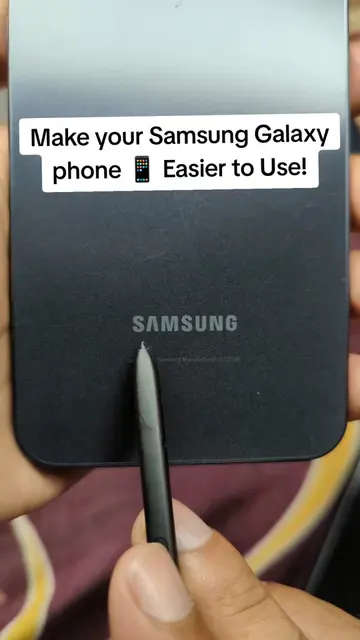
Intro with Samsung logo and hook
Setting 1: Lock network and security
Setting 2: Find My Mobile features
Setting 3: Theft protection
Setting 4: Device care performance profile
Setting 5: Battery protection
Call to action: Share and follow
Samsung (phone): The video demonstrates settings on a Samsung phone. Removing this would change what happens in the video. Samsung (brand): The Samsung logo appears at the beginning. Removing this would not change what happens in the video.
Follow & Share
Playing this video’s own audio, so you’ll hear the creator over the sound.
Promotes 7 products. Create free account to see more.
Outliers and viral hits: their videos on Overshot, all time.
Discover the latest in electronic & smart appliance technology with Samsung. Find the next big thing from smartphones & tablets to laptops & tvs & more.
All time.