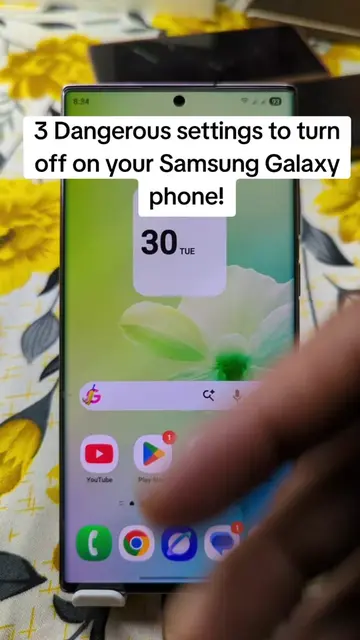
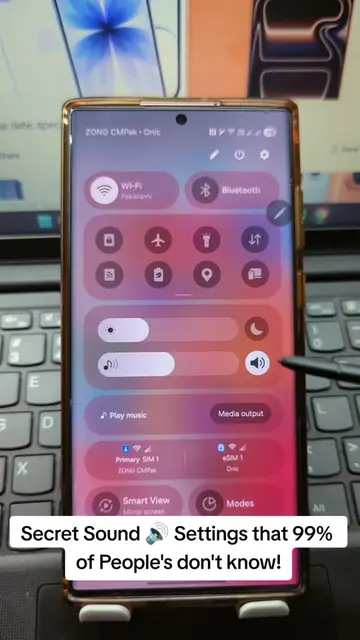
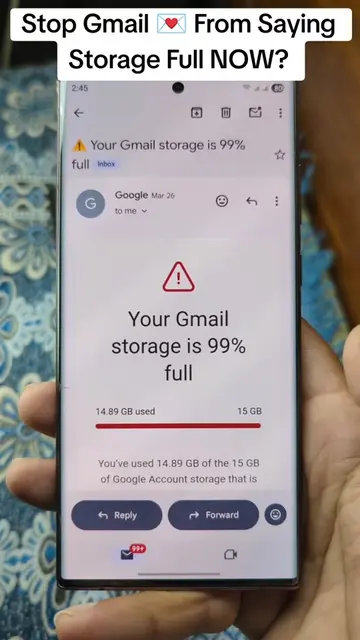
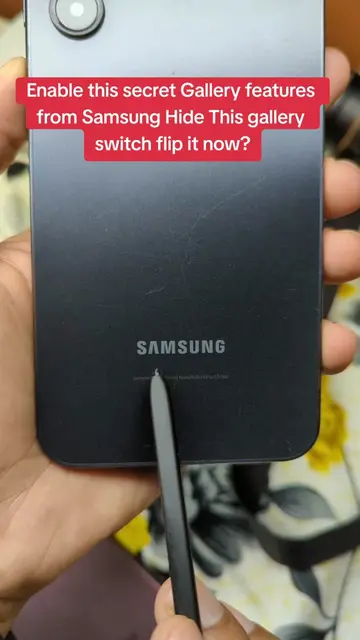
Loading video…
All breakouts
20.2Talking HeadHow-To hookConsumer Apps
Hook
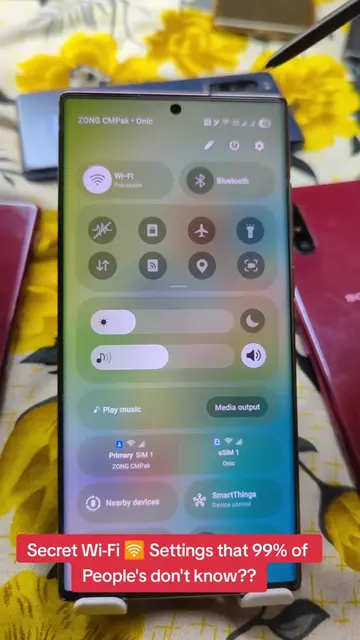
Make your Samsung Galaxy phone 📱 Easier to Use!
@herrytech8
725.0K followers · usually 77.4K views a post
Views
1.7M
Likes
55.0K
Comments
446
Shares
4.4K
Promoted product
Samsung Galaxy phone
Why it worked
The video addresses a common pain point for Samsung users (power button wear and tear) and offers a simple, actionable solution through accessible settings. The 'native mention' promotion style, combined with clear instructions and a relatable problem, likely drove engagement.
Summary
This video demonstrates how to make a Samsung Galaxy phone easier to use by enabling double-tap to wake/sleep and lift-to-wake features. It explains that constantly pressing the power button can wear it out and offers these software alternatives for a smoother user experience.
Structure
- 1Problem: Overuse of power button
- 2Solution: Access Settings
- 3Navigate to Advanced Features > Motions and Gestures
- 4Enable Double Tap to Wake/Sleep and Lift to Wake
- 5Benefit: Smoother phone use, preserves power button
Product placement
Samsung (phone): appears, it is the device being used and demonstrated. Removing it would change the video. Samsung (logo): appears, it is a logo on the phone. Removing it would not change the video.
Call to action
Try it and tell me if it feels smoother.
Original caption
Samsung users stop doing this with your power button You're wearing it out without realizing it. Here's the fix Turn on double tap to wake + sleep and save your button. Try it and tell me if it feels smoother. #SamsungTips #AndroidHacks #TechTips #PhoneTricks #TikTokLearningCampaign
More from @herrytech8
More breakout videos from this creator.