Loading video…
Sound

original sound - _chrisasante
Christopher Asante · Original audio
0:00–:––
Playing this video’s own audio, so you’ll hear the creator over the sound.
This video promotes it, but we haven’t matched it to a product page yet, so there are no product figures.
The video provides practical, actionable tips for improving a common user experience on a popular device, making it highly shareable and useful for a broad audience. The '30 Tips in 30 Days' format creates a series that encourages viewers to return for more content.
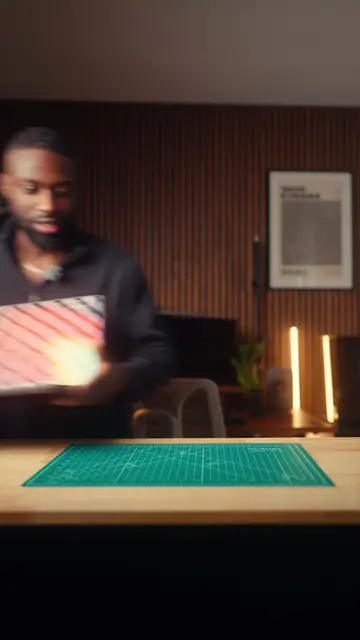
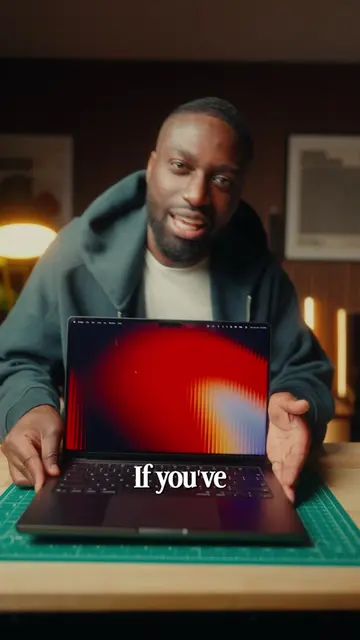
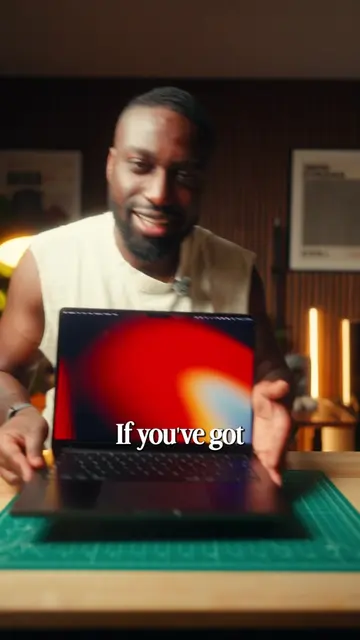
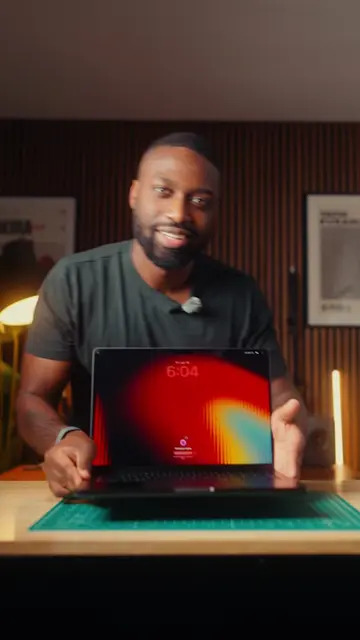
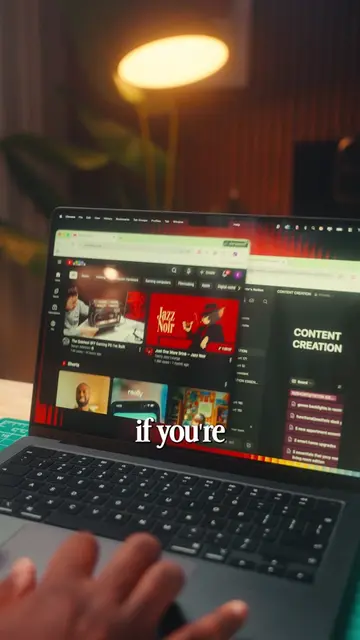
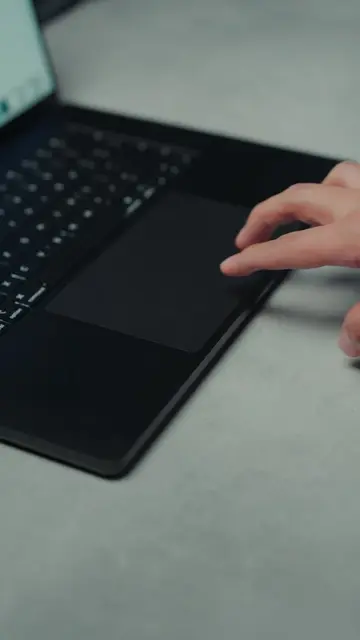
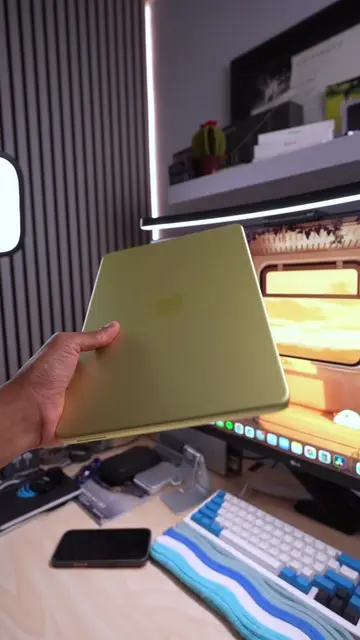
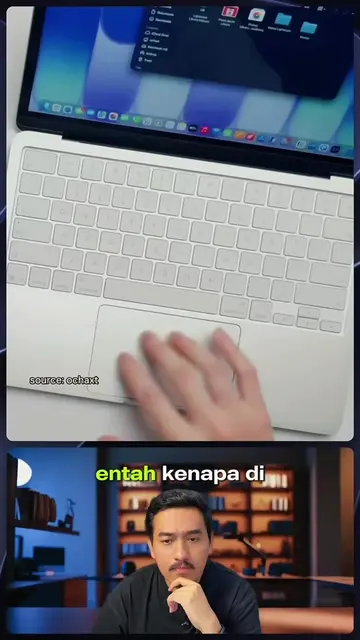
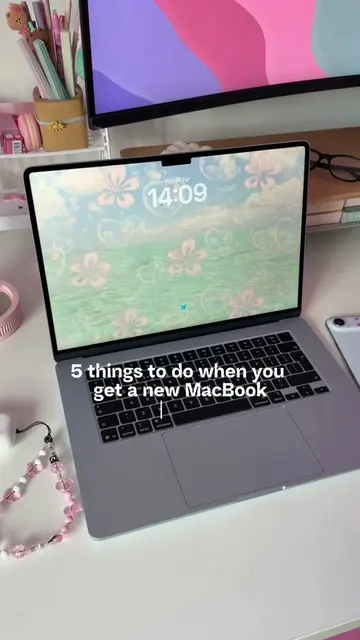
This video demonstrates two trackpad settings on a MacBook to improve usability and productivity. It explains how to enable three-finger drag for easier window and file manipulation, and how to set up a secondary click in the bottom right corner for right-clicking.
TIP 8/30🍎💻 These are the settings I set up AS SOON as I get a new MacBook! Learning how to use the trackpad and some gesture controls, will instantly improve productivity! Also, check out this sick wallpaper I am using from my good friend, @Nico 🔥🔥 #macbook #productivity #apple #Tech
At times,
Introduction to trackpad awkwardness
Enabling three-finger drag for better window/file management
Setting up secondary click in the bottom right corner
Enabling tap-to-click as a bonus
Encouragement to save and follow for more tips
MacBook: ACTS - The video is a tutorial on how to use settings on a MacBook. Removing it would change the video's content. Apple: APPEARS - A logo is visible on the MacBook screen. Removing it would not change the video's content. Nico: APPEARS - Mentioned as a friend who created the wallpaper. Removing the mention would not change the video's content. Amazon: ACTS - The creator's bio link directs to an Amazon product page, which is the destination for business inquiries. Removing the link would change the destination for business inquiries.
follow for the next one
Playing this video’s own audio, so you’ll hear the creator over the sound.
Promotes 4 products. Create free account to see more.
Outliers and viral hits: their videos on Overshot, all time.