Loading video…
All breakouts
120Talking HeadHow-To hookCreator Economy
Hook
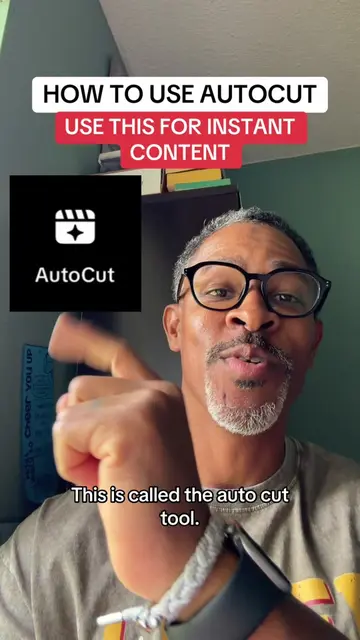
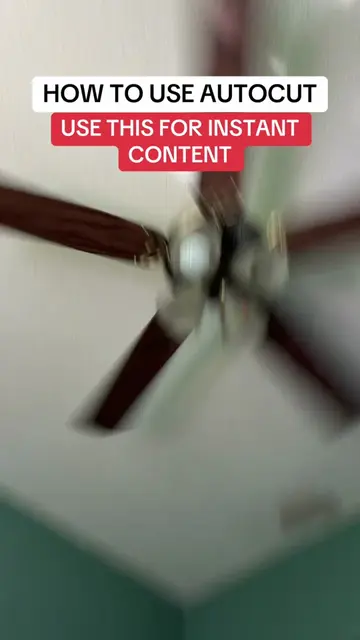
HOW TO USE AUTOCUT USE THIS FOR INSTANT CONTENT
@digitalkingship
996.3K followers · usually 14.1K views a post
Views
3.4M
Likes
75.6K
Comments
1.6K
Shares
3.6K
Why it worked
The video provides actionable, high-value advice on a new platform feature, which encourages viewers to save the video for later reference.
Summary
A creator provides a tutorial on how to use TikTok's built-in AutoCut feature to create content quickly. He explains the steps to access the tool and suggests posting the result to stories to increase reach.
Structure
- 1Introduce the AutoCut tool
- 2Explain the benefits of using the tool
- 3Step-by-step tutorial on accessing AutoCut
- 4Tips on selecting photos and using templates
- 5Recommendation to post to stories for better reach
Call to action
go test this for yourself, then come back and tell me how it worked.
On-screen text
HOW TO USE AUTOCUT
USE THIS FOR INSTANT CONTENT
This is called the auto cut tool.
you're missing out on easy engagement,
views and reach. So lock in cause I'm gonna break this down in 30 seconds.
go ahead and save this video cause you're gonna Wanna come back to it.
Alright, here we go.
Hit the plus sign like you're getting ready to post.
Tap create, then look for auto cut.
Tap it. Now pick a few photos from your camera roll.
Don't worry about the photos being perfect,
that's not the point. Consistency,
not perfection. So grab a handful and just keep it moving.
Now here's a really cool part.
TikTok does the editing for you.
It puts everything together in seconds.
You'll get a few different templates.
Scroll through them and pick one that you like best.
Now let TikTok choose the sound.
Trust me on this,
most of the time it's gonna pick something that's already getting traction.
That's one less thing that you have to worry about.
When you're done, don't post it to your main feed.
Post it to your stories.
Stories are a great way to get your content in front of more people.
And because there aren't a bunch of creators using this feature,
you've got a chance to stand out.
Alright, go test this for yourself,
then come back and tell me how it worked. I love you.
Original caption
AUTOCUT TUTORIAL - How to use Autocut for instant content. #creatorsearchinsights #newfeature #tiktokupdate
More from @digitalkingship
More breakout videos from this creator.