Loading video…
All breakouts
164App DemoHow-To hookCreator Economy
Hook
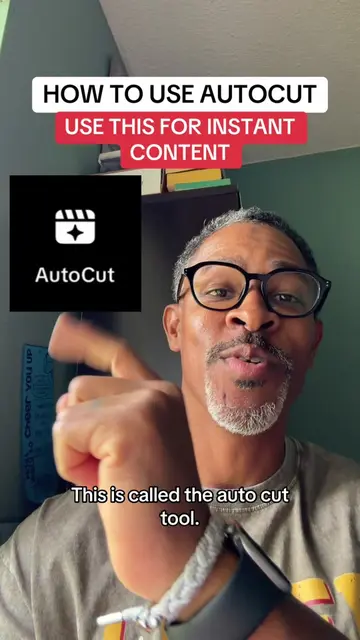
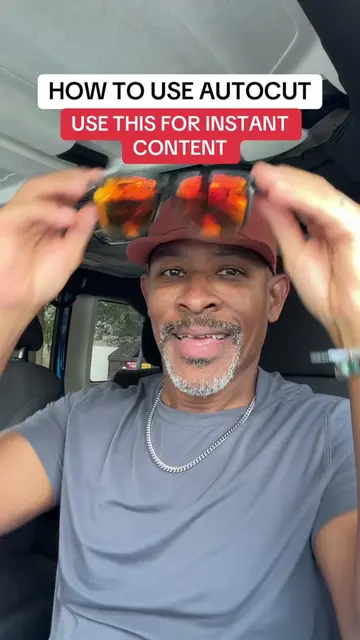
HOW TO USE AUTOCUT USE THIS FOR INSTANT CONTENT
@digitalkingship
996.3K followers · usually 14.1K views a post
Views
1.9M
Likes
12.1K
Comments
367
Shares
1.2K
Why it worked
The video leverages a new, underutilized feature on a popular platform, offering a quick and easy solution for content creation. This taps into creators' desire for efficiency and standing out in a crowded social media landscape.
Summary
This video demonstrates how to use TikTok's AutoCut feature to quickly create engaging video content from photos. The creator guides viewers through selecting photos, choosing a template, and posting the resulting video to their story for increased reach.
Structure
- 1Introduction to AutoCut and its benefits
- 2Navigating TikTok to find and use AutoCut
- 3Selecting photos and understanding the process
- 4
Original caption
AUTOCUT TUTORIAL - How to use AutoCut for instant content. #creatorsearchinsights #newfeature #tiktokupdate
More from @digitalkingship
More breakout videos from this creator.