Loading video…
Sound

original sound - minutotechpro
Wander Pereira · Original audio
0:00–:––
Playing this video’s own audio, so you’ll hear the creator over the sound.
Hook
Posted Jul 28, 2026Video · 0:17by @minutotechpro
The video addresses a common user frustration with smartphones (constantly checking the time) and provides a simple, actionable solution. The clear, step-by-step demonstration makes it easy for viewers to follow along and implement the tip on their own devices.
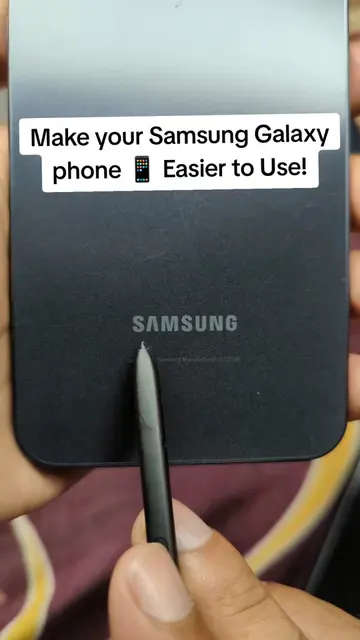
This video demonstrates how to enable the "Always On Display" feature on a Samsung phone, allowing the time to be visible without pressing the power button. The creator guides the viewer through the settings menu to activate this function.
Vc nao precisa ficar apertando o botão de ligar do seu celular só pra ver a hora. Com esse truque a hora vai sempre aparecer. #celular #dicascelular #android #samsung #tecnologia
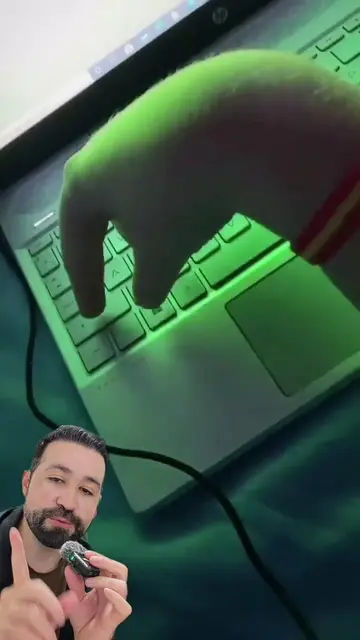
Se você é o tipo de pessoa que fica apertando o botão de ligar do seu celular só pra ver a hora
Introduction to the problem
Demonstration of the solution
Navigating to settings
Enabling Always On Display
Final result
Samsung (phone): ACTS - the phone's interface is operated to demonstrate a feature. Removing it would change what happens in the video. Always On Display (feature): ACTS - the feature is operated to demonstrate a setting. Removing it would change what happens in the video.
Playing this video’s own audio, so you’ll hear the creator over the sound.
Promotes 14 products. Create free account to see more.
Outliers and viral hits: their videos on Overshot, all time.
All time.