Loading video…
Sound

original sound - nemesis_music_sound
Nemesis_Music 🎧👽⚡️ · Original audio
0:00–:––
Playing this video’s own audio, so you’ll hear the creator over the sound.
The video demonstrates the native photo editing capabilities of an iPhone, which is a widely used product. The visual demonstration of applying various adjustments to enhance a photo, especially during sunset, appeals to users looking to improve their mobile photography.
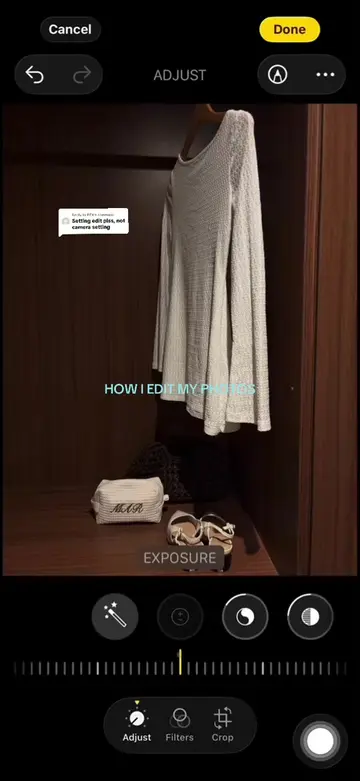
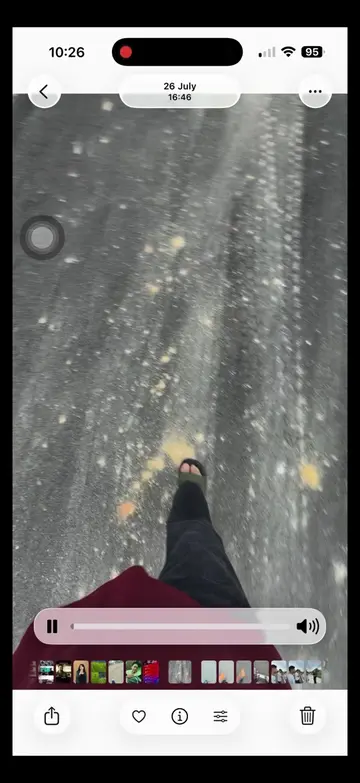
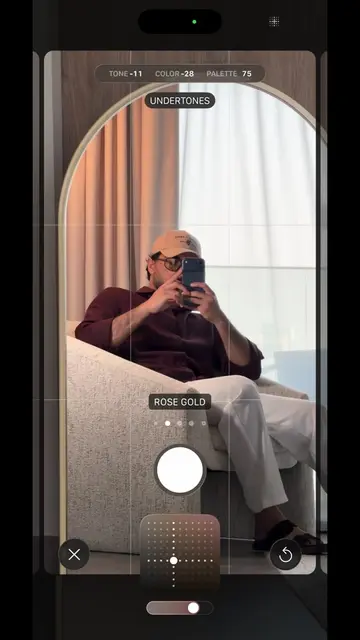
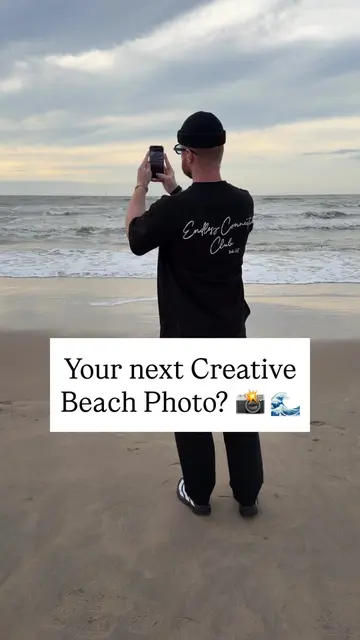
The video shows a person taking a photo with an iPhone XS and then editing it using various filters and adjustments within the phone's native photo editing app. The edits include adjusting exposure, brilliance, highlights, shadows, contrast, brightness, black point, saturation, vibrancy, warmth, tint, sharpness, definition, and vignette.
Iphone Xs portrait photo editing #iPhoneXS #VideoEditing #fyp @Kaami + Umair
iPhone XS
Taking a photo with iPhone XS
Applying filters and adjustments
Adjusting exposure
Adjusting brilliance
Adjusting highlights
Adjusting shadows
Adjusting contrast
Adjusting brightness
Adjusting black point
Adjusting saturation
Adjusting vibrancy
Adjusting warmth
Adjusting tint
Adjusting sharpness
Adjusting definition
Adjusting vignette
iPhone XS: it ACTS as a camera and editing device, its interface is operated, and it generates a visible result (edited photos). Removing it would change what happens in the video. CapCut Pro: it APPEARS as a product available for purchase, but its interface is not operated or demonstrated. Removing it would not change what happens in the video.
Playing this video’s own audio, so you’ll hear the creator over the sound.
iPhone XS - Technical Specifications — 5.8‑inch (diagonal) all‑screen OLED Multi‑Touch display
All time.
Promotes 2 products. Create free account to see more.
Outliers and viral hits: their videos on Overshot, all time.