Loading video…
Sound

original sound - aplussocials
Anna | UGC coach | A+ Socials · Original audio
0:00–:––
Playing this video’s own audio, so you’ll hear the creator over the sound.
We didn’t find a product being promoted in this video. Its hook, format and structure below still show why it took off.
Browse products winning on TikTokThe video provides a practical and efficient solution to a common problem for UGC creators, offering a clear, step-by-step tutorial that saves time and resources.
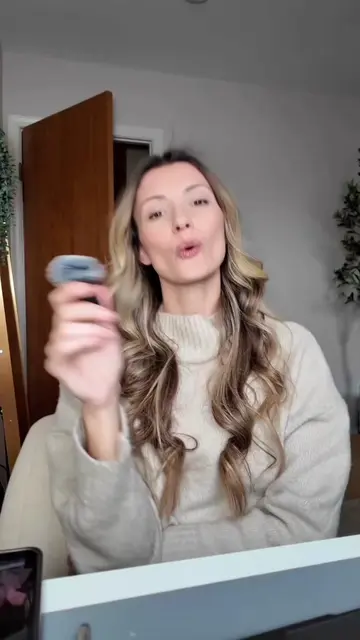
This video demonstrates how to digitally sign UGC contracts without printing. It involves taking a photo of your signature, using an app like Pixel Cut to remove the background, and then inserting the transparent signature into a document on your computer.
What’s amazing is that I will have no problem spending literal thousands of dollars on courses, mentorships, masterminds and resources to grow my business yet I absolutely REFUSE to spend $10 a month on a Docusign subscription ( no offense Docusign… ) Priorities. Clearly. In any case, if you’re a cheapskate like me - this is how you save 10 bucks a month 😂 #ugc #ugccreator #ugccontent #usergeneratedcontent #ugccommunity
How to sign UGC contracts
Sign contract without printing
Photograph signature
Edit signature with Pixel Cut
Insert signature into document
Export document
Playing this video’s own audio, so you’ll hear the creator over the sound.
Outliers and viral hits: their videos on Overshot, all time.