Loading video…
Sound

original sound - a2zmobilehouse7
A2Z Mobile House · Original audio
0:00–:––
Playing this video’s own audio, so you’ll hear the creator over the sound.
This video promotes it, but we haven’t matched it to a product page yet, so there are no product figures.
The video addresses a common pain point for iPhone users by providing a practical solution to a limitation in the native iOS settings. The clear, step-by-step demonstration makes the trick easy to follow and replicate.
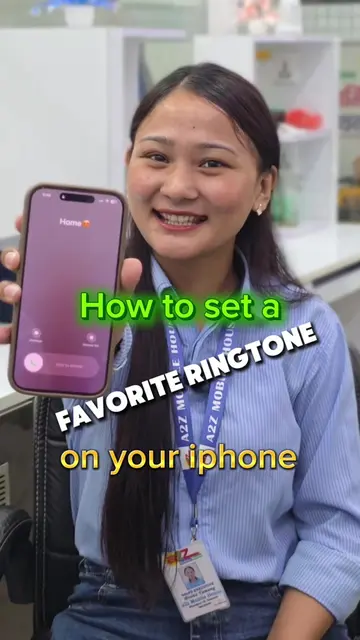
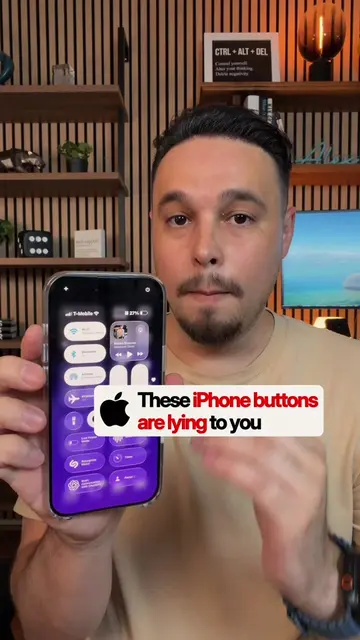
This video demonstrates how to permanently turn off Wi-Fi on an iPhone using the Shortcuts app. It guides viewers through creating a custom shortcut to achieve this functionality, which is not possible through the standard control center settings.
How to turn off wifi completely on iphone #fypシ #a2zmobilehouse #tricks #tips #iphonetricks
तपाईंको पनि iPhone मा
Introduction to the problem: Wi-Fi not permanently off
Demonstration of creating a shortcut for Wi-Fi
Adding the shortcut to the Control Center
Final demonstration of the permanent Wi-Fi off function
Call to action to follow for more tips
iPhone: ACTS - The phone's interface is operated to demonstrate a feature. Removing it would change what happens in the video. iOS: ACTS - The operating system's interface is operated to demonstrate a feature. Removing it would change what happens in the video. Shortcuts app: ACTS - The app is operated to create a new shortcut. Removing it would change what happens in the video. Wi-Fi: ACTS - The Wi-Fi function is toggled on and off. Removing it would change what happens in the video. A2Z Mobile House: APPEARS - A name tag is visible on the creator. Removing it would not change what happens in the video.
Follow our TikTok account
Playing this video’s own audio, so you’ll hear the creator over the sound.
Promotes 6 products. Create free account to see more.
Outliers and viral hits: their videos on Overshot, all time.