Loading video…
Sound

original sound - a2zmobilehouse7
A2Z Mobile House · Original audio
0:00–:––
Playing this video’s own audio, so you’ll hear the creator over the sound.
Hook
Posted Aug 31, 2026Video · 0:34by @a2zmobilehouse7
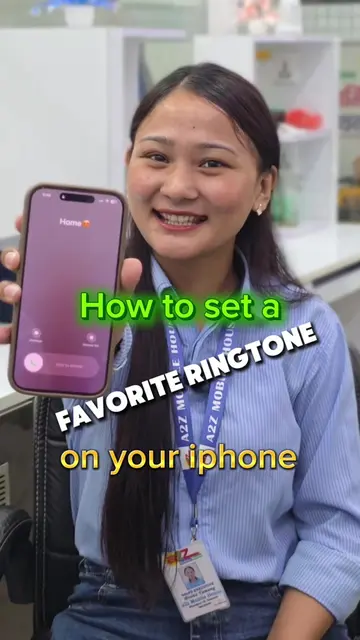
The video provides a practical and easy-to-follow tutorial for a common user problem, addressing security concerns related to Google Account access on shared devices. The clear, step-by-step instructions and visual cues make it highly shareable and useful.
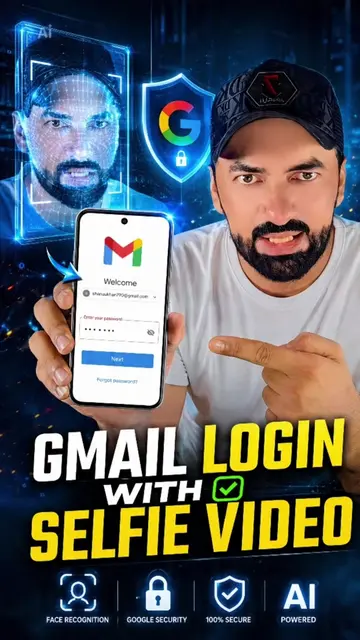
This video demonstrates how to log out of a Google Account from another person's device using your own mobile. It guides viewers through opening the Google app, accessing their account settings, navigating to security and sign-in options, and then managing their devices to sign out.
How to sign out of your Google Account if it is logged in on someone else’s device.#fypシ #a2zmobilehouse #tricks #tips
तपाईंको पनि Google ID अरु कसैको मोबाइलमा लगिन छ भने
Introduction to logging out of a Google Account on another device
Open Google app and navigate to account management
Access security and sign-in settings
View and manage logged-in devices
Sign out from a specific device
Call to action to follow for more tips
Google Account: Acts - The video demonstrates how to manage and sign out of a Google Account on other devices. Removing it would change what happens in the video. Google: Appears - The Google logo appears on screen as part of the Google Account interface. Removing it would not change what happens in the video.
Follow A2Z Mobile House on TikTok
Playing this video’s own audio, so you’ll hear the creator over the sound.
g.co
All time.
Promotes 6 products. Create free account to see more.
Outliers and viral hits: their videos on Overshot, all time.