Loading video…
All breakouts
20.6Talking HeadOther hookConsumer Apps
Hook
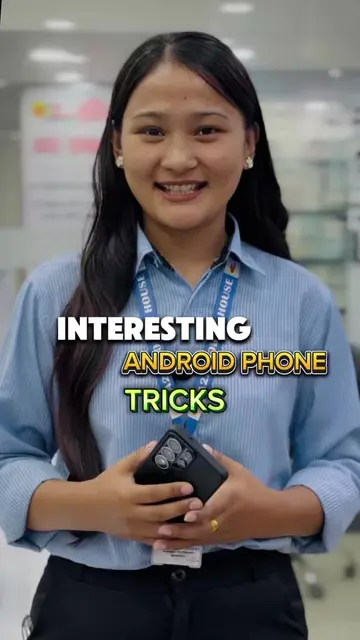
दिदी मैले मेरो आइफोनमा
@a2zmobilehouse7
883.0K followers · usually 43.8K views a post
Views
549.5K
Likes
22.4K
Comments
752
Shares
1.5K
Promoted product
iPhone
Why it worked
The video provides a practical and easy-to-follow tutorial for a common user desire: customizing iPhone ringtones. By leveraging popular platforms like Instagram and a useful tool like ReelSave.app, it offers a solution that many iPhone users would find valuable, leading to high engagement.
Summary
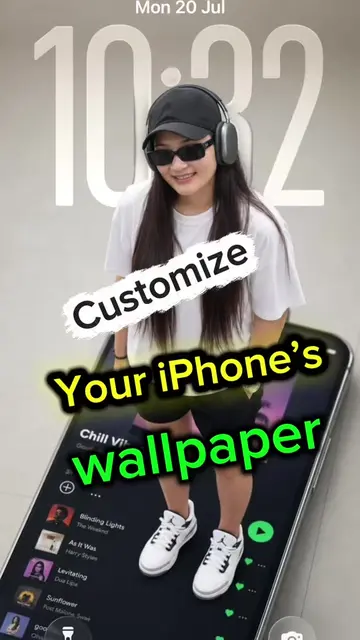
The video demonstrates how to download an Instagram reel's audio and set it as a custom ringtone on an iPhone. It shows the process of copying a reel link, using a website to download the audio, and then setting it as a ringtone through the iPhone's settings.
Structure
- 1Introduction of the problem (boring ringtone)
- 2Demonstration of setting a custom ringtone
- 3Step-by-step guide using Instagram and ReelSave.app
- 4Saving the audio file
- 5Setting the audio as a ringtone
- 6Conclusion and call to follow
Product placement
iPhone: it is used to demonstrate how to set a custom ringtone. Removing it would change what happens in the video.
Instagram: it is used to download a reel. Removing it would change what happens in the video.
ReelSave.app: it is a website used to download Instagram reels. Removing it would change what happens in the video.
A2Z Mobile House: it is a store where the video is filmed and the employees work. Removing it would not change what happens in the video.
Original caption
How to set a favorite ringtone on your iphone #fypシ #a2zmobilehouse #tricks #tips #iphonetricks
More from @a2zmobilehouse7
More breakout videos from this creator.