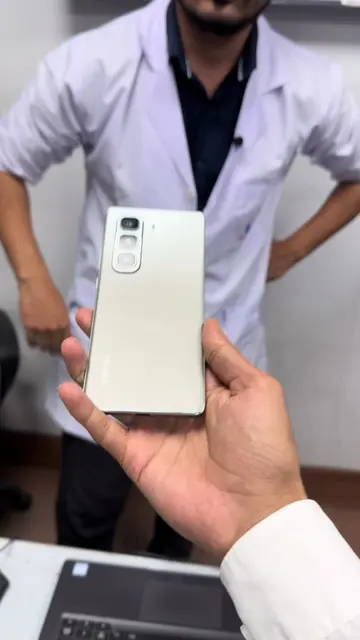
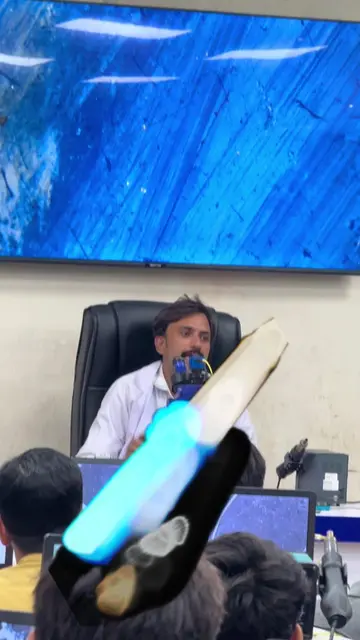
Loading video…
Sound

original sound - punjabmobilerepairing
Punjab Mobile Training Center · Original audio
0:00–:––
Playing this video’s own audio, so you’ll hear the creator over the sound.
Hook
Posted Aug 1, 2026Video · 1:08by @punjabmobilerepairing
We didn’t find a product being promoted in this video. Its hook, format and structure below still show why it took off.
Browse products winning on TikTokThe video addresses a common and frustrating problem for iPhone users who have had their screens replaced, offering a practical solution that can save them money. The clear demonstration and explanation of the "Unknown Part" message and its implications make it highly shareable and valuable content.
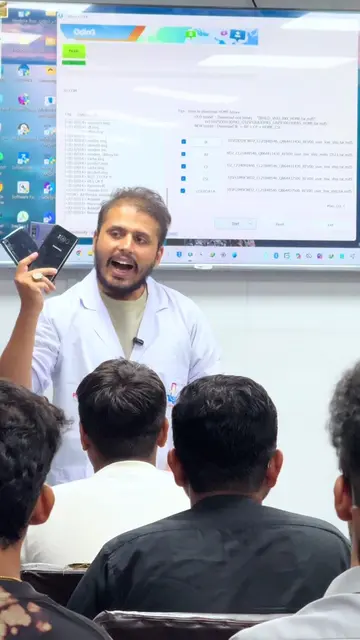
The video explains how to fix the "Unknown Part" message on an iPhone display after a replacement. It details two methods for transferring a chip from the old display to the new one to avoid the message and a potential 40% price drop on the phone.
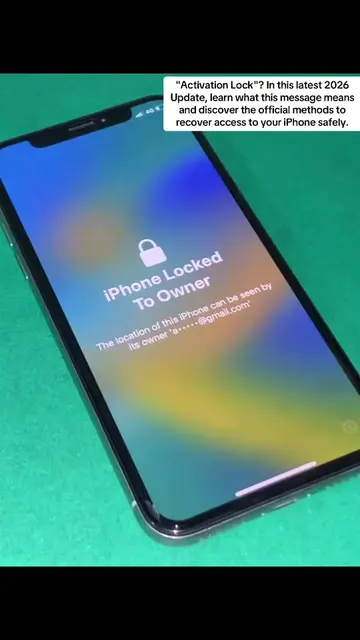
iPhone Display Message: “Unknown Part” – How to Fix If your iPhone shows “Unknown Part” or “Unable to verify this iPhone has a genuine Apple display”, it usually means the phone cannot verify the display that is installed. Common Reasons * The display has been replaced. * A non-genuine display is installed. * The display was not paired with the iPhone. * The display flex cable or connector has a problem. * The repair was not completed correctly. How to Fix It 1. Check the display connector and make sure it is properly connected. 2. Inspect the flex cable for any damage. 3. If the display is faulty, replace it with a high-quality compatible or genuine display. 4. On supported iPhone models, pair the new display with the iPhone using Apple’s official repair process. Without pairing, the “Unknown Part” message may remain even if the display works perfectly. 5. Update iOS to the latest version after the repair. 6. Test True Tone, brightness, and touch functionality before returning the phone to the customer. Important The warning is not always a hardware fault. On many newer iPhones, the message appears because Apple verifies certain replacement parts. Even a working display can show the warning if it hasn’t been officially paired. Follow for more professional mobile repairing tips and practical troubleshooting. #iPhoneRepair
iPhone Display Message: “Unknown Part” – How to Fix
Introduction to the "Unknown Part" message on iPhone displays.
Explanation of common reasons for the message.
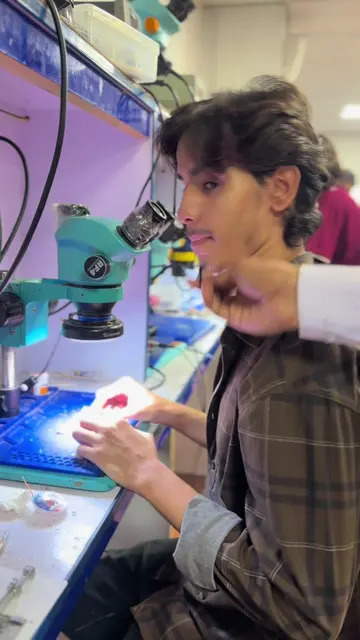
Demonstration of two methods to fix the issue: heat gun and grinding.
Explanation of the cost implications of not fixing the message.
Call to action to transfer the chip to avoid price depreciation.
The video demonstrates a repair process for iPhone displays, implying the use of specific tools and techniques for screen replacement and chip transfer. The "Unknown Part" message itself is a software-related issue tied to hardware replacement.
Playing this video’s own audio, so you’ll hear the creator over the sound.
Promotes 3 products. Create free account to see more.
Outliers and viral hits: their videos on Overshot, all time.