Loading video…
Sound

original sound - ahmad_studio_1
𝕋𝕙𝕖 𝔸𝕙𝕞𝕒𝕕 𝕊𝕥𝕦𝕕𝕚𝕠 · Original audio
0:00–:––
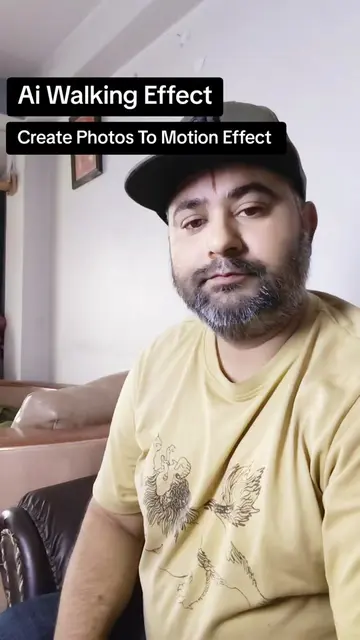
The video provides a quick and easy tutorial for a trending AI effect, directly addressing a common user desire to create engaging video content from static images with minimal effort. The clear, step-by-step demonstration on a familiar platform like TikTok makes it highly accessible and shareable.
This video demonstrates how to convert a static photo into a walking video using the 'AI Walking Effect' filter on TikTok. The tutorial guides viewers through opening TikTok, searching for the effect, selecting a photo, and then saving or posting the generated video.
Day 10 | Ai Walking Effect Tiltok #videoediting #tutorials #viral #fyp
Aj me ap ko sikhou ga
Introduction to photo-to-video conversion using AI
Open TikTok and search for 'AI Walking Effect'
Select a photo to apply the effect
Wait for the video generation
Save or post the resulting video
Call to action: comment and follow for more tutorials
TikTok: This is the app where the video is being created and demonstrated. Removing it would change the entire video. It acts as the platform for the demonstration. AI Walking Effect: This is a filter/effect within TikTok that is used to convert a photo into a video. Removing it would mean the core function of the video (photo to video conversion) cannot be performed. It acts.
FOLLOW
Promotes 2 products. Create free account to see more.
Outliers and viral hits: their videos on Overshot, all time.
TikTok effect that turns photos into walking videos for TikTok users
All time.