Loading video…
All breakouts 4 videos3 creators
37.5App DemoOther hookCreator Economy
Hook
AI Walking
@pepe.genius.music1
1.2M followers · usually 7.1K views a post
Views
153.4K
Likes
7.5K
Comments
156
Shares
1.8K
Promoted product
AI Walking Effect
Why it worked
The video taps into a trending AI effect on TikTok, providing a clear and concise tutorial that is easy for users to follow. This combination of trendiness and practical instruction likely drove engagement and shares.
Summary
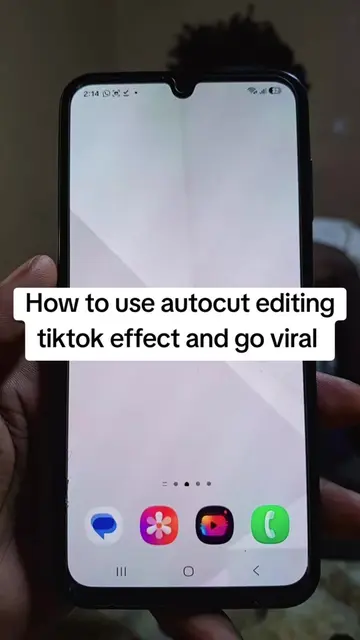
The creator demonstrates how to find and use the "AI Walking" effect on TikTok to transform a photo into a video. The tutorial guides viewers through searching for the effect, selecting a photo, and applying the effect to create a walking animation.
Structure
- 1Open TikTok and search for "AI Walking" effect
- 2Select a photo to apply the effect
- 3Use the "AI Walking" effect to create a video
- 4Encourage viewers to like and follow for more tutorials
Product placement
TikTok: it ACTS as the platform where the creator searches for and uses an AI effect. Removing it would change what happens in the video. CapCut: it APPEARS as an app icon on the phone's home screen. Removing it would not change what happens in the video. TikTok: it APPEARS as an app icon on the phone's home screen. Removing it would not change what happens in the video.
Original caption
#creatorsearchinsights How to use ai walking effect for photo to video on tiktok
More from @pepe.genius.music1
More breakout videos from this creator.