Loading video…
Sound

original sound - pames.jawl
James Paul TikTok Growth · Original audio
0:00–:––
Playing this video’s own audio, so you’ll hear the creator over the sound.
This video promotes it, but we haven’t matched it to a product page yet, so there are no product figures.
The video provides a clear, concise, and actionable tutorial on a novel and engaging feature within a popular platform. The step-by-step format, combined with the visual demonstration and the promise of quick, creative results, makes it highly shareable and useful for users looking to leverage new tools.
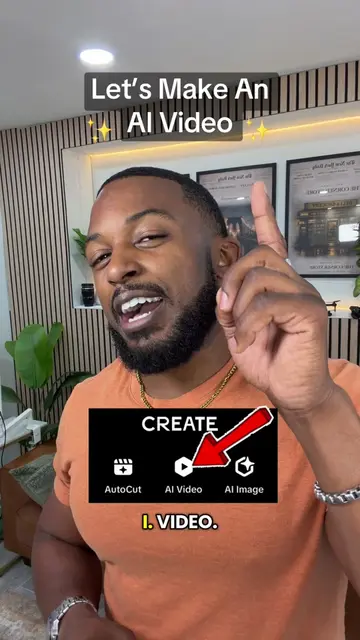
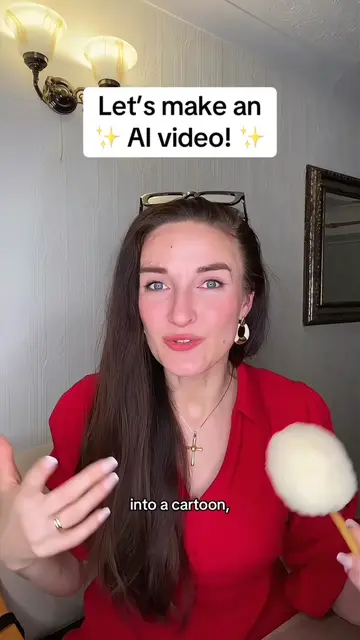
This video demonstrates how to use TikTok's AI video feature to transform a single photo into an animated video. It guides viewers through the process of uploading a photo, describing the desired animation in a prompt, and optionally adding sound.
Turn a photo into an AI video on TikTok in minutes. Here’s the step-by-step using TikTok’s AI Video feature. Save this tutorial for later! #TikTokTips #TikTokAI #AIVideo #TikTokTutorial
TikTok can turn ONE photo into an AI video
Introduction to TikTok's AI video feature
Step-by-step guide to creating an AI video from a photo
Explaining the prompt and its importance
Adding sound to the AI video
Options for posting the video
Call to action to save and follow
TikTok (app): The video demonstrates how to use TikTok's AI video feature to turn a photo into a video. This is the primary function being shown and used, so removing it would fundamentally change the video. It ACTS.
Save this video, follow me for more TikTok featured tutorials and tips that actually work!
Playing this video’s own audio, so you’ll hear the creator over the sound.
Promotes 5 products. Create free account to see more.
Outliers and viral hits: their videos on Overshot, all time.