Loading video…
All breakouts 33 videos14 creators
332App DemoHow-To hookEducation
Hook
HOW TO FAKE BRUSH PRESSURE IN IBISPAINT X 👀
@zahraluthfika
6.8K followers · usually 2.1K views a post
Views
541.1K
Likes
41.8K
Comments
251
Shares
1.9K
Promoted product
ibisPaint X
Drawn with + ibisPaint
Why it worked
The video provides a practical and accessible art hack for a popular digital art application, addressing a common pain point for artists who may not have pressure-sensitive styluses.
Summary
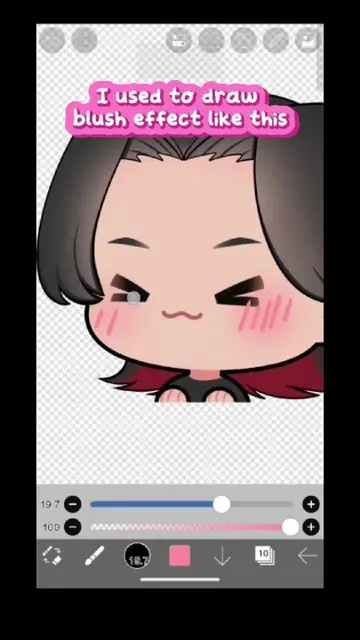
This video demonstrates how to fake brush pressure in IbisPaint X to create smoother line art. The creator uses the app's tools to adjust line thickness and anti-aliasing, showing a technique that doesn't require a pressure-sensitive stylus.
Structure
- 1Demonstrate faking brush pressure in IbisPaint X
- 2Adjust brush width and anti-aliasing
- 3Show the resulting line art
- 4Encourage saving the tutorial
Product placement
IbisPaint X: ACTS - it is an art application that the creator uses to demonstrate drawing techniques. Removing it would change what happens in the video.
Zahra Luthfi: APPEARS - it is a watermark/signature on the drawing. Removing it would not change what happens in the video.
Original caption
HOW TO FAKE BRUSH PRESSURE IN IBISPAINT X 👀 No pressure sensitivity? I got you! ✨ This quick IbisPaint X tutorial shows you a simple trick to fake brush pressure and create smoother, more dynamic lineart. Perfect for beginners or anyone drawing without a pressure sensitive stylus ✨ Save this for later! 💖 #ibispaintx #digitalart #arthack #drawingtips #artistsoftiktok
More from @zahraluthfika
More breakout videos from this creator.