Loading video…
Sound

original sound - zahraluthfika
zahraluthfika🌻| illustrator · Original audio
0:00–:––
Playing this video’s own audio, so you’ll hear the creator over the sound.
The video provides a clear, step-by-step tutorial on a specific digital art technique, using a popular and accessible app. The visual demonstration and the promise of making accessories look more realistic appeal to aspiring digital artists.
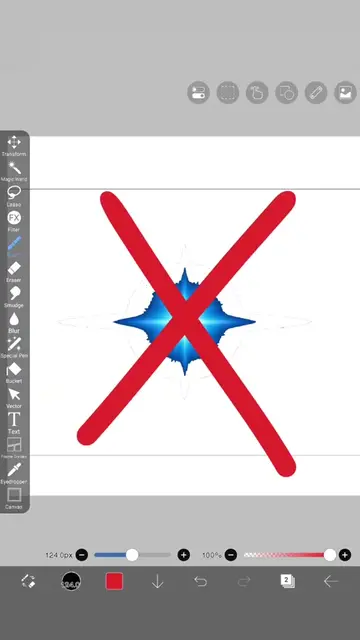
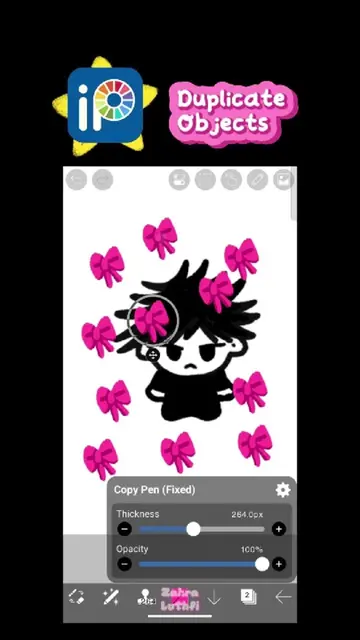
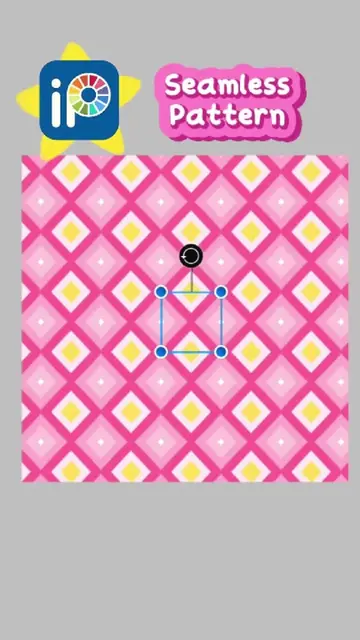
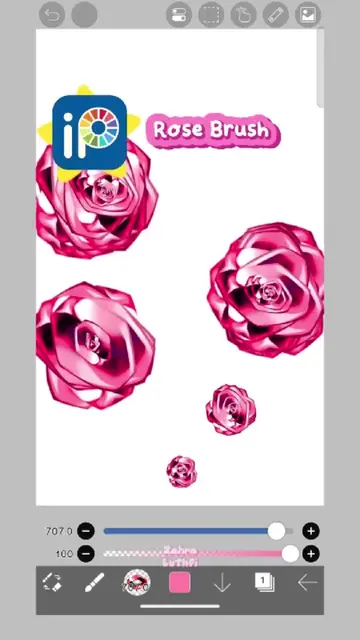
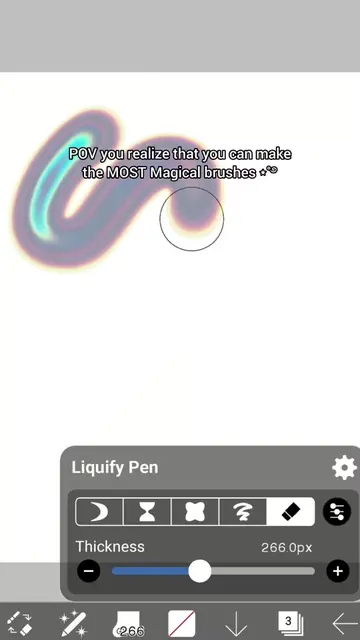
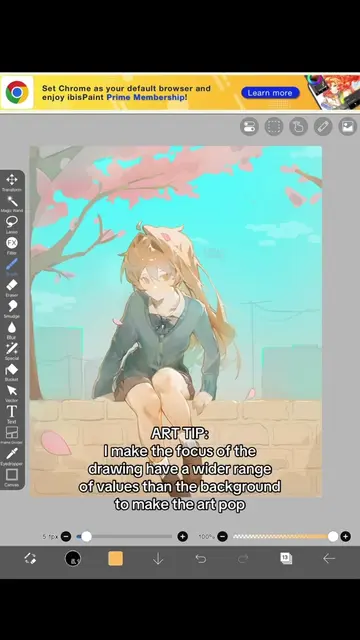
This video demonstrates how to draw a 3D hair clip using the IbisPaint X application. It shows the process of adding colors, shading, and highlights to create a realistic effect on the accessory.
HOW TO DRAW A 3D HAIR CLIP IN IBISPAINT X ✨ Want your accessories to look more realistic? 🎀 Learn how to draw a simple 3D hair clip in IbisPaint X with easy shading and highlights. A beginner friendly tip to make your character illustrations stand out ✨ Save this for later! #ibispaintx #ibispaintxtutorial #digitalarttutorial #drawingtips #arttips
3D Hairclip
Introduction of the 3D hairclip concept
Demonstration of drawing the hairclip base
Adding pink and yellow colors to the shapes
Applying shading and highlights for a 3D effect
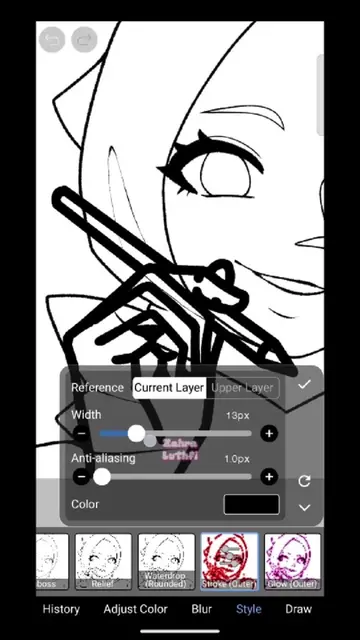
Applying a 'Waterdrop (Rounded)' style effect
Finalizing the 3D hairclip illustration
IbisPaint X ACTS: it is used to draw and edit a 3D hairclip, generating a visible result. Removing it would change what happens in the video. iOS APPEARS: it is the operating system on which IbisPaint X is running. Removing it would not change what happens in the video.
Playing this video’s own audio, so you’ll hear the creator over the sound.
Promotes 1 product. Create free account to see more.
Outliers and viral hits: their videos on Overshot, all time.
Digital drawing app for illustrators and artists
All time.