Loading video…
Sound

original sound - zahraluthfika
zahraluthfika🌻| illustrator · Original audio
0:00–:––
Playing this video’s own audio, so you’ll hear the creator over the sound.
The video provides a quick, visual tutorial on a specific art technique within a popular digital art app, offering a practical tip that is easily digestible and shareable.
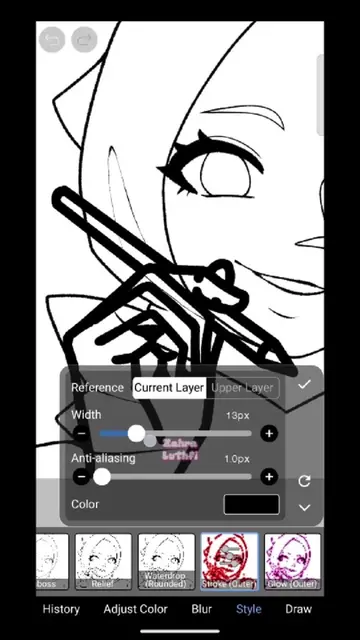
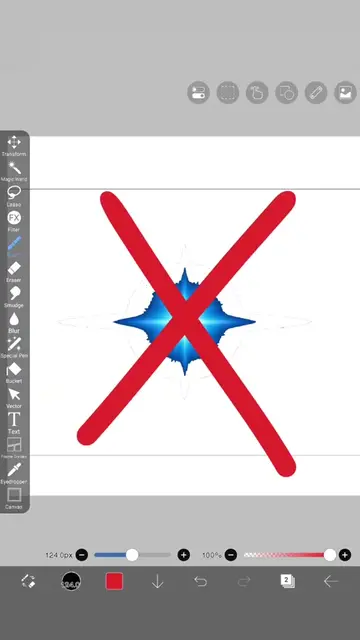
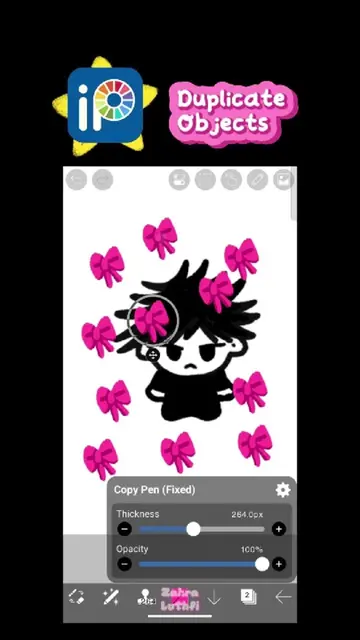
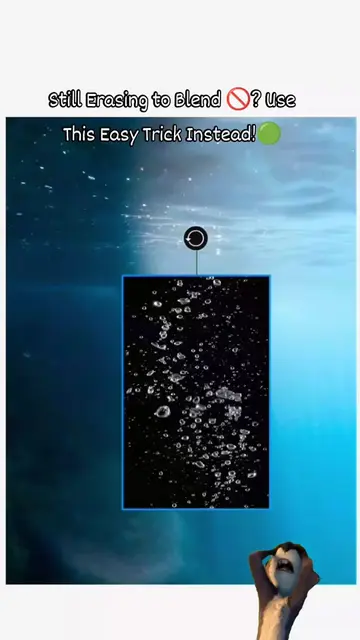
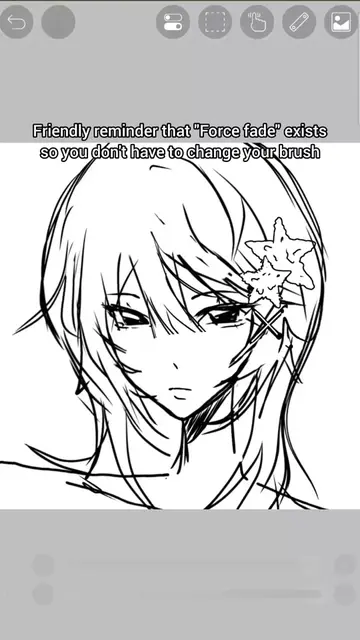
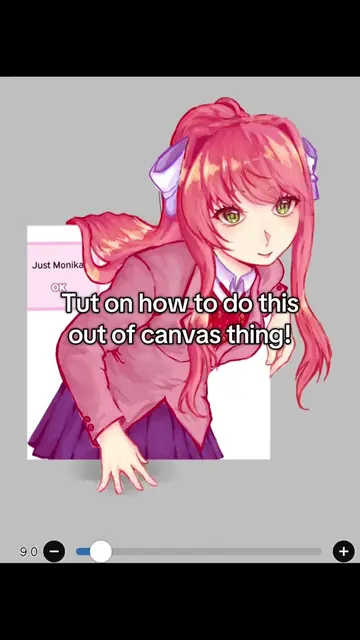
The video demonstrates how to create a blush effect in digital art using the 'Moving Blur' filter within the IbisPaint X app. It shows a previous method and then introduces a new, improved trick for a softer blush.
HOW TO DRAW A BLUSH EFFECT WITH MOVING BLUR IN IBISPAINT X ✨ Want to make your character look softer and cuter? 🌸 Learn how to create a smooth blush effect using the Moving Blur filter in IbisPaint X. A simple trick that adds more depth and charm to your digital art ✨ Save this for later!💖 #ibispaintx #ibispaintxtutorial #digitalarttutorial #drawingtips #arttips
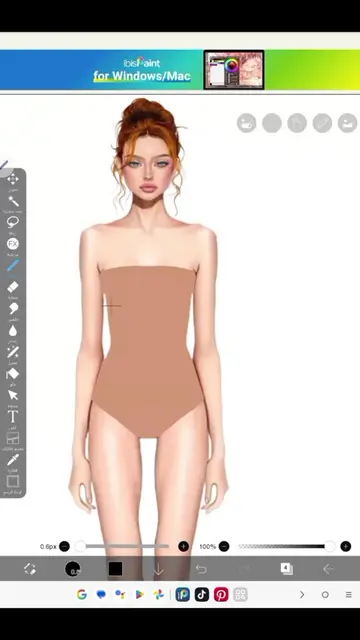
I used to draw blush effect like this
Demonstrates old blush effect method
Introduces new blush effect trick
Applies 'Moving Blur' filter
Shows final result
Calls to follow for more tricks
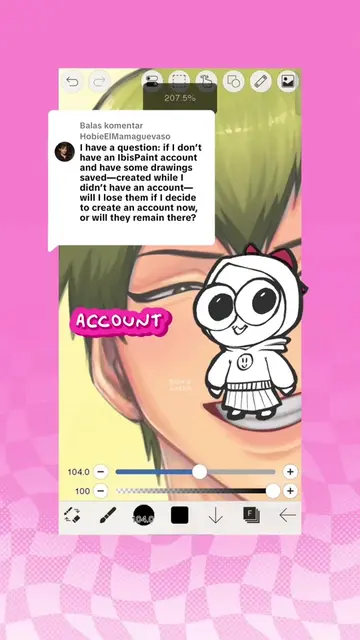
IbisPaint X: an app used for digital drawing and editing. It ACTS by providing tools to create digital art, including filters like 'Moving Blur' which are used in this video to demonstrate a blush effect. Removing it would change what happens in the video.
Follow for more tricks!
Playing this video’s own audio, so you’ll hear the creator over the sound.
Promotes 1 product. Create free account to see more.
Outliers and viral hits: their videos on Overshot, all time.
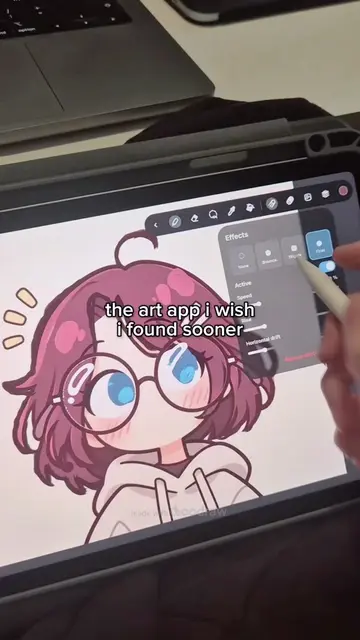
Digital drawing app for illustrators and artists
All time.