Loading video…
Sound

original sound - zahraluthfika
zahraluthfika🌻| illustrator · Original audio
0:00–:––
Playing this video’s own audio, so you’ll hear the creator over the sound.
The video provides a clear, concise, and visually guided tutorial on a specific function within a popular art application, addressing a common user need and offering practical advice.
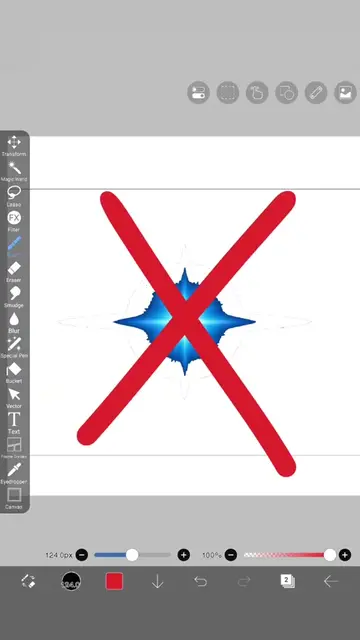
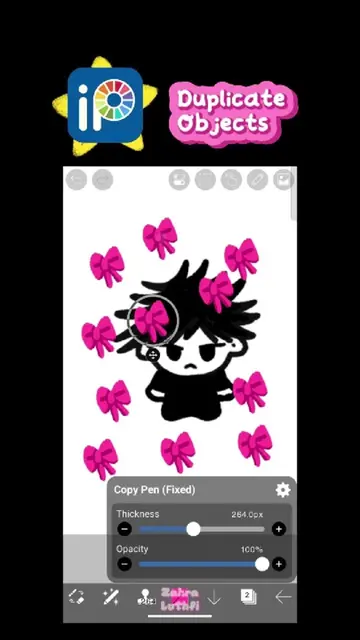
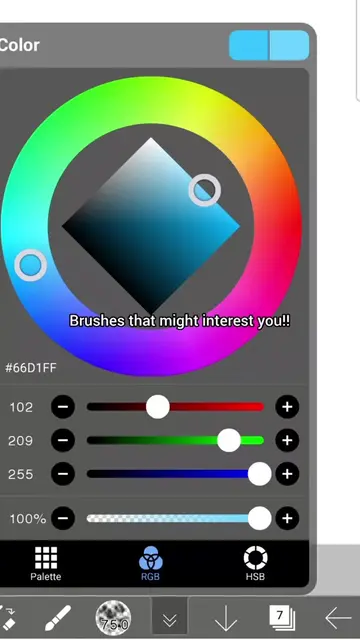
This video demonstrates how to import QR brushes into the ibisPaint X application. It guides the user through selecting the import option, choosing a QR code from their photos, and confirming the import, while also explaining limitations for non-premium members.
GOT A BRUSH QR CODE? HERE'S HOW TO IMPORT IT IN IBISPAINT X ⭐ Found a brush QR code but not sure how to use it? 👀 This quick IbisPaint X tutorial shows you how to import custom brushes in just a few taps. Perfect for beginners who want to expand their brush collection and try new art styles ✨ Save this for later! 💖 #ibispaintx #ibispaintxtutorial #digitalarttutorial #custombrush #arttips
How to Import QR Brushes
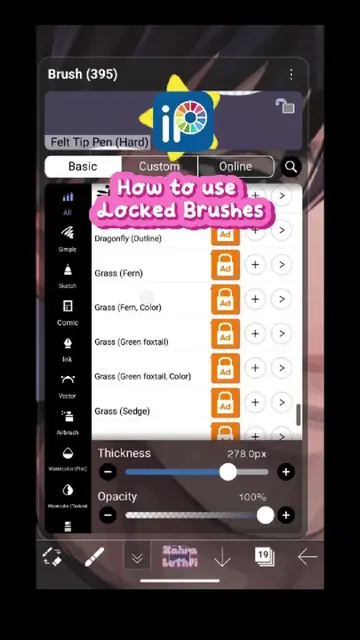
Showcase the app's logo and title card.
Navigate to the brush import function.
Select a QR code from the photo library.
Confirm brush import and acknowledge premium member limitations.
Show the imported brush and demonstrate its use.
Display a call to action for more tips.
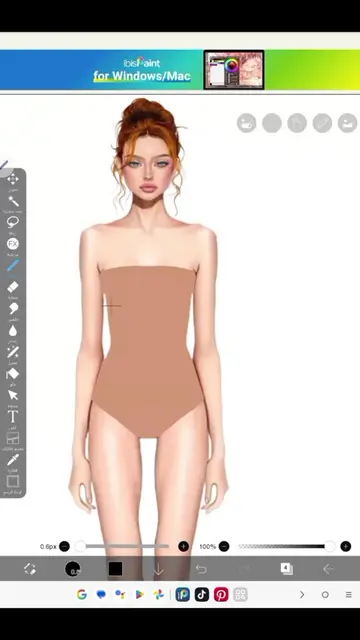
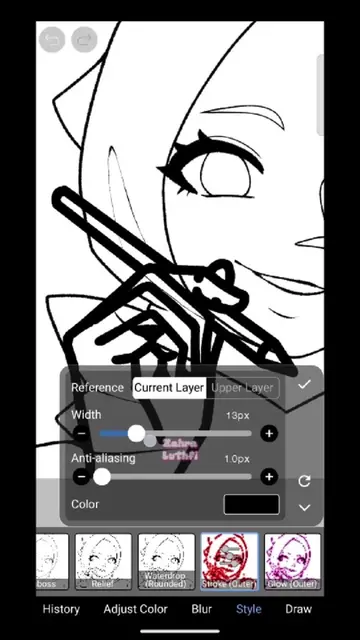
ibisPaint X: ACTS - it is the application used to import QR brushes. Removing it would change what happens in the video. It is the primary tool used in the video. The app itself is the subject of the tutorial. The app's logo appears in the corner, which merely APPEARS and does not change what happens in the video.
Playing this video’s own audio, so you’ll hear the creator over the sound.
Promotes 1 product. Create free account to see more.
Outliers and viral hits: their videos on Overshot, all time.
Digital drawing app for illustrators and artists
All time.