Loading video…
Sound

original sound - zahraluthfika
zahraluthfika🌻| illustrator · Original audio
0:00–:––
Playing this video’s own audio, so you’ll hear the creator over the sound.
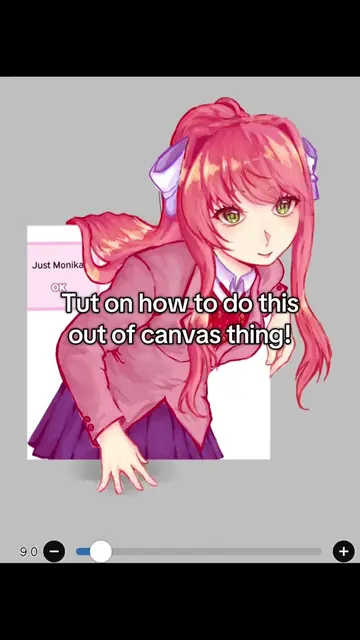
The video provides a quick and practical tutorial for a specific feature within a popular art app, addressing a common need for digital artists to efficiently replicate elements in their work.
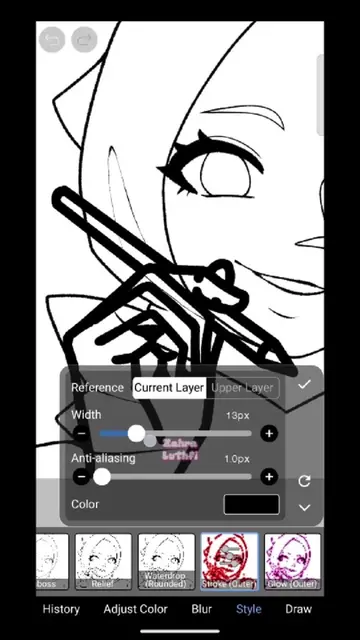
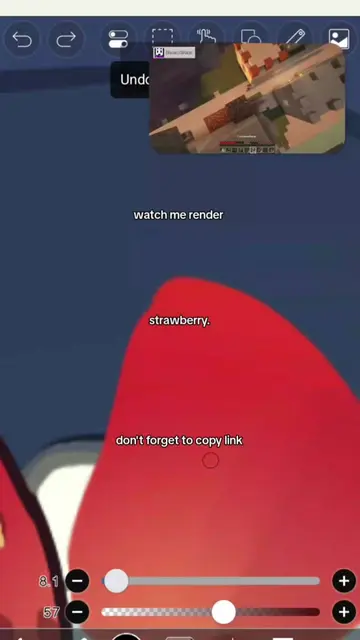
The video demonstrates how to use the "Copy Pen (Fixed)" tool in IbisPaint X to quickly duplicate objects, specifically pink ribbons, and place them around a character. The creator shows the process of drawing a ribbon, then using the tool to replicate it multiple times across the canvas.
HOW TO DUPLICATE OBJECTS FAST USING THE COPY PEN IN IBISPAINT X ✨ Need to copy an object quickly in IbisPaint X? Use the Copy Pen to duplicate details, decorations, or repeated elements in just a few strokes 👀 A useful IbisPaint X trick for faster digital drawing and cleaner illustrations. Save this tutorial for later ✨ #ibispaintx #ibispaintxtutorial #digitalarttutorial #drawingtips #arttips
Duplicate Objects
Introduce the concept of duplicating objects
Draw a ribbon
Demonstrate using the Copy Pen tool
Duplicate the ribbon multiple times
Show the final result with many ribbons
IbisPaint X: an app used for digital drawing and illustration. It ACTS by allowing the user to draw, edit, and manipulate digital art. Removing it would change what happens in the video. Instagram.com/zl.ka: a social media profile. It merely APPEARS as the creator's bio link. Removing it would not change what happens in the video.
Playing this video’s own audio, so you’ll hear the creator over the sound.
Promotes 1 product. Create free account to see more.
Outliers and viral hits: their videos on Overshot, all time.
Digital drawing app for illustrators and artists
All time.