Loading video…
Sound

original sound - n0stalgic_audi0s
n0stalgic_audi0s · Original audio
0:00–:––
- Videos using it
- 11
- Creators
- 6
- Views on those videos
- 12.3M
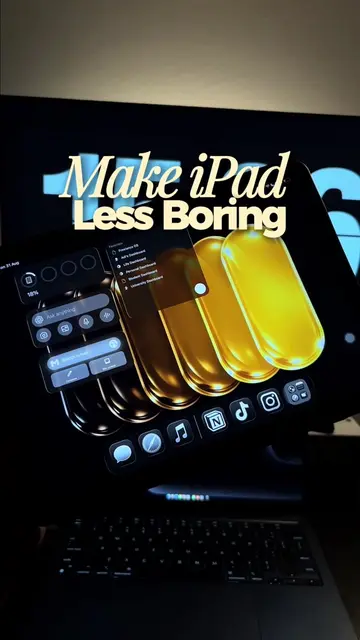
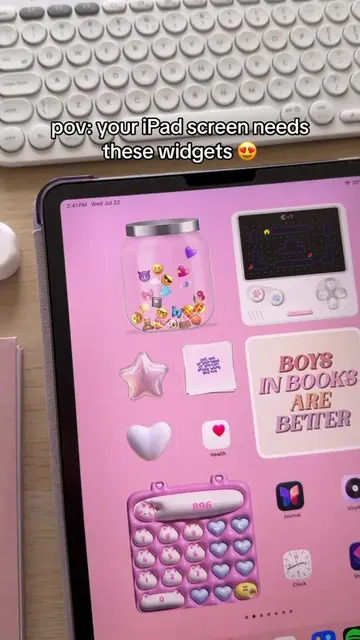
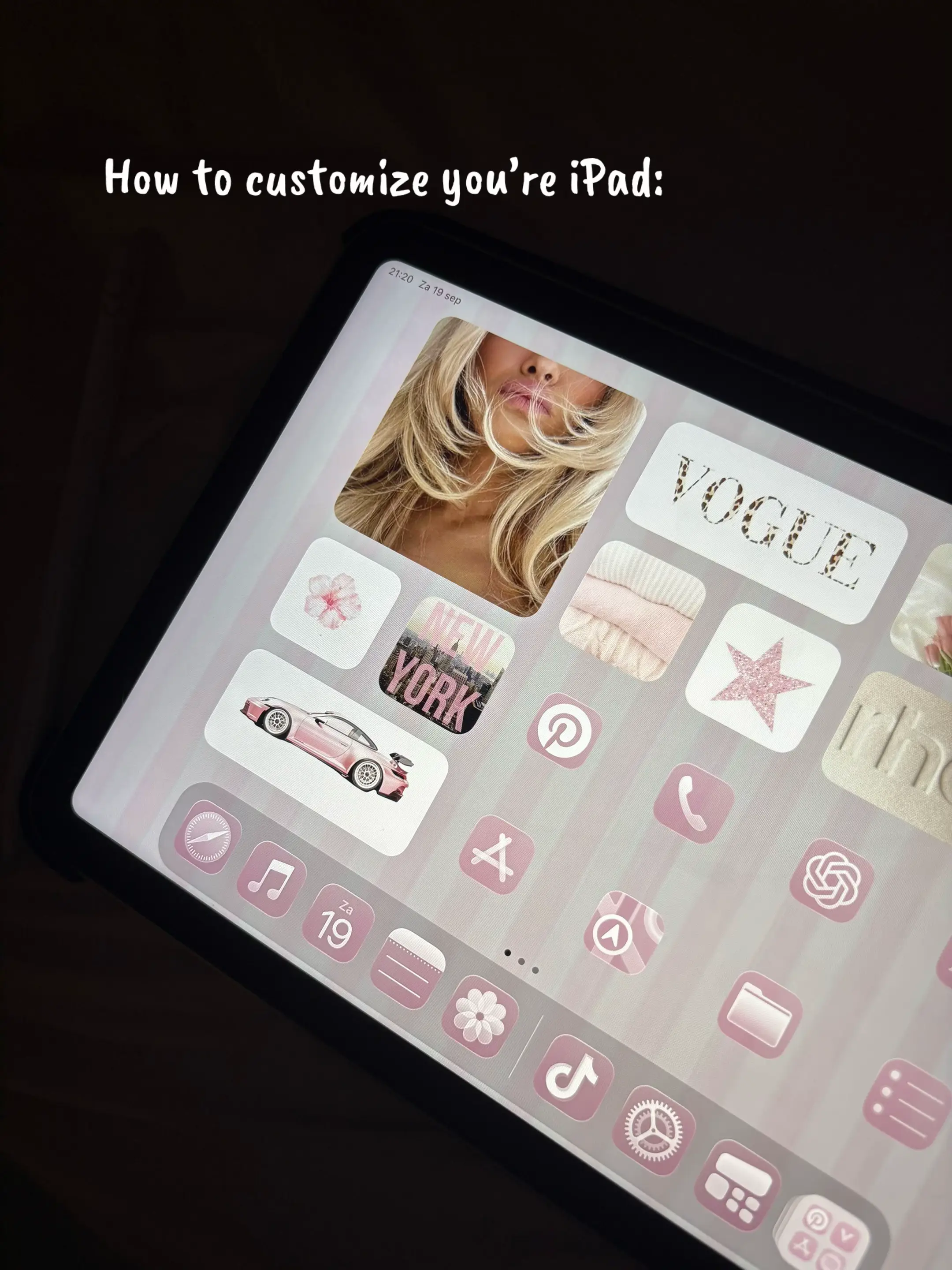
The video taps into the popular trend of aesthetic customization for devices, particularly iPads, by offering a visually appealing and easy-to-follow tutorial for a niche app that allows for personalized control center designs.
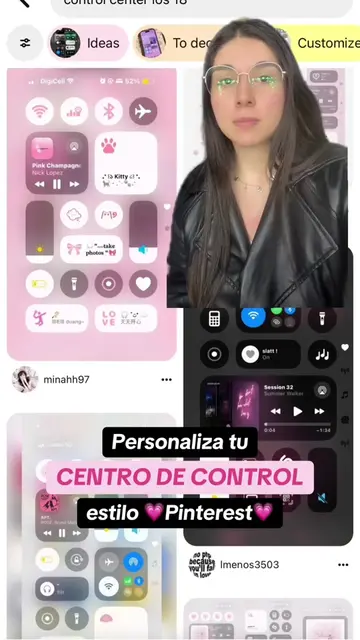
This video demonstrates how to customize an iPad's control center using the Mico Widget app. It shows users how to open the app, browse various cute icon options, select favorites, and add them as controls to their iPad's control center.
love customizing my ipad ~ #日常 #quietlife #micowidget #ipadcustomization #minivlog @mico_widget
cute control center
Opening the Mico Widget app
Browsing and selecting custom icons
Saving and adding controls
Adjusting and customizing the control center layout
Finalizing the customized control center
Mico Widget (ACTS - it is an app that allows users to customize their iPad control center icons and functions, and its interface is operated throughout the video. Removing it would change what happens in the video.)
Promotes 3 products. Create free account to see more.
Outliers and viral hits: their videos on Overshot, all time.
Phone customization app for adding widgets, wallpapers and custom icons
All time.