Loading video…
Sound

original sound - moessmart_official
moes · Original audio
0:00–:––
Playing this video’s own audio, so you’ll hear the creator over the sound.
The video effectively showcases a practical product installation, appealing to users interested in smart home technology. The clear, step-by-step demonstration without excessive commentary makes it easy to understand the product's function and setup process.
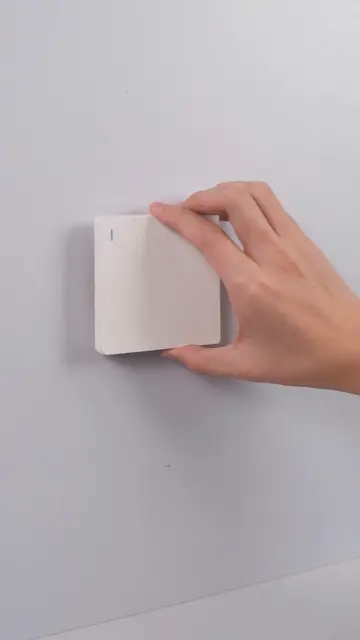
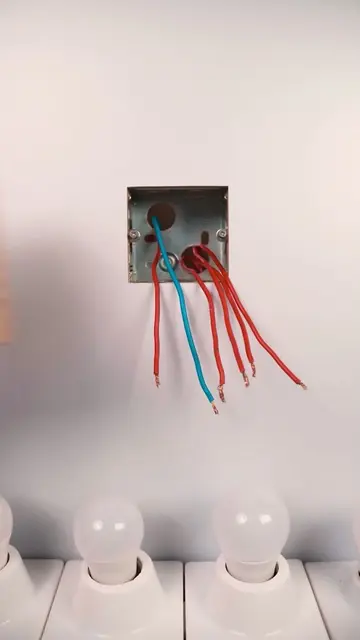
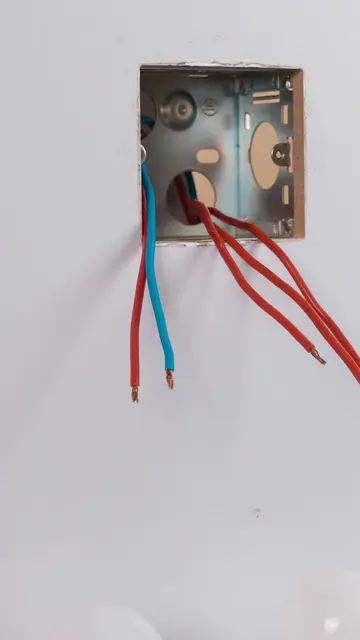
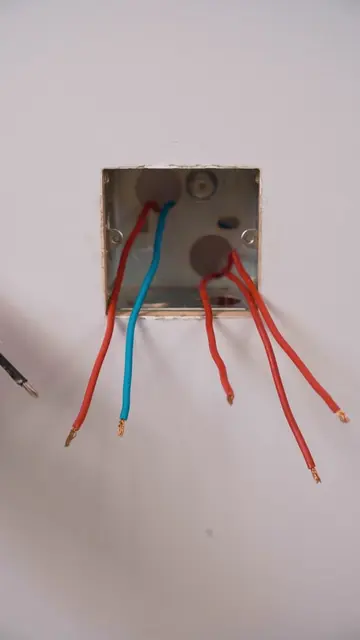
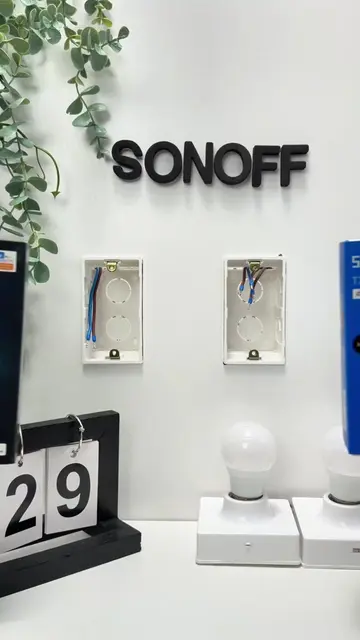
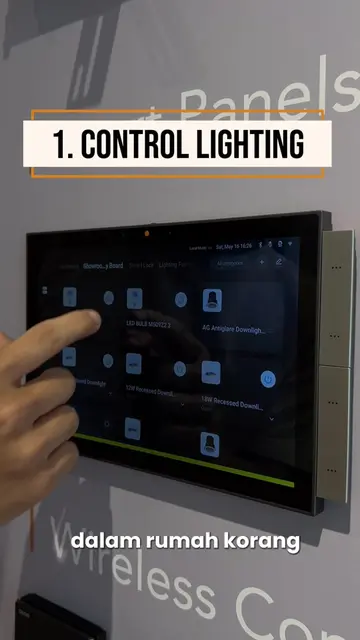
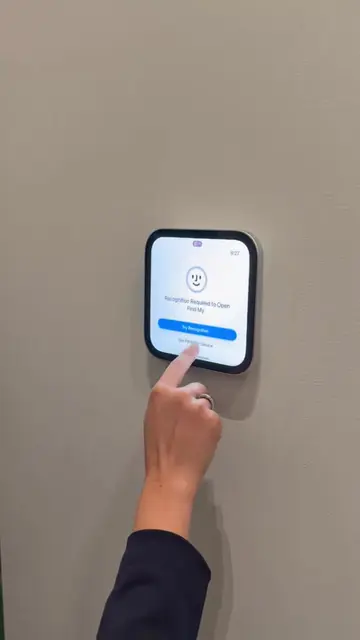
The video demonstrates the installation and initial setup of the MOES Smart Control Panel. It shows unboxing, physical installation into a wall socket, and the device powering on and connecting to a network.
lights, scenes, devices… all from this one screen? okay then #moes #smart #smarthome #smartliving #smartcontrol
MOES Smart Control Panel
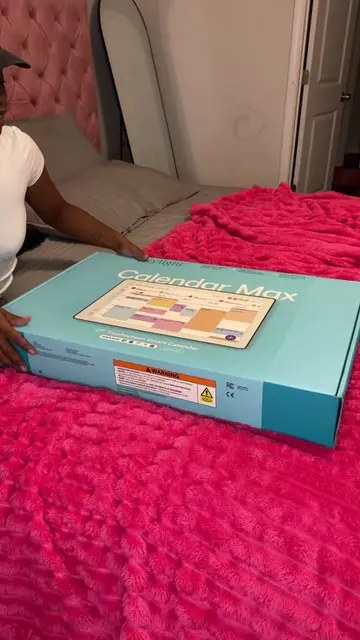
Unboxing the MOES Smart Control Panel
Removing the protective film
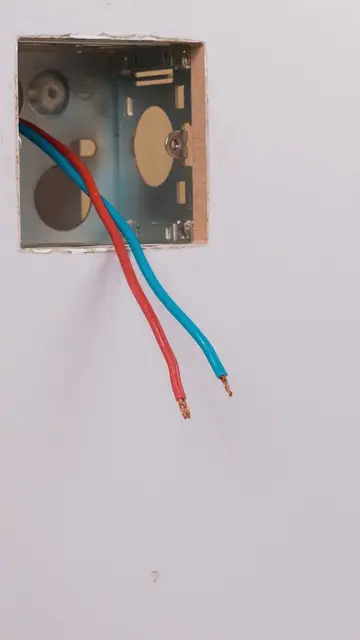
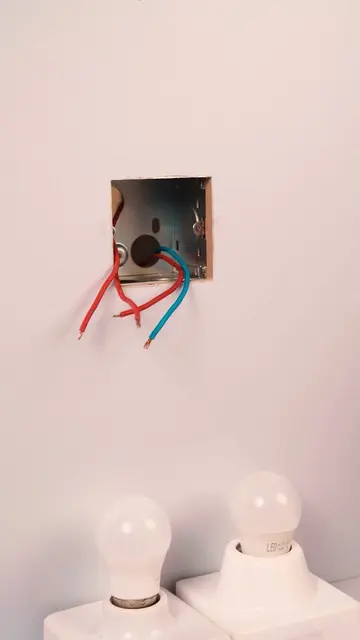
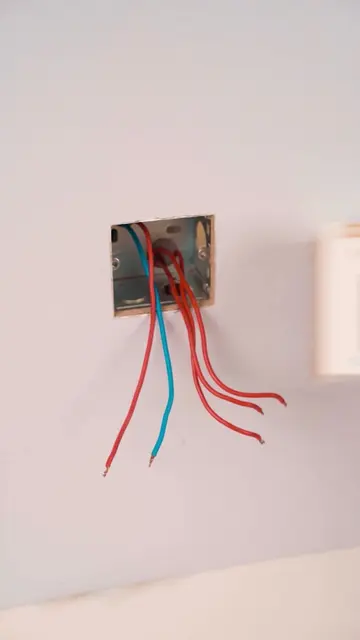
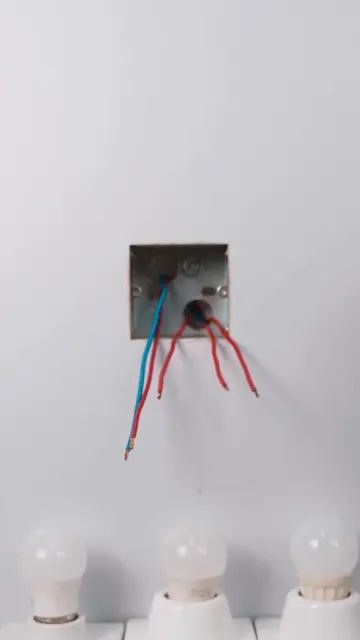
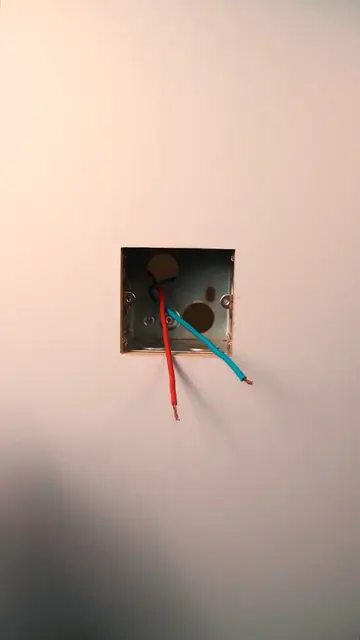
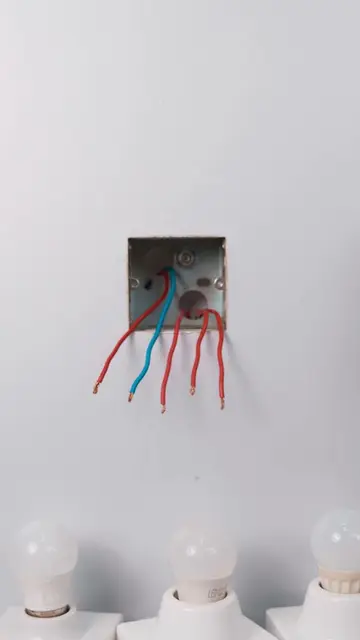
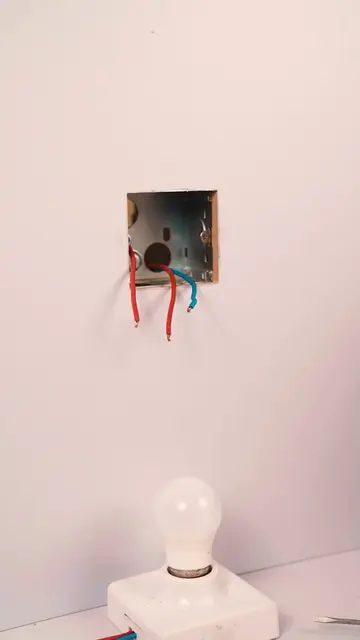
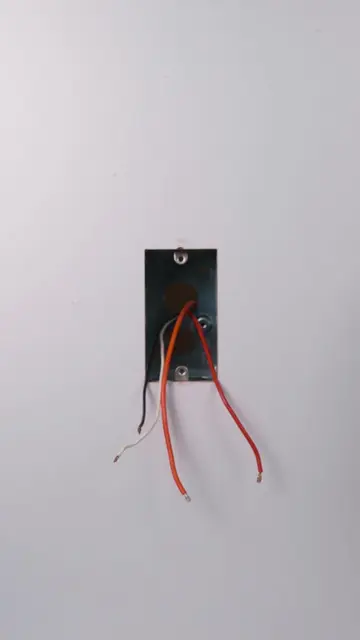
Installing the panel into the wall
Connecting wires
Powering on and initial setup screen
Navigating the interface
MOES Smart Control Panel: ACTS - it is the central device being installed and demonstrated to control smart home devices. Removing it would change the video's entire purpose. Tuya: APPEARS - it is a logo on the product packaging, indicating compatibility or platform, but it does not ACT in the video. Removing it would not change what happens. Alexa built-in: APPEARS - it is a feature listed on the packaging, indicating compatibility, but it does not ACT in the video. Removing it would not change what happens.
Playing this video’s own audio, so you’ll hear the creator over the sound.
Promotes 1 product. Create free account to see more.
Outliers and viral hits: their videos on Overshot, all time.
Smart touchscreen control panel for managing lights and other connected home devices
All time.