Loading video…
Sound

original sound - moessmart_official
moes · Original audio
0:00–:––
The video effectively demonstrates a practical, step-by-step installation and setup process for a smart home device, appealing to users looking for clear instructions and a visually straightforward product. The native mention format, where the product is the clear subject without an overt sales pitch, makes it feel more authentic and less like a traditional advertisement.
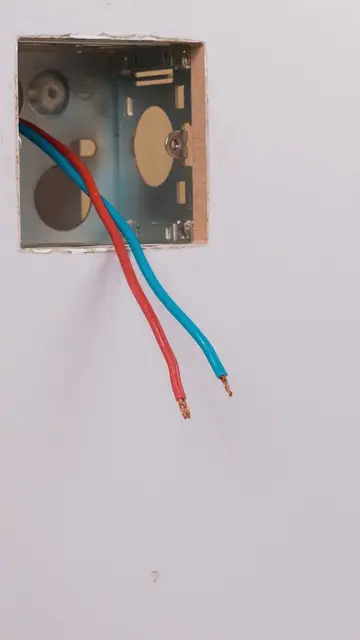
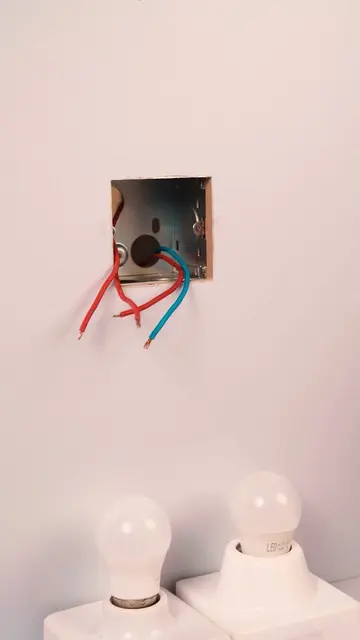
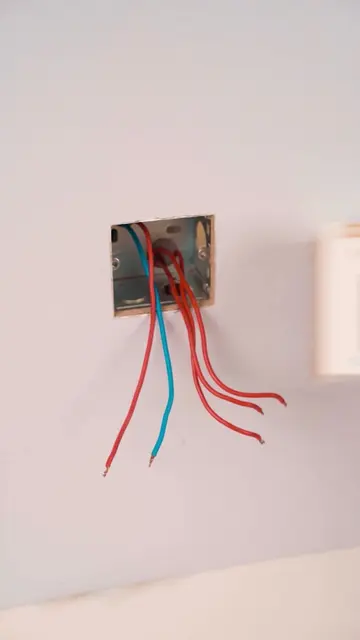
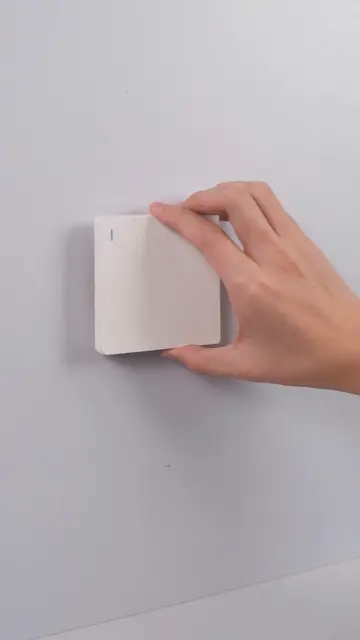
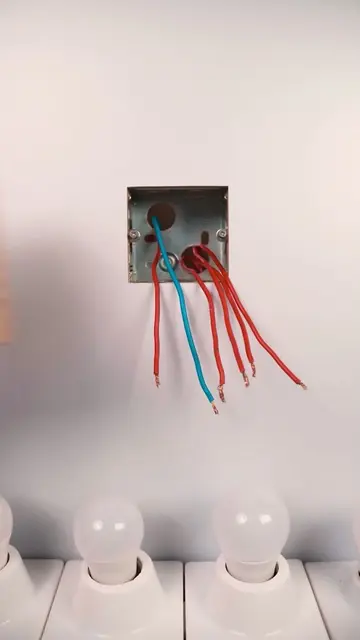
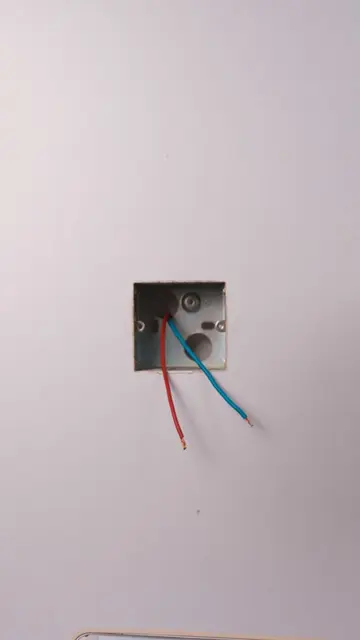
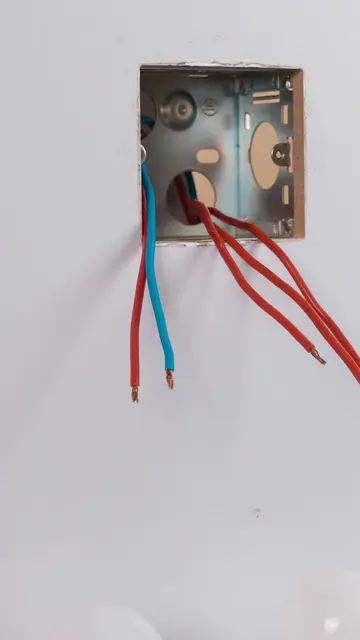
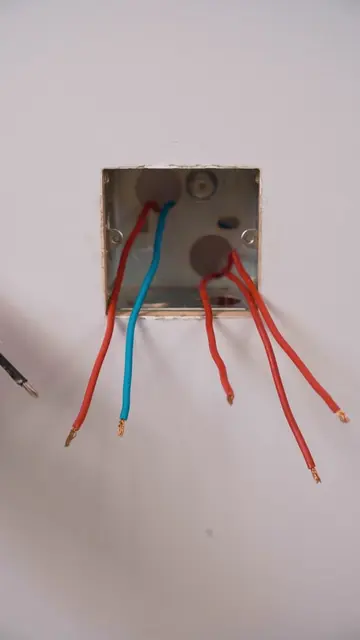
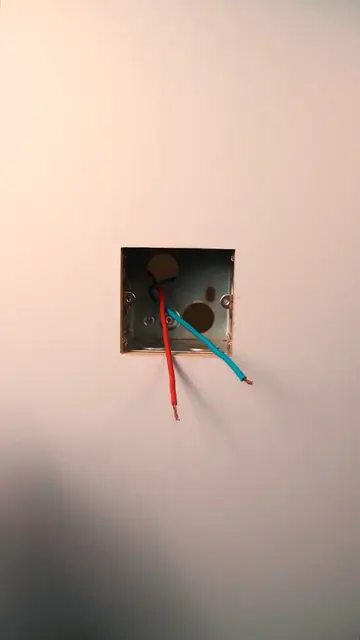
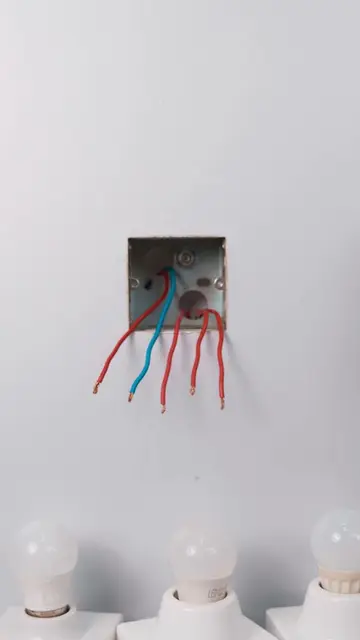
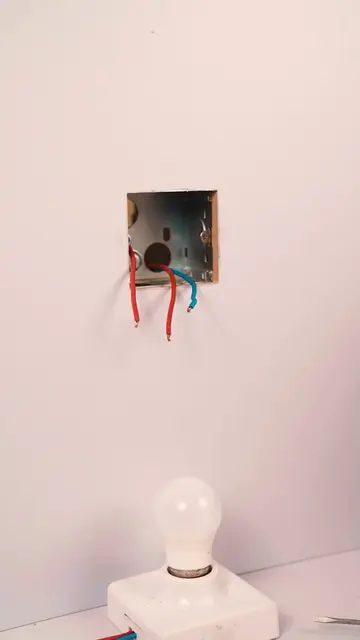
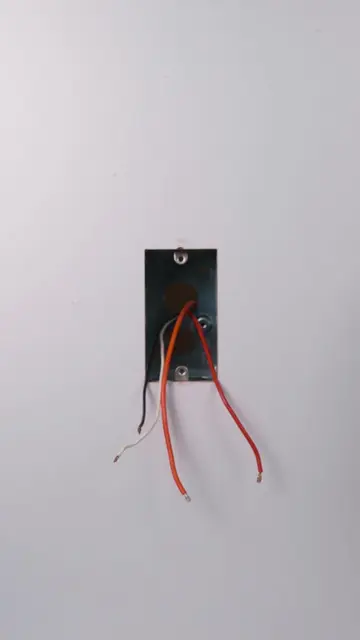
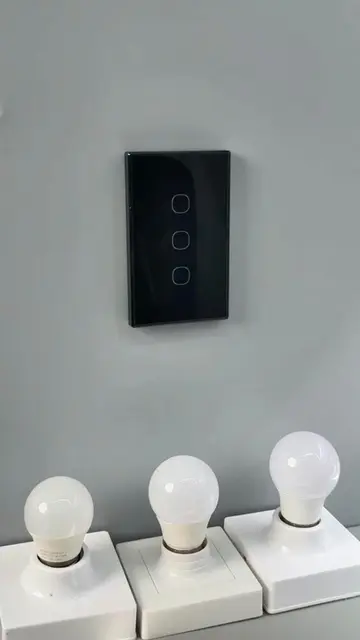
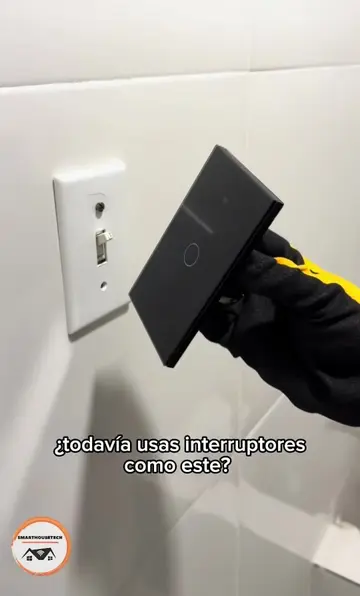
The video demonstrates the installation and initial setup of the MOES Smart Control Panel Mini. It shows the physical installation process, including wiring and mounting, followed by the on-screen setup steps like language selection, terms of use agreement, and Wi-Fi connection.
this is what my wall switch wishes it could be #moes #smart #smarthome #wallpanel #smartcontrol
MOES Smart Control Panel Mini
Unboxing and initial view of the product
Physical installation into the wall
Powering on and initial setup prompts
Language and terms of use selection
Wi-Fi network connection
Device recognized and ready for use
MOES Smart Control Panel Mini: ACTS - it is the device being installed and set up. Removing it would change the video. MOES: ACTS - it is the brand name on the product and on-screen text. Removing it would change the video. Tuya: APPEARS - it is a logo on the product packaging. Removing it would not change the video. Alexa: APPEARS - it is a logo on the product packaging. Removing it would not change the video. Google Assistant: APPEARS - it is a logo on the product packaging. Removing it would not change the video.
Promotes 1 product. Create free account to see more.
Outliers and viral hits: their videos on Overshot, all time.
Smart touchscreen control panel for managing lights and other connected home devices
All time.