Loading video…
Sound

original sound - moessmart_official
moes · Original audio
0:00–:––
Playing this video’s own audio, so you’ll hear the creator over the sound.
Hook
Posted Sep 14, 2026Video · 0:28by @moessmart_official
The video effectively demonstrates a practical home improvement product with clear, step-by-step visuals. The use of on-screen text and the intuitive interface of the product itself make it easy for viewers to understand its functionality and potential benefits.
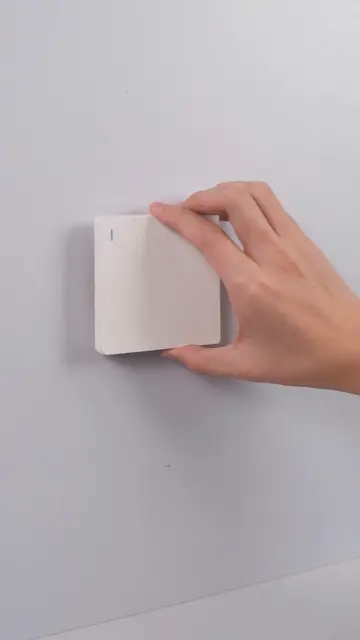
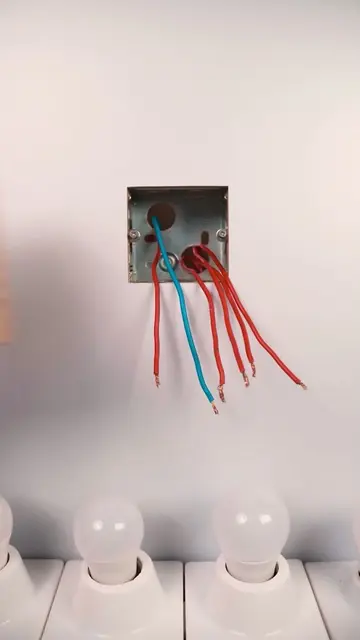
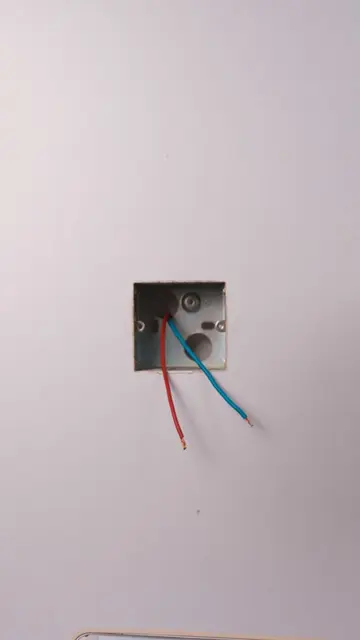
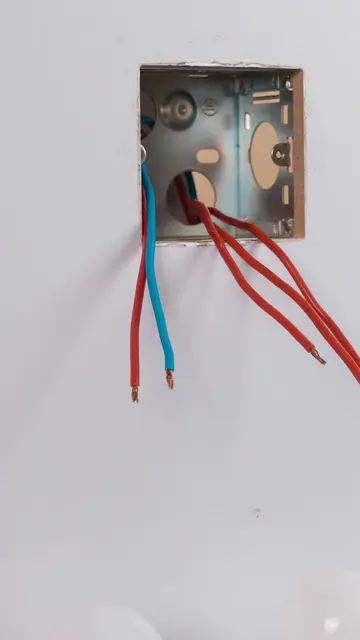
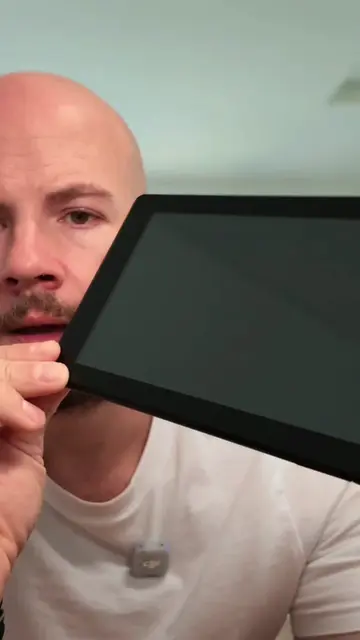
The video demonstrates the installation and basic functionality of the MOES Smart Control Panel Mini. It shows the process of wiring the device into a wall socket and then interacting with its touchscreen interface to control smart home devices.
this smart wall screen has 3 buttons and they actually make sense #moes #smart #smarthome #smartpanel #homegadgets
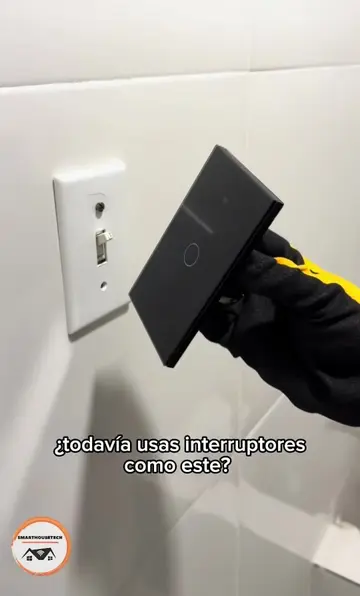
Please tear off the protective film before use
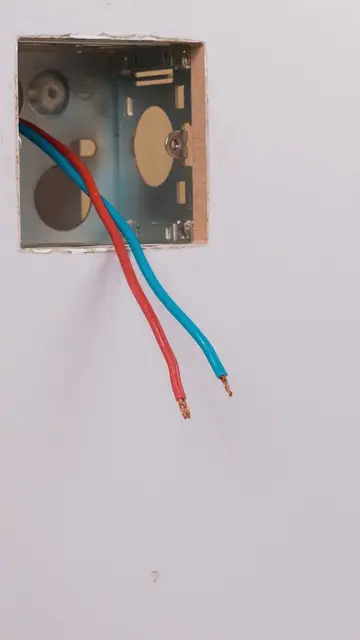
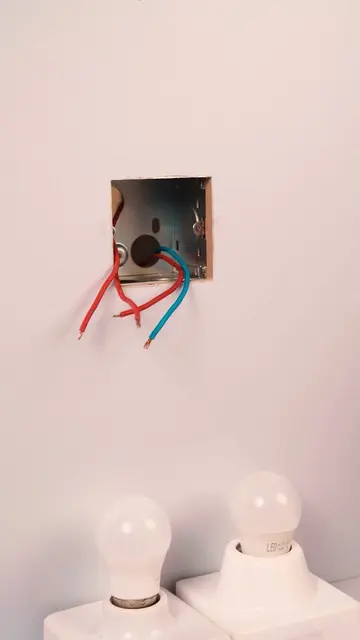
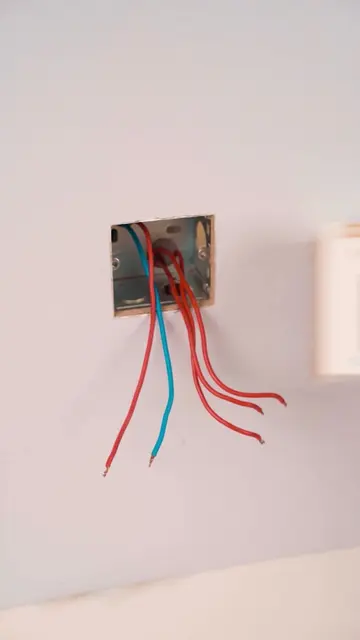
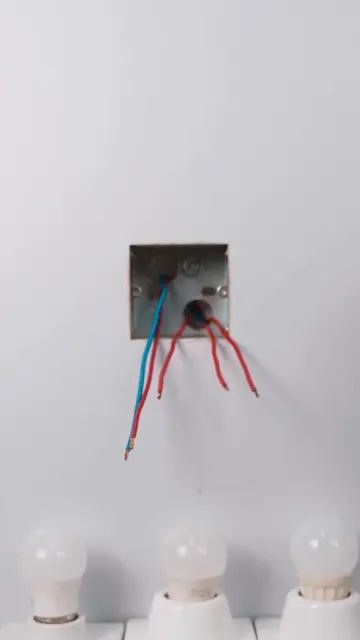
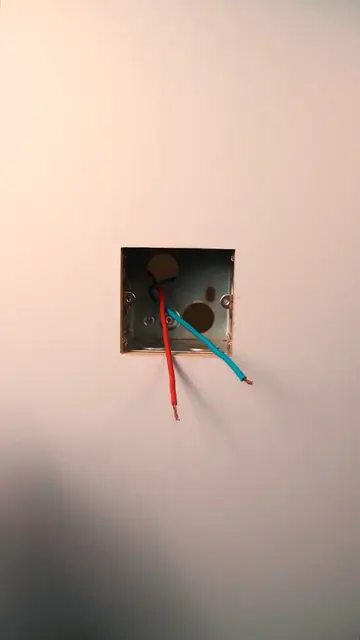
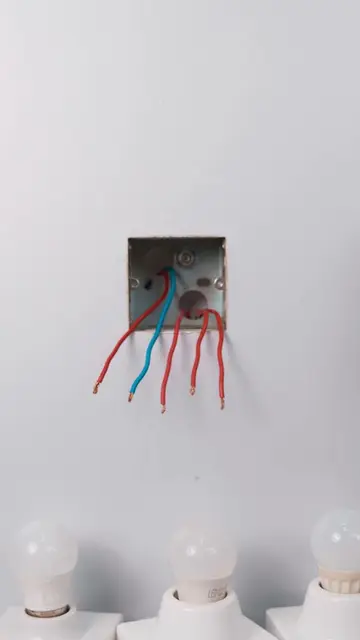
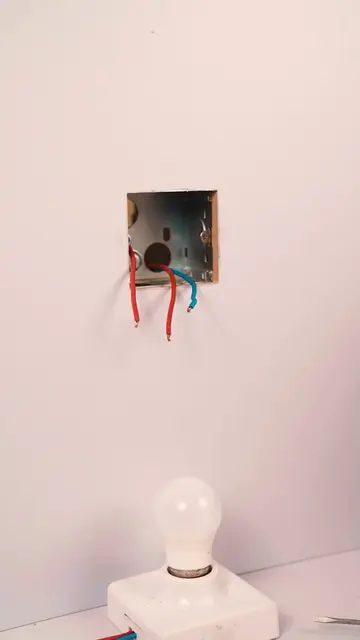
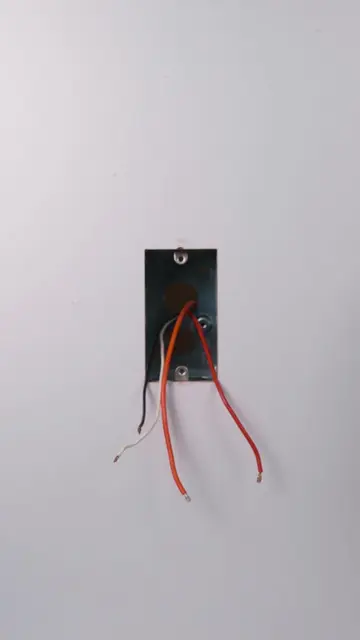
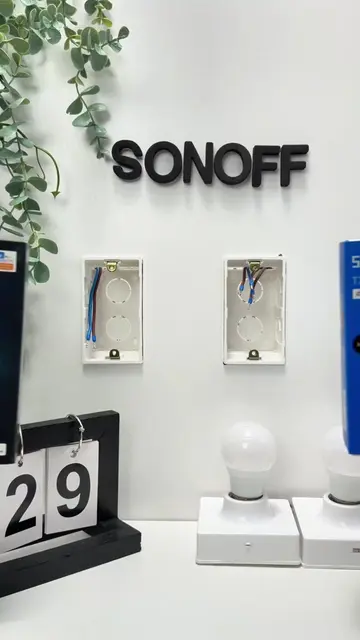
Exposing wiring in the wall
Unboxing the MOES Smart Control Panel Mini
Wiring the panel into the wall
Installing the panel faceplate
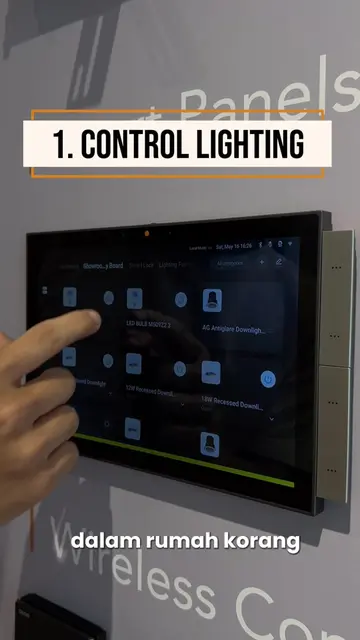
Demonstrating the touchscreen interface and smart home control
MOES Smart Control Panel Mini (ACTS - its interface is operated to control smart home devices, and its screen displays information like time, temperature, and device status. Removing it would change what happens in the video). Tuya (APPEARS - logo on product packaging, does not affect video content). Alexa (APPEARS - logo on product packaging, does not affect video content). Google Assistant (APPEARS - logo on product packaging, does not affect video content).
Playing this video’s own audio, so you’ll hear the creator over the sound.
Promotes 1 product. Create free account to see more.
Outliers and viral hits: their videos on Overshot, all time.
Smart touchscreen control panel for managing lights and other connected home devices
All time.