Loading video…
Sound

original sound - moessmart_official
moes · Original audio
0:00–:––
Playing this video’s own audio, so you’ll hear the creator over the sound.
Hook
Posted Oct 16, 2026Video · 0:21by @moessmart_official
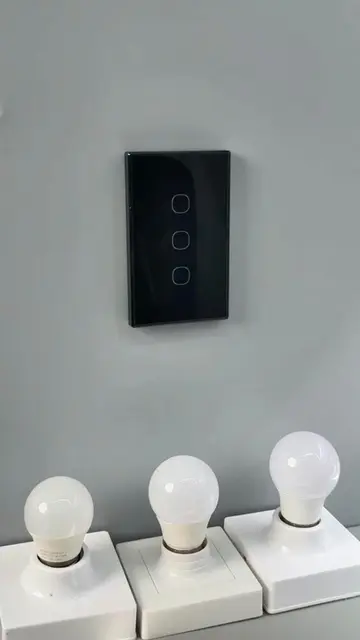
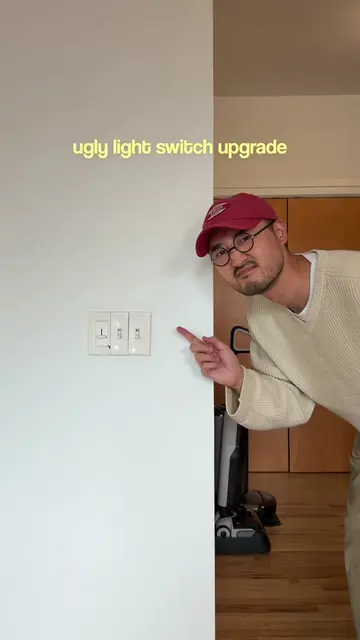
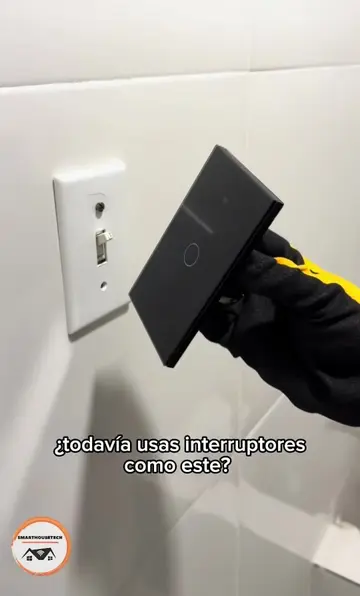
The video uses a clean, satisfying 'before-and-after' installation process that highlights the aesthetic and functional upgrade of replacing multiple physical switches with a single, modern smart device.
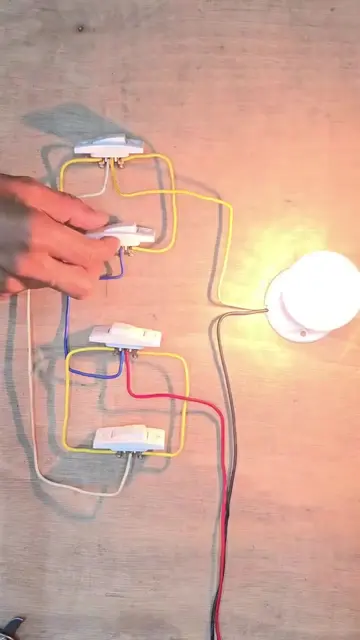
A creator demonstrates the installation and setup of a MOES Smart Control Panel Mini, replacing traditional light switches with a single smart touchscreen interface.
3 buttons for my lights, one screen for everything else #moes #smart #smartlighting #smartpanel #homegadgets
3 buttons for my lights, one screen for everything else
Unboxing the smart control panel
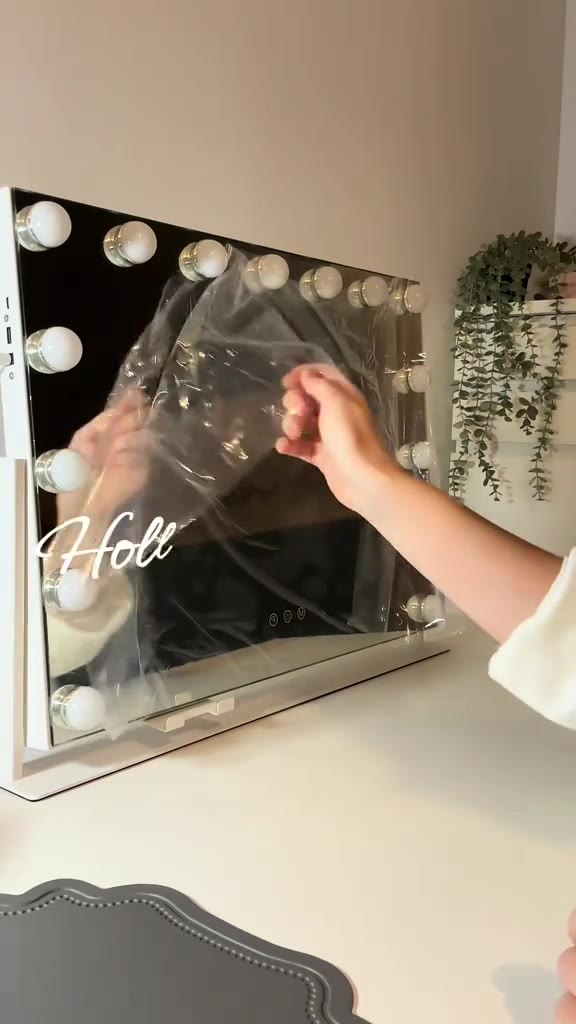
Removing the protective film
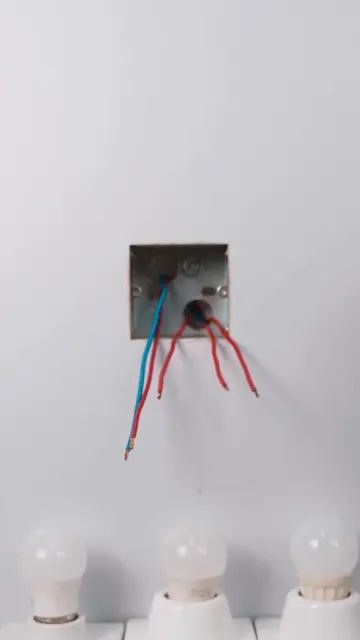
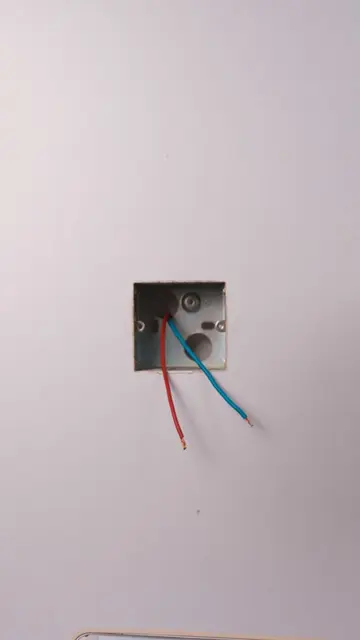
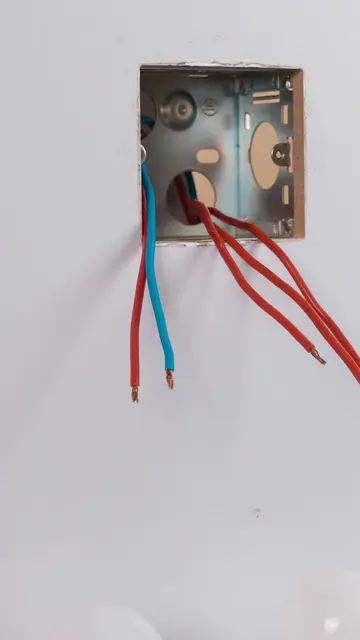
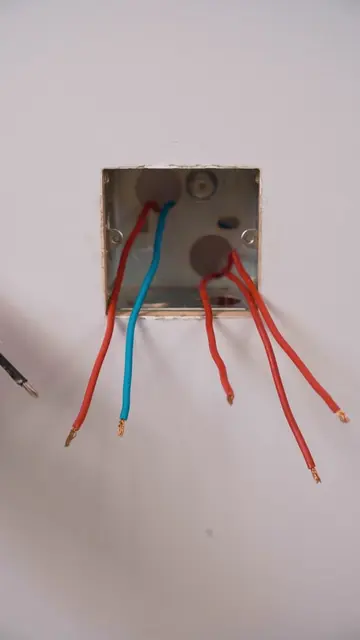
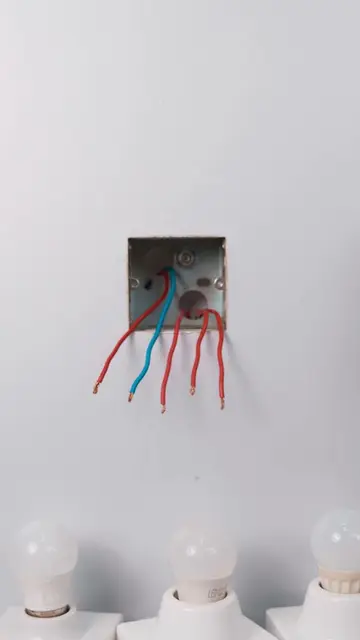
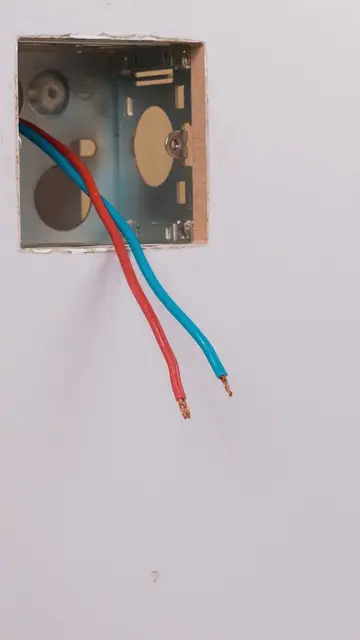
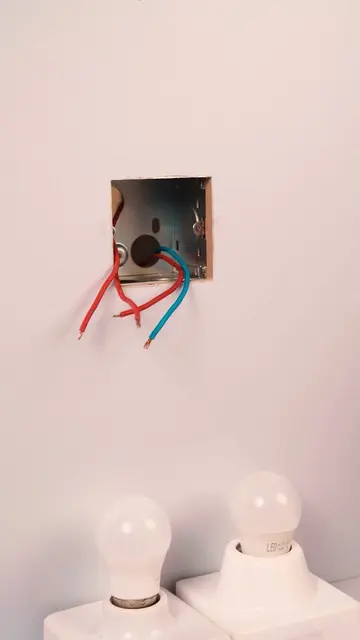
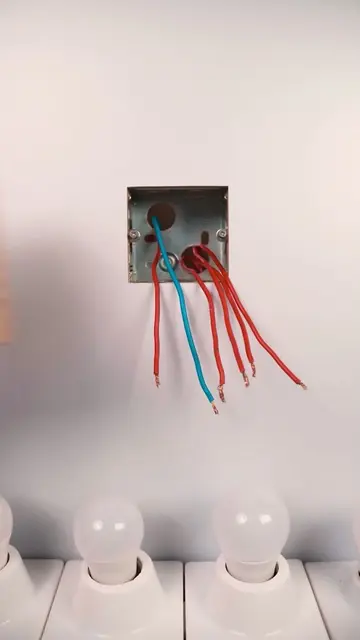
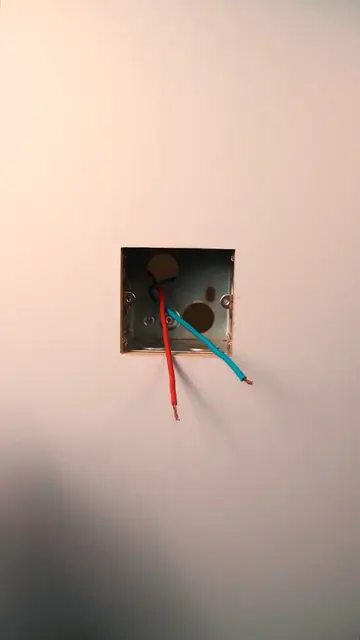
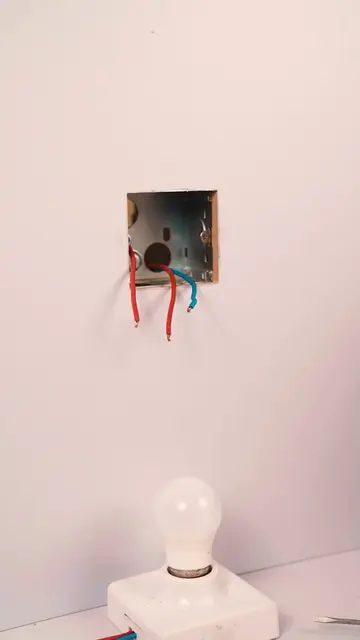
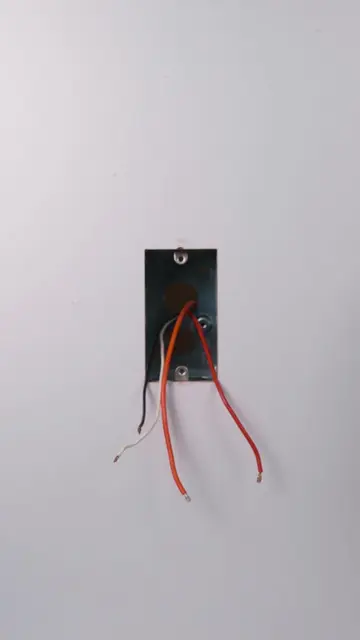
Wiring the device into the wall
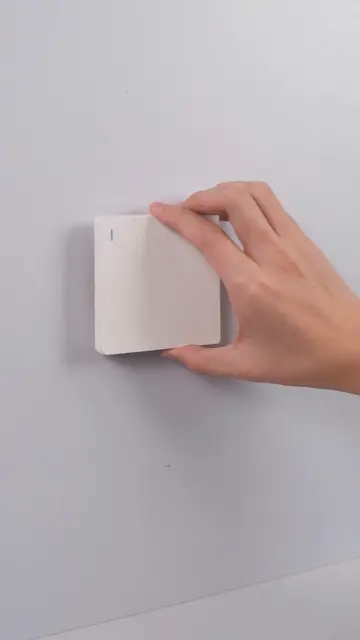
Mounting the panel
Demonstrating the touchscreen interface
(a) MOES Smart Control Panel Mini: ACTS; the video demonstrates the unboxing, installation, and operation of the device's interface to control smart lights. Removing this would remove the entire subject of the video. (b) Tuya: APPEARS; the logo is visible on the product packaging. Removing this would not change the video.
Playing this video’s own audio, so you’ll hear the creator over the sound.
Promotes 1 product. Create free account to see more.
Outliers and viral hits: their videos on Overshot, all time.
Smart touchscreen control panel for managing lights and other connected home devices
All time.